What is Audyo?
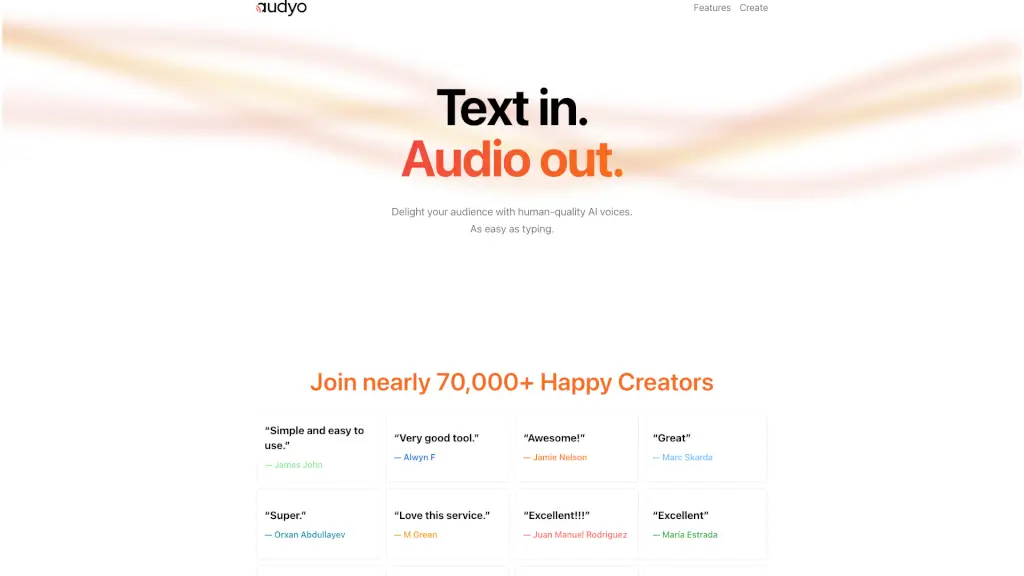
Imagine creating studio-quality voiceovers just by typing—like writing a Google Doc, but your words instantly become human-sounding audio. That’s Audyo. Designed for creators who want pro-level results without the hassle, Audyo turns text into lifelike speech using AI voices that actually sound natural, not robotic.
Whether you're making a podcast intro, a YouTube explainer, or an audiobook chapter, Audyo lets you edit words—not waveforms—so you stay focused on your message, not technical editing. With over 70,000 happy creators already using it, Audyo proves you don’t need fancy gear or voice acting skills to produce great audio.
What are the features of Audyo?
- Text-to-Speech Editor: Write and edit your script like a document; changes instantly update the audio.
- 100+ Realistic AI Voices: Choose from diverse accents, languages, and even celebrity-style voices like Morgan Freeman or Taylor Swift.
- Phonetic Pronunciation Control: Fix tricky words by typing custom phonetics—perfect for brand names or foreign terms.
- Multi-Speaker Conversations: Switch between speakers in seconds to create dynamic dialogues (great for scripts or interviews).
- Multilingual Support: Mix and match 13+ languages including English, Spanish, Mandarin, Hindi, Arabic, French, and more.
- Instant Audio Export: Download high-quality MP3s ready for videos, podcasts, or presentations with one click.
What are the use cases of Audyo?
- Create engaging YouTube or TikTok voiceovers without recording your own voice
- Produce professional podcast episodes or intros using consistent AI narrators
- Build audiobooks or e-learning content with clear, expressive narration
- Generate multilingual marketing videos for global audiences
- Design interactive voice experiences like IVR scripts or virtual assistants
- Quickly draft and test ad copy or commercial scripts before hiring voice talent
How to use Audyo?
- Type your script directly into Audyo’s clean, doc-style editor—just like writing in Word or Docs.
- Highlight any word or phrase and assign it to a different speaker from the voice library.
- Use square brackets or phonetic spelling (e.g., [kuh-RAV-en]) to fine-tune pronunciation.
- Insert
---(horizontal dividers) to add natural pauses between paragraphs. - Preview your audio in real time using the built-in web player.
- Click Download to save your final track as an MP3 for use anywhere.