
What is Amie?
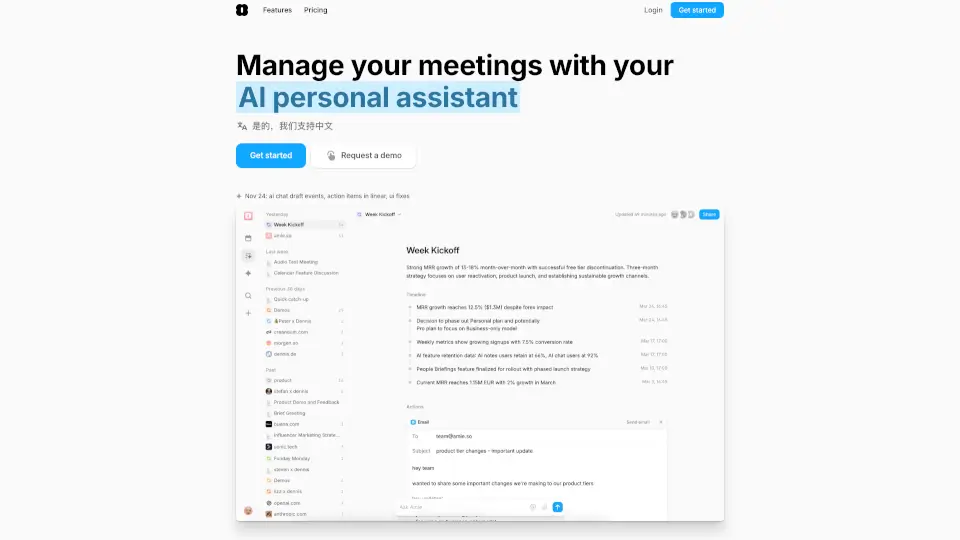
Amie is an AI note taker that turns your meeting conversations into real work—without bots joining your calls. Instead of just transcribing what was said, Amie understands your business context to generate smart summaries, clear action items, and automated follow-ups. It works across Zoom, Google Meet, Teams, and more, giving you back hours every week by handling the busywork after meetings.
Whether you're a solo founder or part of a growing team, Amie helps you follow up faster, keep your CRM updated, and actually move projects forward. Unlike other tools that stop at notes, Amie connects to your calendar, email, and task apps to create seamless workflows—so you spend less time organizing and more time doing.
What are the features of Amie?
- Bot-Free Recording: Record meetings directly from your device (Mac, Windows, or iOS) with no AI bot joining your call—just clean, private audio capture.
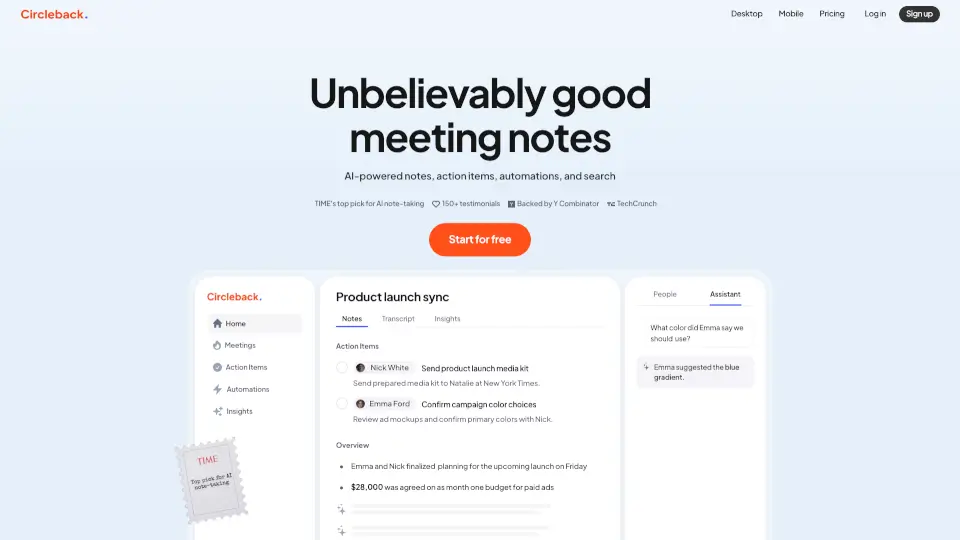
- Smart Summaries & Action Items: AI generates accurate meeting summaries using your private notes and business context, then suggests actionable next steps.
- Multilingual Support: Works fluently in 17 languages with speaker identification, and supports 82+ more without labeling.
- One-Click Integrations: Sync with Google Calendar, Apple Reminders, Gmail, Slack, Notion, HubSpot, Linear, Pipedrive, and more to auto-update your tools.
- AI Chat Assistant: Ask questions like “What did we decide about pricing?” or “Draft a follow-up email”—Amie knows your meeting history and writes in your voice.
- Auto-Scheduling & Calendar Sync: Combines todos from meetings and task apps, then uses AI to schedule your day around priorities and deadlines.
- Shareable Meeting Pages: Automatically create organized, searchable pages for clients or teammates—like an AI-native CRM.
What are the use cases of Amie?
- Sales teams automatically log call notes into HubSpot or Pipedrive and send personalized follow-up emails within minutes.
- Founders use Amie to track project progress across recurring meetings and ask AI for updates like “What blockers came up this week?”
- Remote workers replace 3–4 apps (Notion Calendar, Superlist, Granola) with one tool that handles notes, tasks, and scheduling.
- Customer success managers share polished meeting recaps with clients via clean, branded pages—no manual formatting needed.
- Engineers turn technical syncs into Linear tickets with one click, keeping dev work tied directly to conversation context.
- Executives prepare for back-to-back meetings by having Amie generate agendas based on past discussions and pending action items.
How to use Amie?
- Download Amie for macOS, Windows, or iOS and sign in with your work account.
- Join any video call (Zoom, Meet, Teams, etc.)—Amie will prompt you to start recording or can auto-record if enabled.
- Take private notes during the meeting to guide the AI summary (e.g., highlight key decisions or numbers).
- After the call, review the AI-generated summary, accept suggested action items, and assign them to your task app.
- Use the AI chat to draft emails, reschedule meetings (“Move everything to Thursday”), or search past conversations.
- Connect your calendar, email, and CRM in settings to unlock full automation—like logging calls to leads automatically.