
What is Aiva?
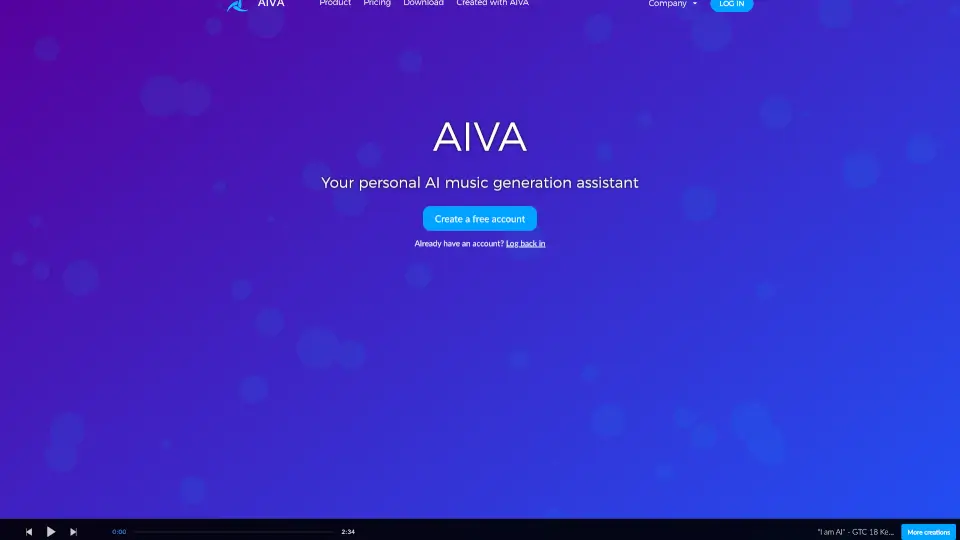
Meet AIVA, your personal AI music generation assistant that turns ideas into original songs in seconds—no musical experience needed. Whether you're a beginner experimenting with sound or a pro looking for fresh inspiration, AIVA helps you create high-quality music across 250+ styles, from cinematic orchestral scores to lo-fi beats.
What makes AIVA stand out? It’s built for real creators: you can upload your own MIDI or audio files as inspiration, fine-tune every track, and export in the format your project demands. Plus, with clear licensing options, you can even monetize your music—something many free AI tools don’t allow.
What are the features of Aiva?
- 250+ Music Styles: Generate tracks in genres ranging from classical and jazz to electronic and film scores.
- Custom Style Models: Upload your own MIDI or audio files to influence AIVA’s output and build unique sonic signatures.
- Full Editing Control: Tweak melodies, harmonies, and structure after generation to match your vision.
- Flexible Export Options: Download in MP3, MIDI, WAV, and more—Pro users get access to all file formats, including high-quality WAV.
- Clear Copyright Ownership: On the Pro Plan, you own 100% of the copyright forever, with no attribution required.
- Generous Free Tier: Create and download up to 3 tracks per month (under 3 minutes) at no cost—ideal for learning or non-commercial projects.
What are the use cases of Aiva?
- YouTubers & Streamers: Quickly produce royalty-free background music for videos, streams, or intros without worrying about copyright strikes.
- Indie Game Developers: Generate atmospheric soundtracks tailored to game scenes without hiring a composer.
- Students & Educators: Learn music theory and composition by experimenting with AI-generated pieces in class projects.
- Content Creators on TikTok/Instagram: Make short, engaging tracks that fit platform trends and boost audience retention.
- Filmmakers & Ad Agencies: Prototype mood-based scores for pitches or rough cuts in minutes, not days.
- Aspiring Musicians: Overcome creative blocks by using AIVA as a collaborative tool to spark new song ideas.
How to use Aiva?
- Sign up for a free account—no credit card needed—to start generating music instantly.
- Choose a style from AIVA’s library or upload your own MIDI/audio file to guide the AI.
- Adjust settings like mood, tempo, and duration before generating your track.
- Edit the output using AIVA’s built-in tools to refine melodies or structure.
- Download your track in your preferred format (MP3/MIDI on free plans; all formats on Pro).
- Upgrade to Pro if you plan to monetize your music commercially or need full copyright ownership.