
What is AirMusic?
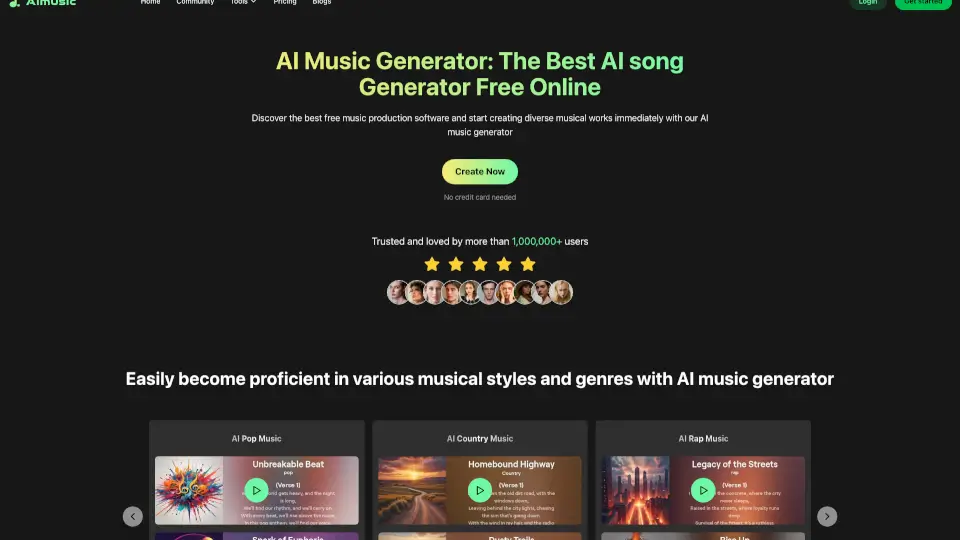
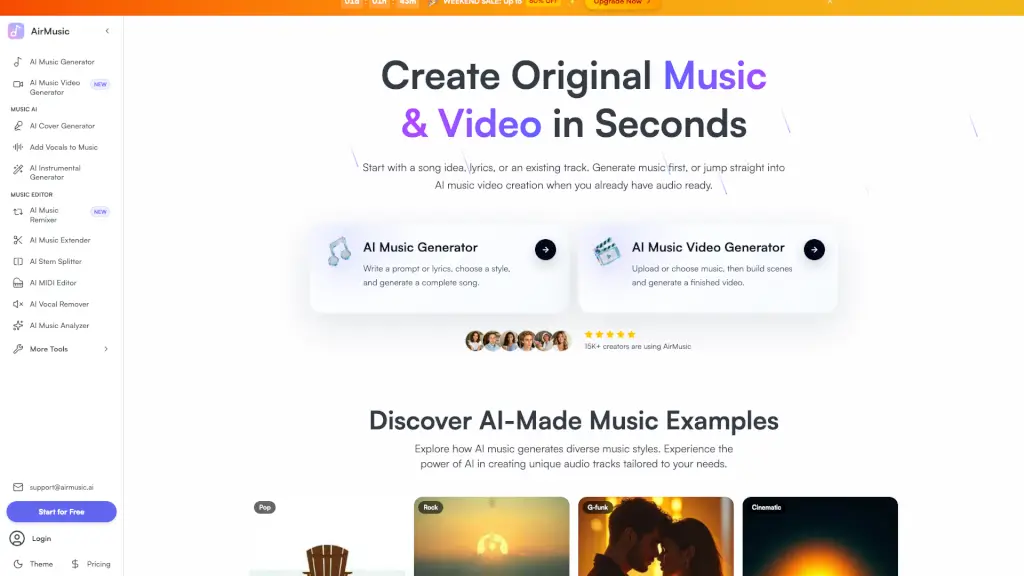
AirMusic is an AI-powered platform that lets you create original music and music videos in seconds. Just describe your mood, style, or scene—or upload an existing track—and AirMusic generates a complete song with arranged instruments, vocals (optional), and a polished mix. It’s free to try, works for any genre from pop to lo‑fi, and gives you royalty‑free tracks you can use commercially. Whether you’re a content creator, musician, or marketer, AirMusic turns your ideas into finished audio fast.
What are the features of AirMusic?
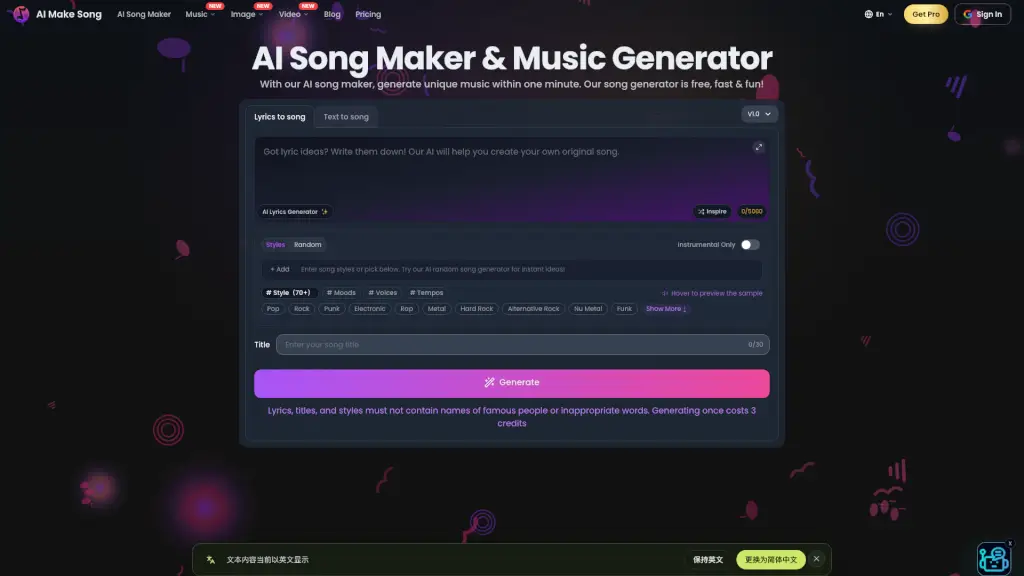
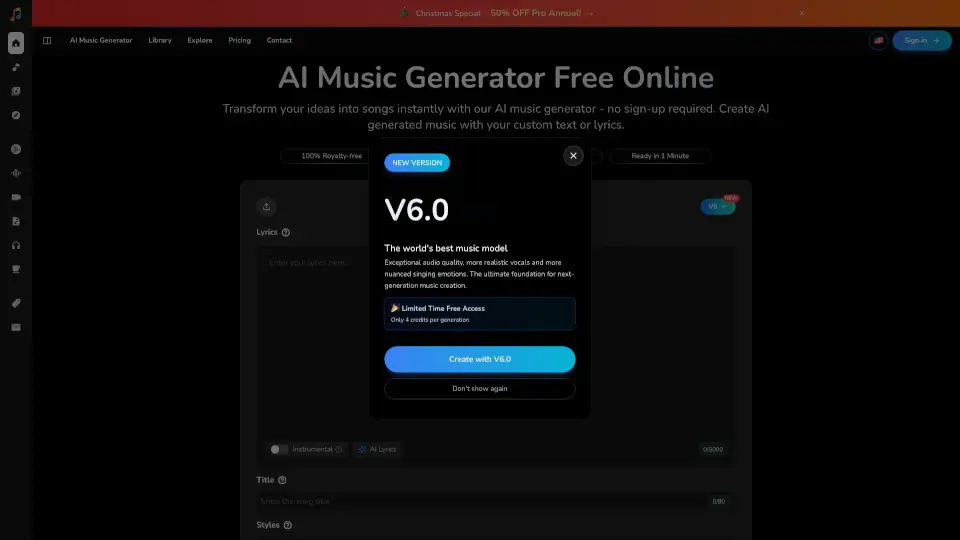
- AI Music Generator: Write a prompt or lyrics, pick a style, and generate a full song in seconds. Supports pop, rock, hip hop, cinematic, lo‑fi, EDM, and more.
- AI Music Video Generator: Upload or choose music, build scenes with text or images, and generate a finished video that syncs to your audio.
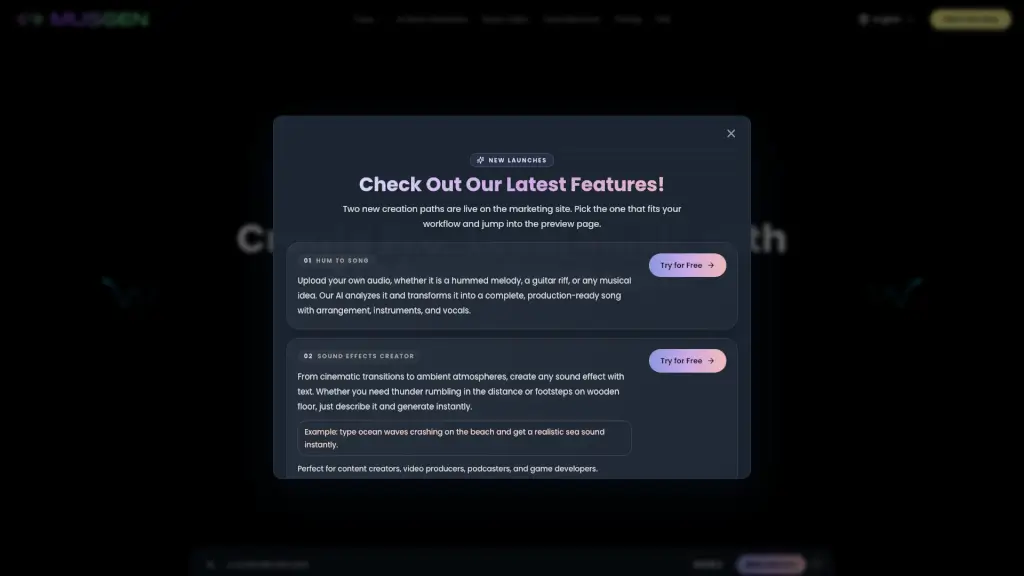
- AI Cover Generator: Transform any song with AI voices. Create unique covers using different vocal styles or celebrity‑like voices legally.
- Add Vocals to Music: Turn instrumentals into full songs by adding AI‑generated vocals. Upload your beat, provide lyrics, and choose from multiple styles and languages.
- Vocal Remover & Stem Splitter: Instantly separate vocals from any song, or split audio into 13 tracks (vocals, drums, bass, guitar, etc.) for professional remixing.
- AI Music Extender: Extend any song by 30 seconds or more while keeping style, mood, and quality consistent.
- AI Music Analyzer: Analyze BPM, key, mood, and structure of any track to help you create similar music or remix.
What are the use cases of AirMusic?
- Content creators: Generate custom background music for TikTok, Instagram Reels, or YouTube Shorts without copyright issues.
- Podcasters: Create unique intro/outro themes that match each episode’s tone in minutes.
- Game developers: Quickly produce mood boards for different game environments—calm village music, tense ambience, boss themes.
- Marketing teams: Test multiple ad cuts with original audio that fits campaign messages, from energetic to luxury.
- Musicians & producers: Sketch pop, ambient, or cinematic ideas fast; refine the best takes in your DAW.
How to use AirMusic?
- Step 1 – Describe or upload: Type a short description of the mood, genre, or scene you want, or upload an existing audio file for the AI to guide the result.
- Step 2 – Choose your style: Pick from pop, rock, hip hop, cinematic, lo‑fi, EDM, acoustic, and more to shape the soundtrack.
- Step 3 – Generate and preview: Click generate. AirMusic arranges drums, bass, harmony, melody, and optional vocals into a complete track. Preview and tweak if needed.
- Step 4 – Download and use: Download your royalty‑free music and use it immediately in videos, ads, podcasts, or any project.