
What is AI Phone?
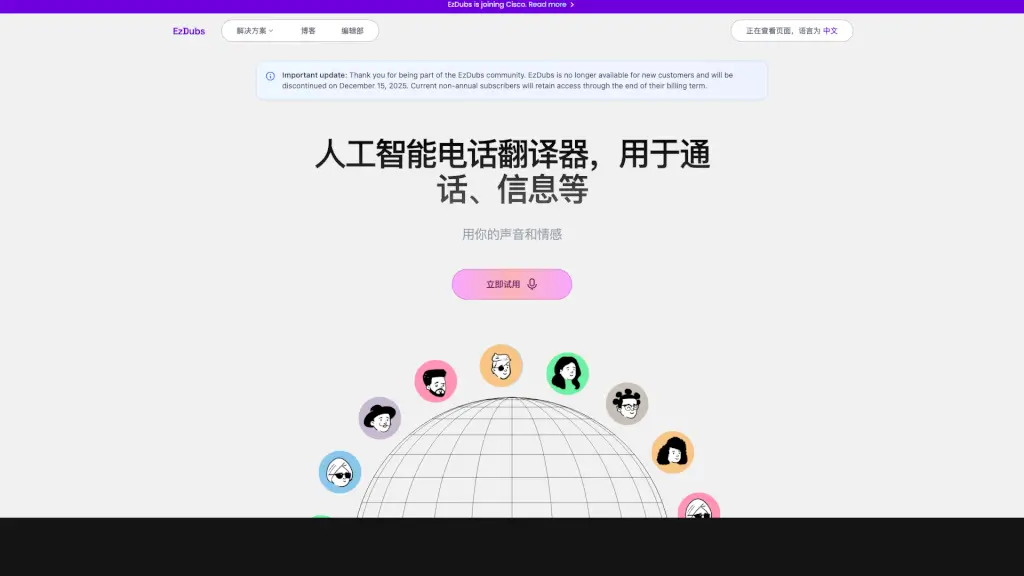
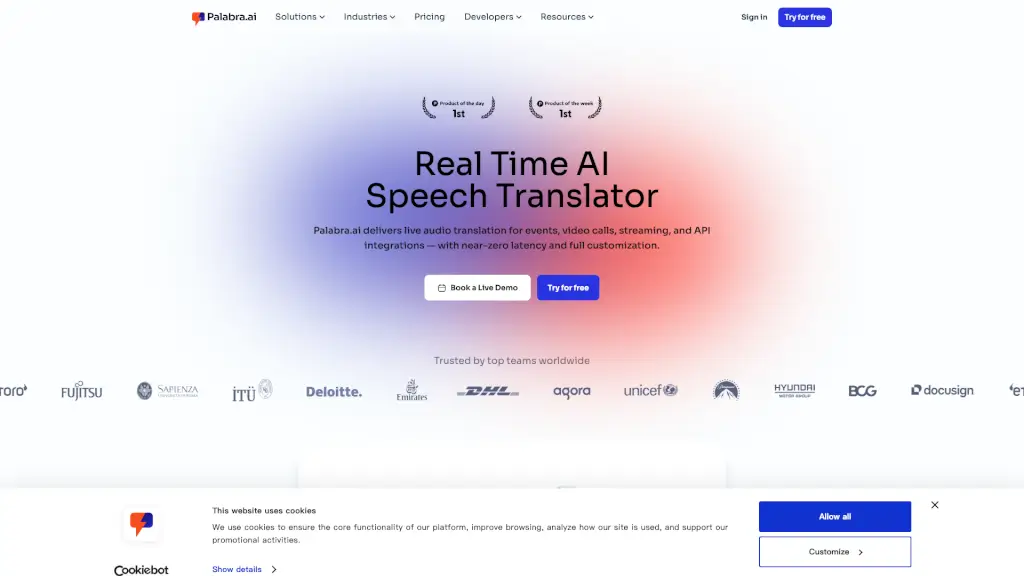
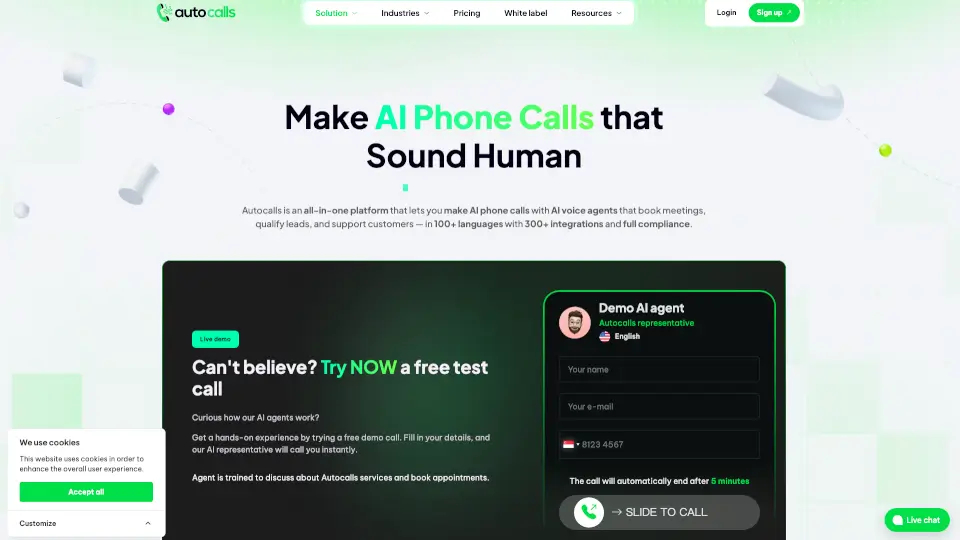
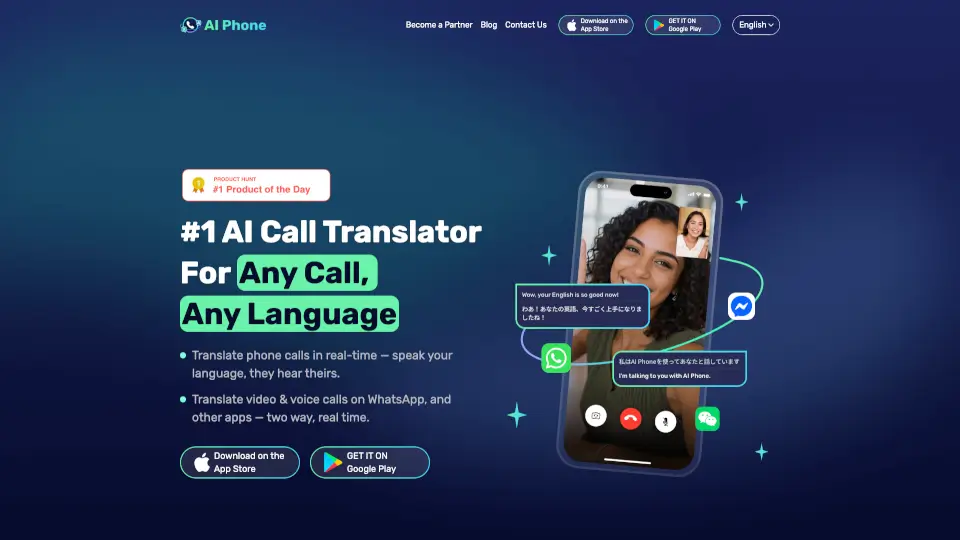
Struggling to talk with someone who speaks a different language? AI Phone Call Translator removes that barrier instantly. This smart app translates phone, video, and voice calls in real time, so you speak your native language while the other person hears theirs—no extra effort needed.
Whether you're calling family overseas, closing a business deal, or ordering food while traveling, AI Phone works seamlessly with apps like WhatsApp, WeChat, and Telegram. With support for 150+ languages and accents, it handles slang, dialects, and even mixed-language conversations with impressive accuracy.
What are the features of AI Phone?
- Live Phone Call Translation: Speak naturally during calls—the app instantly translates your voice into the listener’s language and vice versa.
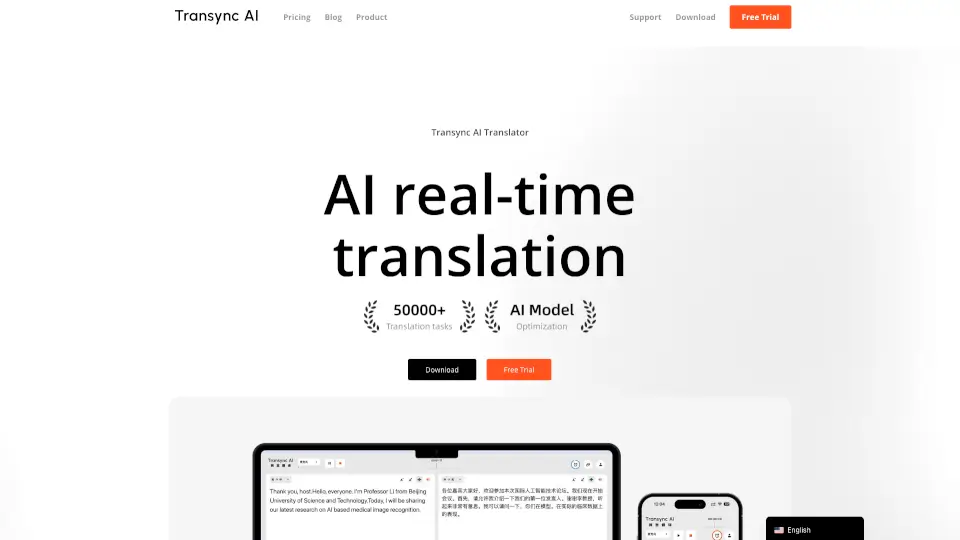
- Two-Way Video & Voice Call Translation: Get real-time bilingual subtitles on both screens during WhatsApp, Telegram, or WeChat calls.
- No App Needed for Recipients: Share a simple link—your contact doesn’t need to download anything to join a translated call.
- High-Accuracy AI Engine: Handles accents, homophones, technical terms, and regional slang without losing meaning.
- Camera Translation: Snap a photo of signs, menus, or documents and get instant text translation.
- In-Person Conversation Mode: Translate face-to-face talks in real time using your phone’s mic.
- Works Across 150+ Languages: From Spanish and Mandarin to Arabic and Swahili—coverage includes major dialects and regional variations.
What are the use cases of AI Phone?
- Immigrants navigating daily life—talking to doctors, landlords, or school staff in their new country.
- Travelers confidently booking hotels, ordering meals, or asking for directions abroad.
- Global businesses holding client meetings, negotiating contracts, or supporting international customers without interpreters.
- Long-distance couples speaking different languages but wanting natural, real-time conversations.
- Remote teams collaborating across borders with seamless voice and video communication.
- Freelancers expanding services to non-English-speaking clients via clear, live calls.
- Families reconnecting with relatives overseas despite language gaps.
How to use AI Phone?
- Download AI Phone from the App Store or Google Play and sign up for free.
- Start a call directly through the app or launch a translated session within WhatsApp/WeChat by sharing your unique link.
- Speak normally—AI Phone listens, translates, and voices your words in the other person’s language in real time.
- View live bilingual subtitles on-screen during video calls for added clarity.
- Use the camera feature to translate printed text by snapping a photo.
- Adjust language preferences before each call to ensure accurate translation direction (e.g., English → Portuguese).