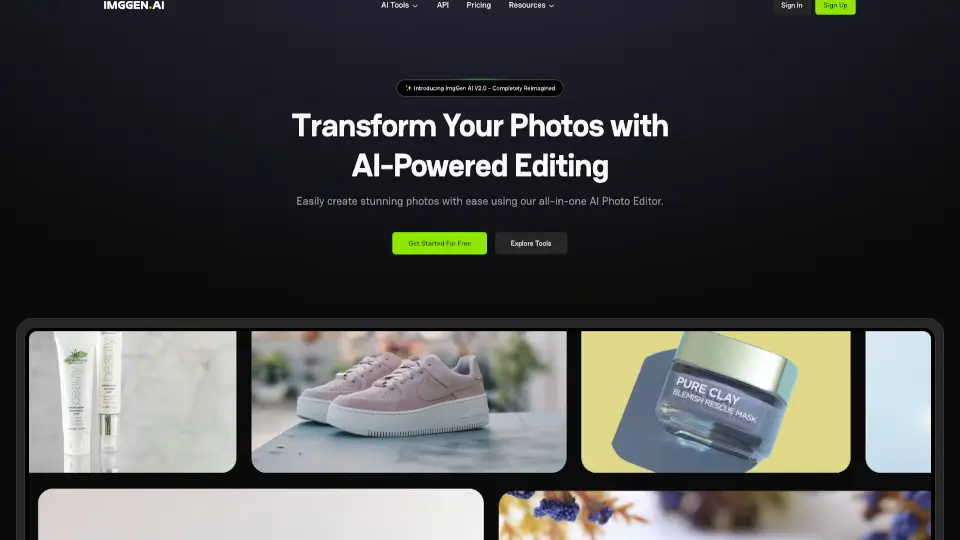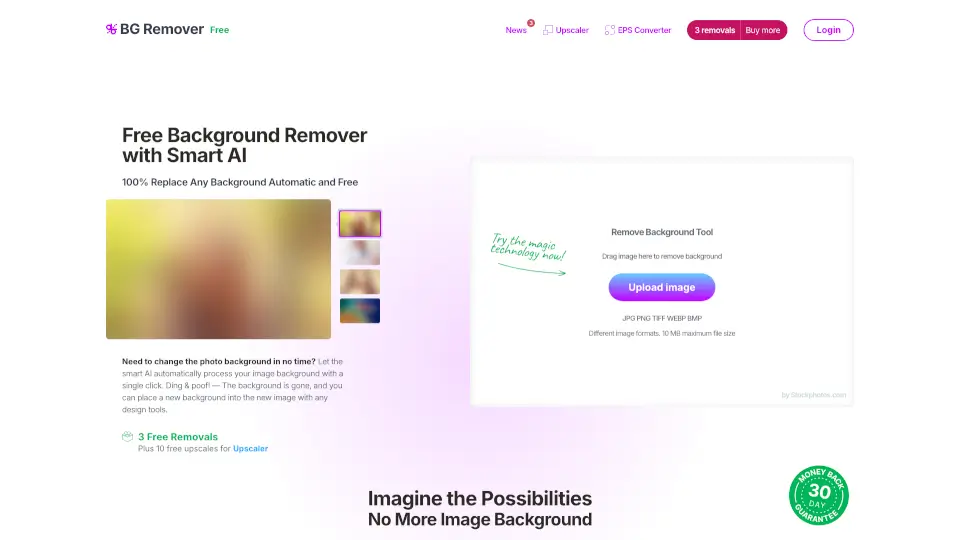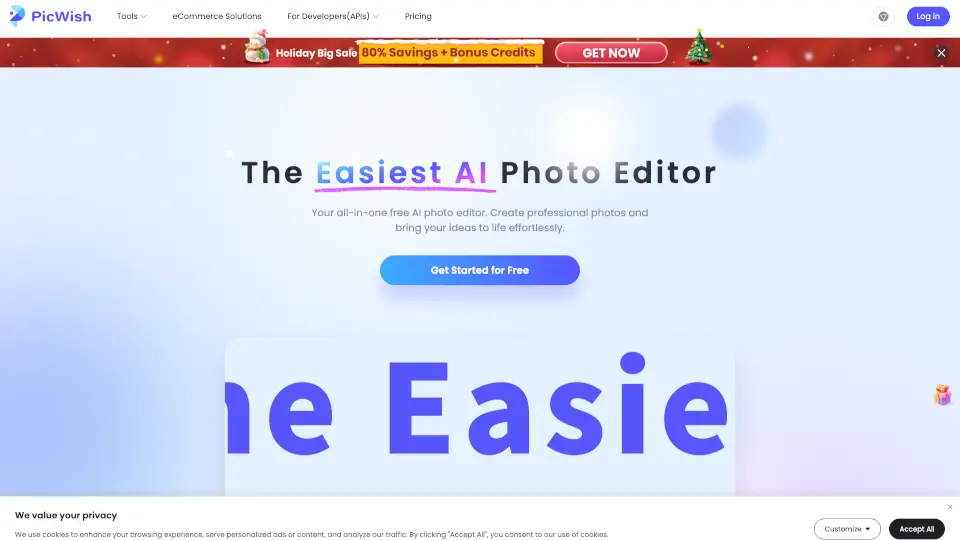


What is AILab Tools?
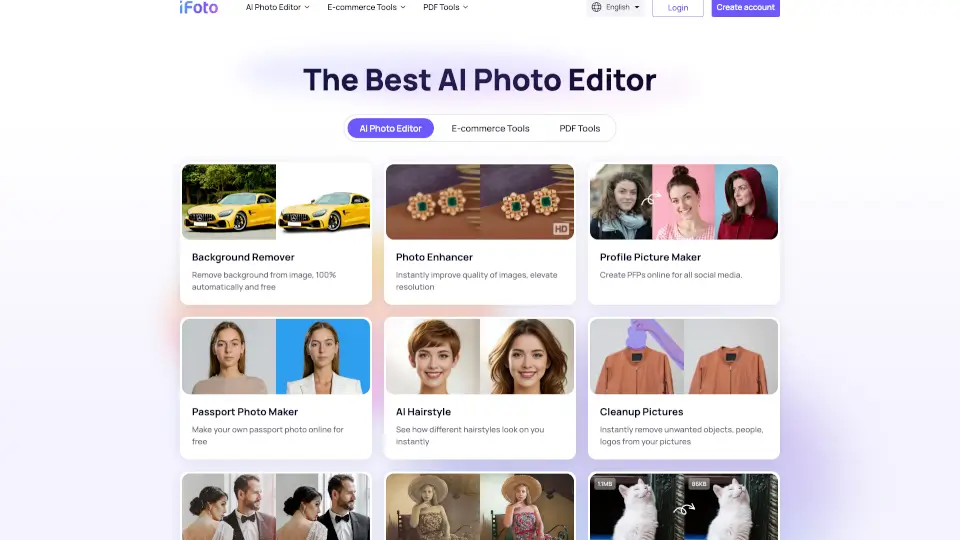
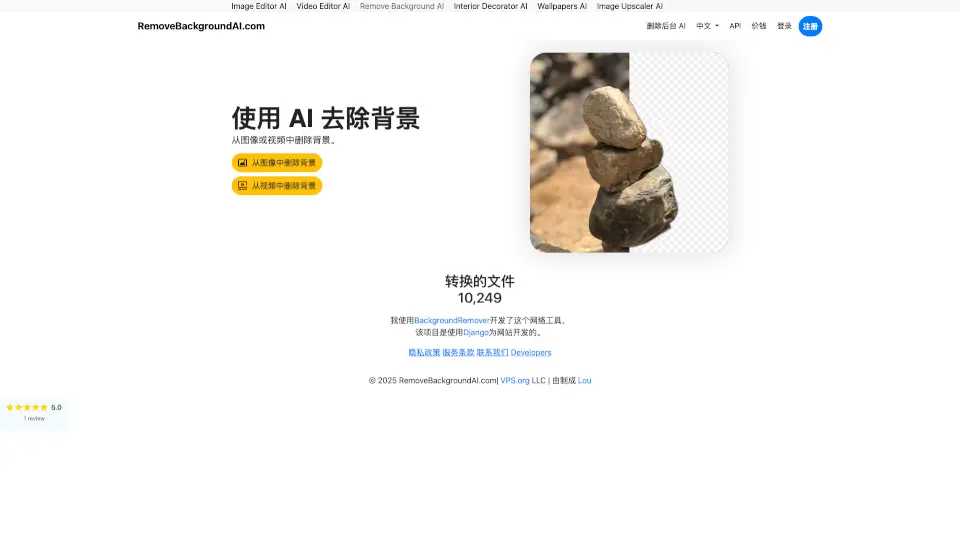
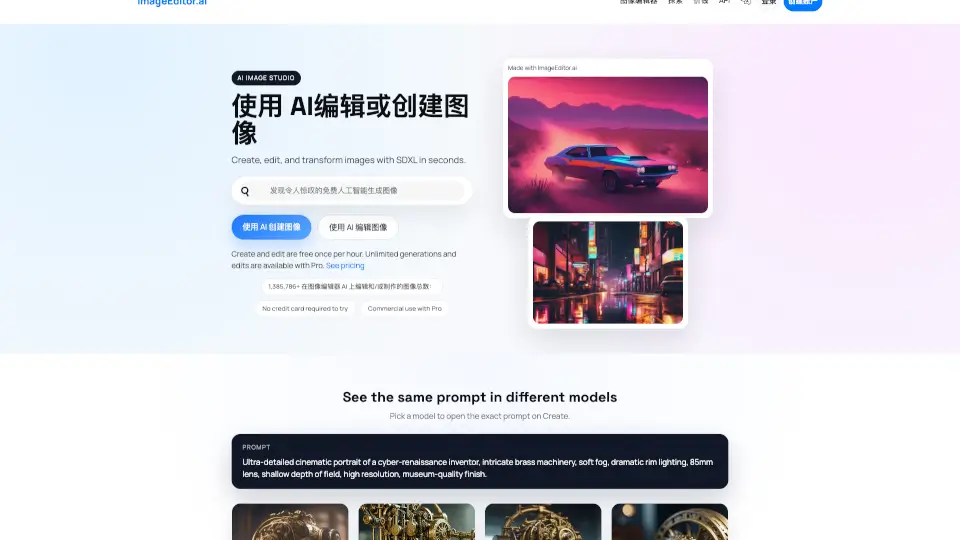
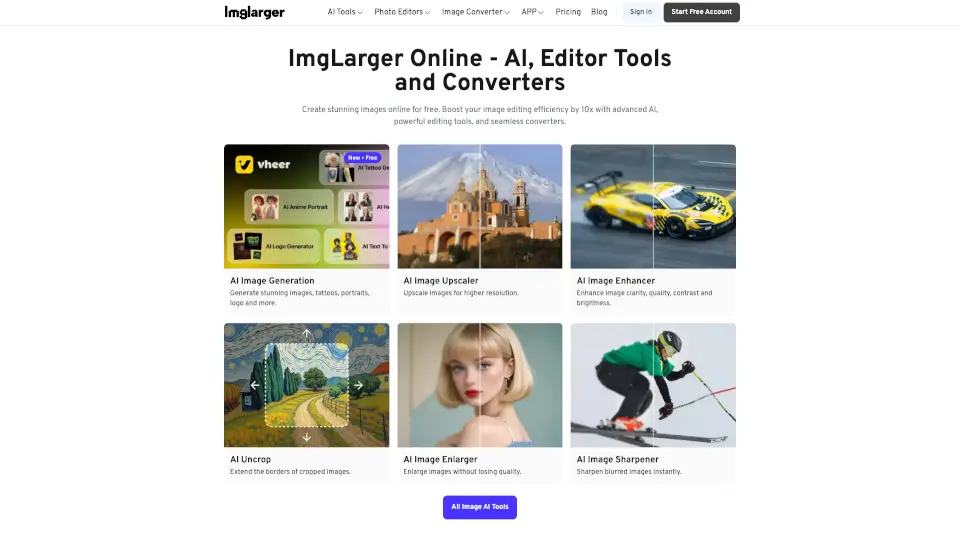
AILabTools is an all-in-one AI photo editing platform that lets you create polished portraits, remove backgrounds, colorize old photos, and upscale images in minutes. Whether you're a solo creator or a developer building apps, you can use these tools online or integrate powerful APIs to ship faster. With over 3 million registered users and 50,000+ developers already onboard, this platform makes professional-level image editing accessible to everyone.
What are the features of AILab Tools?
- 50+ High-Performance APIs: Covering background removal, face manipulation, image enhancement, and more – continuously updated to meet evolving needs.
- 99%+ System Stability: Reliable uptime ensures your workflows or applications keep running without unexpected downtime.
- Easy Integration: APIs are designed for simple, quick integration so you can start using them right away with minimal development time.
- Data Security & Privacy: Uploaded and generated files are automatically deleted within 24 hours, used only for result generation.
- One-on-One Customer Support: Dedicated ticketing system with professional support to resolve technical issues efficiently.
- Custom Development Services: If you don't have a development team, AILabTools can build custom mobile apps or websites using their platform APIs.
What are the use cases of AILab Tools?
- Restoring vintage family photos: Use the AI Photo Colorize and Image Upscaler tools to bring old black-and-white pictures to life with natural colors.
- E-commerce product photography: Remove backgrounds from product images using the Product-Background Removal API for clean, professional listings.
- Social media fun and creativity: Experiment with Hairstyle Changer, Cartoon yourself, or Age & Gender swap to create engaging, shareable content.
- App development for beauty and cosmetics: Integrate Smart Beauty, AI Skin Enhancement, or Lips Color Changer APIs to offer virtual try-on experiences.
- Interactive entertainment apps: Add face filters, cartoon generators, or facial expression changers to make your app more engaging.
- Business workflow automation: Automate image processing tasks like head extraction, object removal, or intelligent composition using the API.
How to use AILab Tools?
- Using online tools: Visit the AILabTools website, browse the "All Tools" section, and click "Use This Tool" on any feature to start editing instantly – no login required for many tools.
- Integrating APIs: Sign up for a developer account, explore API Docs, get your API key, and follow the simple integration guide to add AI features to your app or website.
- For best results: Use high-resolution input images (e.g., 1080p or higher) for tools like AI Image Upscaler and HD Human Background Remover to get the clearest output.
- Testing before committing: Use free online tools to test a feature – like Hairstyle Changer or AI Photo Colorize – before deciding to integrate the paid API for production.
- Custom development requests: If you need a fully custom app or website, send your requirements to the support email – the team will guide you through the development process.
AILab Tools Contact Email:
support@ailabtools.com (general support)
business@ailabtools.com (business inquiries)