
What is Stripo?
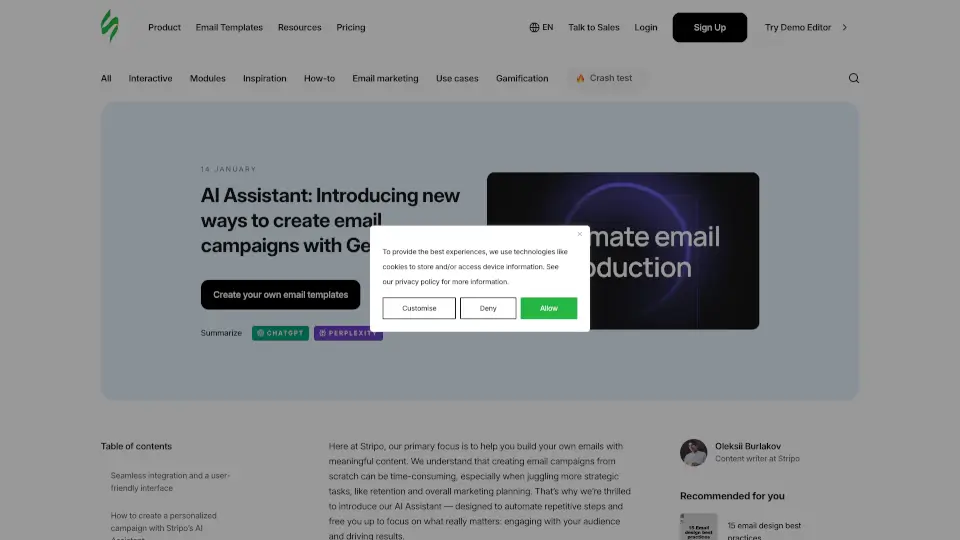
Meet Stripo’s AI Assistant, your new best friend for creating stunning email campaigns faster than ever. This powerful tool uses generative AI to automate repetitive tasks, letting you focus on what matters most—connecting with your audience and driving results. Whether you're a solo creator or part of a team, Stripo’s AI Assistant helps you build personalized, branded emails with ease.
What are the features of Stripo?
- Seamless Integration: Access the AI Assistant directly from the AI Hub in your Stripo account, ensuring a smooth workflow.
- Personalized Campaigns: Generate tailored emails that match your brand’s voice and goals, from webinar series to surprise campaigns.
- User-Friendly Interface: Easily configure and control every aspect of email generation, from setup to final design.
- Editable Content Blocks: Modify or delete sections of your emails to ensure they perfectly align with your vision.
- Automated Email Series: Create a sequence of emails for events like webinars, with reminders and follow-ups.
- Dynamic Content Sourcing: Pull relevant data from websites or prompts to craft detailed, engaging emails.
- Customizable Themes: Choose from predefined CSS themes to instantly style your emails and maintain brand consistency.
What are the use cases of Stripo?
- Promoting Webinars: Generate a series of emails, from invitations to post-event follow-ups.
- Email Digests: Bundle your latest news or product updates into a concise, engaging format.
- Surprise Campaigns: Let the AI craft a unique promo email based on a topic you specify.
- Trigger-Based Emails: Automate emails for specific actions, like abandoned carts or subscription reminders.
How to use Stripo?
- Set Up Basic Info: Add your company name, logo, website, and tone of voice in the AI Settings.
- Generate Emails: Click “New AI Request” and provide a prompt or website link for the AI to work with.
- Edit and Customize: Modify content blocks, regenerate sections, and adjust themes to match your brand.
- Preview and Save: Check how your emails look on desktop and mobile, then save them to your project.