
Stripo logo

Stripo

5.0
(0 Reviews)
United States34.28%

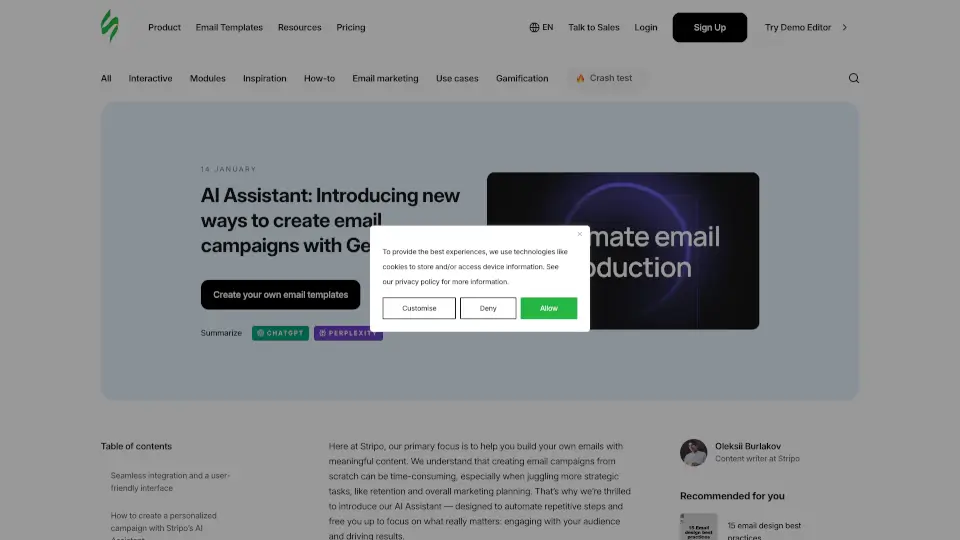
Stripo’s AI Assistant simplifies email marketing by automating repetitive tasks, letting you focus on strategy and creativity. Generate personalized, branded emails faster and maintain full control over customization.

Verified by SeekTool
Social Media:
Stripo

Stripo Product Information

What is Stripo?

Meet Stripo’s AI Assistant, your new best friend for creating stunning email campaigns faster than ever. This powerful tool uses generative AI to automate repetitive tasks, letting you focus on what matters most—connecting with your audience and driving results. Whether you're a solo creator or part of a team, Stripo’s AI Assistant helps you build personalized, branded emails with ease.

What are the features of Stripo?

  • Seamless Integration: Access the AI Assistant directly from the AI Hub in your Stripo account, ensuring a smooth workflow.
  • Personalized Campaigns: Generate tailored emails that match your brand’s voice and goals, from webinar series to surprise campaigns.
  • User-Friendly Interface: Easily configure and control every aspect of email generation, from setup to final design.
  • Editable Content Blocks: Modify or delete sections of your emails to ensure they perfectly align with your vision.
  • Automated Email Series: Create a sequence of emails for events like webinars, with reminders and follow-ups.
  • Dynamic Content Sourcing: Pull relevant data from websites or prompts to craft detailed, engaging emails.
  • Customizable Themes: Choose from predefined CSS themes to instantly style your emails and maintain brand consistency.

What are the use cases of Stripo?

  • Promoting Webinars: Generate a series of emails, from invitations to post-event follow-ups.
  • Email Digests: Bundle your latest news or product updates into a concise, engaging format.
  • Surprise Campaigns: Let the AI craft a unique promo email based on a topic you specify.
  • Trigger-Based Emails: Automate emails for specific actions, like abandoned carts or subscription reminders.

How to use Stripo?

  1. Set Up Basic Info: Add your company name, logo, website, and tone of voice in the AI Settings.
  2. Generate Emails: Click “New AI Request” and provide a prompt or website link for the AI to work with.
  3. Edit and Customize: Modify content blocks, regenerate sections, and adjust themes to match your brand.
  4. Preview and Save: Check how your emails look on desktop and mobile, then save them to your project.
Stripo Contact Email:

support@stripo.email

Do you like this tool?

Upvote to help others discover it!

Stripo Alternatives

ActiveCampaign AI

ActiveCampaign AI

ActiveCampaign is a powerful marketing automation platform that helps businesses grow through personalized campaigns, AI-driven insights, and seamless integrations.

US
39.74%
546.8K
5.0
HoppyCopy

HoppyCopy

Hoppy Copy is an AI-powered platform that helps you create high-converting email campaigns, newsletters, and sequences in seconds, tailored to your brand voice.

US
17.34%
30.5K
4.0
Migma.ai

Migma.ai

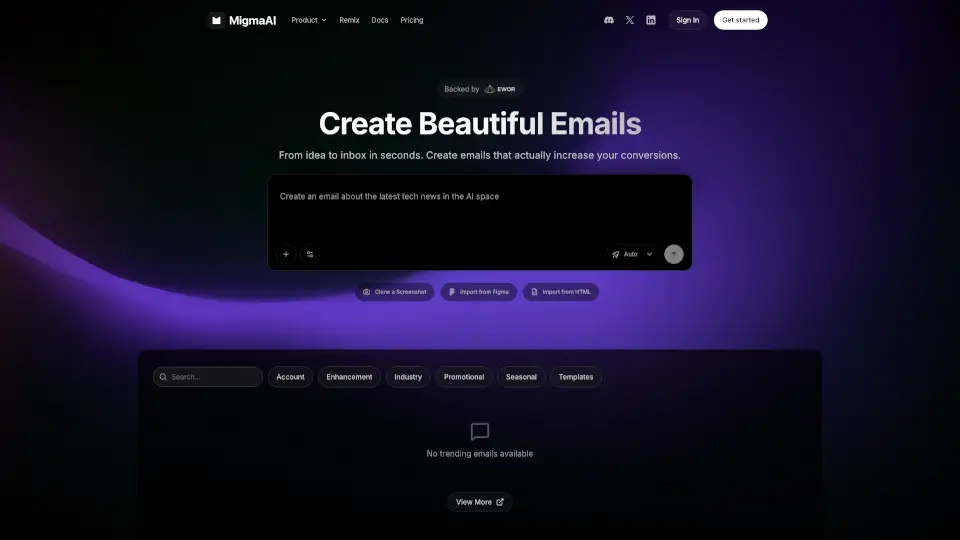
Migma.ai is the ultimate AI email tool for businesses—lightning-fast, cost-effective, and smart enough to keep your brand consistent across every send.

ES
36.83%
42.7K
4.0
MailMaestro

MailMaestro

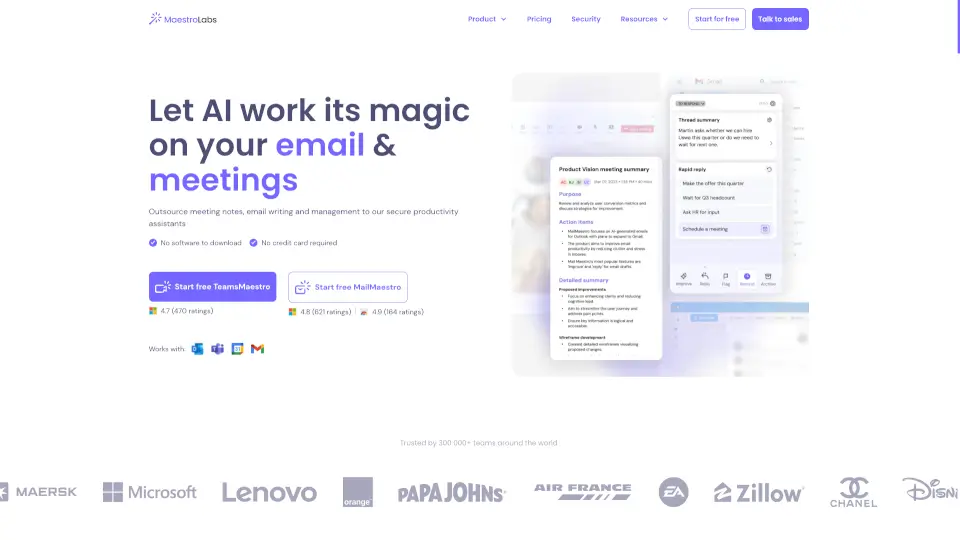
Maestro Labs offers secure, native AI tools for Outlook, Gmail, and Teams that automate email writing, meeting notes, and calendar management to save professionals 8+ hours weekly.

US
19.38%
59.0K
5.0
Flowrite

Flowrite

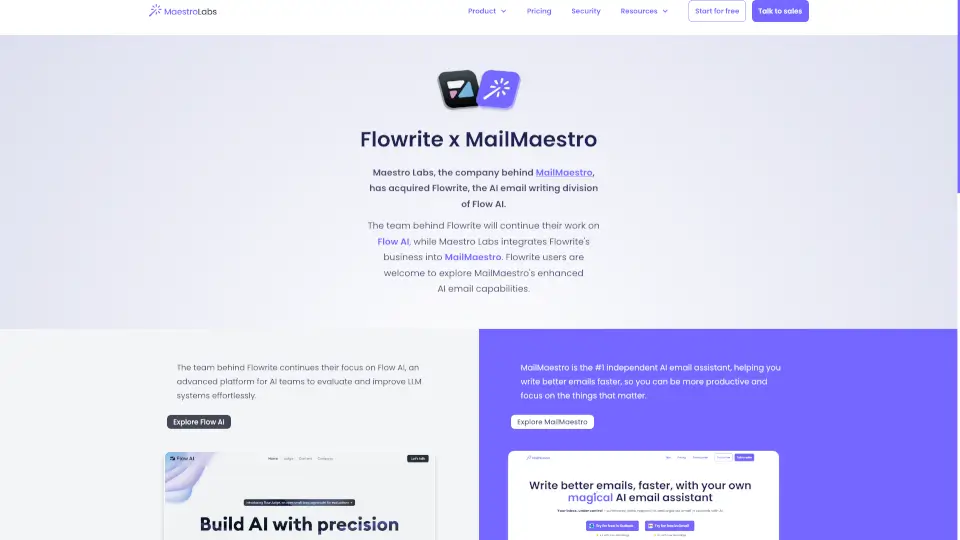
MailMaestro is the ultimate AI email assistant, helping you write, manage, and respond to emails faster and more efficiently.

US
19.38%
59.0K
5.0
Show

Show

Show by Animaker is an AI-powered email marketing tool that combines video hosting, automation, CRM, and analytics to help businesses generate leads and drive conversions.

US
48.04%
11.7K
4.0
Humanic

Humanic

Humanic is an AI-powered email marketing platform that makes sending personalized, effective emails easy for businesses and creators of all sizes.

US
62.55%
6.2K
3.0
EmailMagic AI

EmailMagic AI

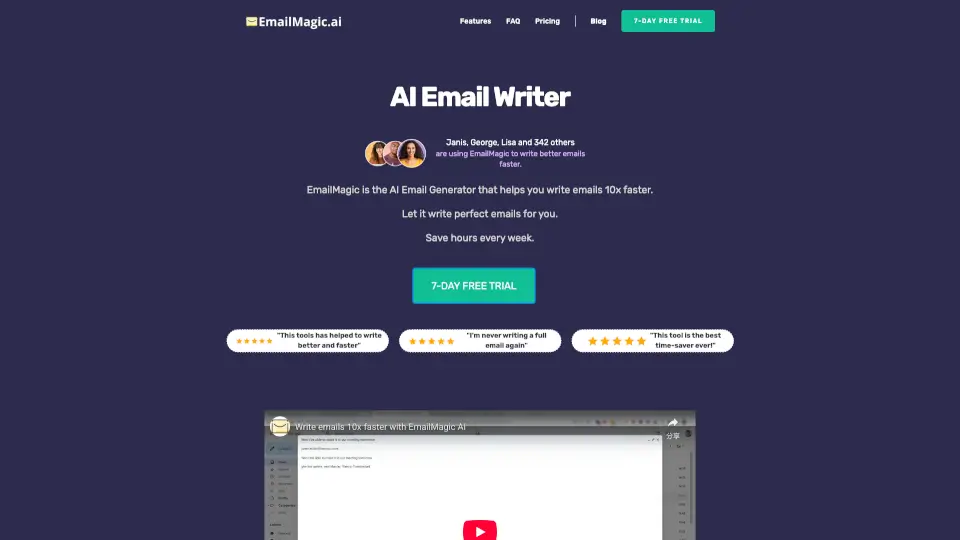
EmailMagic AI helps you write professional emails 10x faster, letting you focus on what matters most.

NG
65.79%
3.0

Stripo Related Other Categories

Stripo Traffic Analysis

💡 Insights

Medium Scale
100K-1M monthly visits. Growing tool with active development.
➡️
Stable
Traffic remains stable, indicating a mature product.
💎
High Stickiness
Low bounce rate (35%) and deep engagement (4.1 pages/visit). Excellent user experience.
🎯
Strong Brand
64% direct traffic. High user loyalty.
  • Monthly Visits

    439.88K

  • Bounce Rate

    34.59%

  • Pages Per Visit

    4.13

  • Visit Duration

    00:03:10

  • Global Rank

    98046

  • Country Rank

    55036

Visits Over Time

Traffic Sources

Direct63.59%
Search Organic19.11%
Mail4.71%
Referrals4.25%
Social Organic3.63%
Search Paid2.19%
Gen Ai1.32%
Display Ads1.11%
Affiliate0.07%
Social Paid0.03%

Top Keywords

1
stripo
CPC$6.06
22.85KTraffic
2
email template
CPC$4.26
1.57KTraffic
3
inbox
CPC$0.69
1.01KTraffic
4
stripo email
CPC$0.85
710Traffic
5
strippo
570Traffic

Top Regions

RegionPercentage
United States
United States
34.28%
France
France
6.42%
Brazil
Brazil
6.11%
Ukraine
Ukraine
5.37%
Germany
Germany
4.57%
Low
High

Powered by SimilarWeb

Stripo FAQ

How does the AI Assistant generate emails?

The AI Assistant uses prompts, website links, and your brand details to create tailored email content.

Can I edit the generated emails?

Yes! You can modify content blocks, regenerate sections, and customize themes to fit your needs.

What types of emails can the AI Assistant create?

It can create webinar series, email digests, surprise campaigns, and more.

Is the AI Assistant easy to use?

Absolutely! The interface is designed to be user-friendly, guiding you through setup and generation.

Can I use custom modules in the AI Assistant?

Currently, custom modules can’t be imported directly, but you can edit and save emails in the Stripo editor.

Stripo Reviews

0

0

0 Reviews
Sign Into leave a review

Recent Reviews

No reviews yet

Stripo Embed

Use website badges to drive community support for SeekTool.ai. They are easy to embed in your homepage or footer.

Light
Dark
Stripo - Featured on SeekTool.aiStripo - Featured on SeekTool.ai
How to install?