
O que é ScrapingBee?
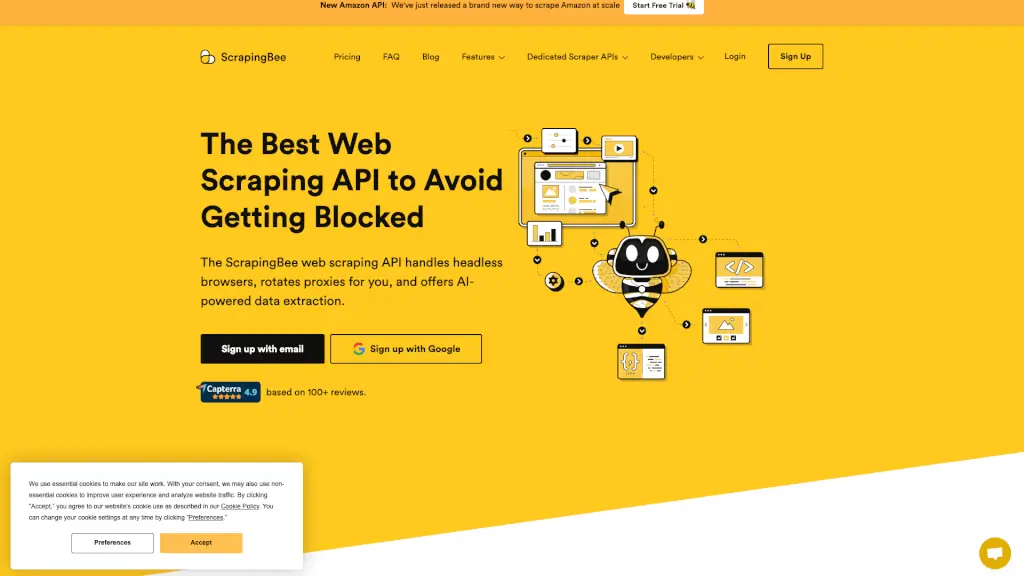
ScrapingBee é uma API de web scraping que facilita a extração de dados da web. Com ela, você não precisa se preocupar com proxies ou navegadores headless, pois a ferramenta lida com tudo isso para você. Isso significa que você pode focar no que realmente importa: obter os dados de que precisa. Além disso, ScrapingBee oferece recursos avançados como renderização de JavaScript, rotação automática de proxies e extração de dados baseada em IA, tornando o processo de scraping mais eficiente e preciso.
Quais são as características de ScrapingBee?
- Rotação Automática de Proxies: Um grande pool de proxies garante que você possa evitar limites de taxa e reduzir as chances de ser bloqueado.
- Renderização de JavaScript: Permite que você scrape páginas web complexas, incluindo aplicativos de página única (SPA) usando bibliotecas como React, AngularJS, Vue.js, entre outras.
- Extração de Dados Baseada em IA: Basta descrever os dados que você deseja extrair em linguagem natural, e a IA cuidará do resto, retornando os dados estruturados.
- Integrações: Suporta integrações com várias plataformas, como n8n, Zapier, e APIs específicas para Google, Amazon, YouTube, Walmart, e mais.
- Documentação Clara e Suporte: Oferece documentação detalhada e suporte atencioso, ajudando você a configurar e usar a API de maneira eficaz.
Quais são os casos de uso de ScrapingBee?
- Monitoramento de Preços: Empresas podem usar ScrapingBee para monitorar preços de concorrentes e ajustar suas estratégias de preços.
- Análise de Dados de Mercado: Pesquisadores e analistas podem coletar dados de mercado, como avaliações de produtos, para análise e tomada de decisões.
- Coleta de Dados de Imóveis: Agentes imobiliários podem extrair listagens de imóveis de sites de classificados para manter seus catálogos atualizados.
- Extrair Dados de Redes Sociais: Marcas podem coletar comentários e feedback de redes sociais para melhorar sua presença online e entender as necessidades dos clientes.
- Automatização de Tarefas: Profissionais de marketing e engenharia podem automatizar tarefas de coleta de dados, economizando tempo e recursos.
Como usar ScrapingBee?
- Crie uma Conta: Acesse o site do ScrapingBee e crie uma conta gratuita para começar.
- Obtenha Sua Chave de API: Após a criação da conta, você receberá uma chave de API que será usada para autenticar suas requisições.
- Configure Seus Parâmetros: Use a documentação para configurar os parâmetros de sua requisição, como URL, tipo de renderização, e outros.
- Faça Requisições: Envie suas requisições usando a chave de API e os parâmetros configurados. Você pode fazer isso por meio de um script ou usando uma das integrações disponíveis.
- Analise os Dados: Receba os dados extraídos e analise-os conforme necessário. A extração de dados baseada em IA facilita a obtenção de informações estruturadas.