
What is ScrapingBee?
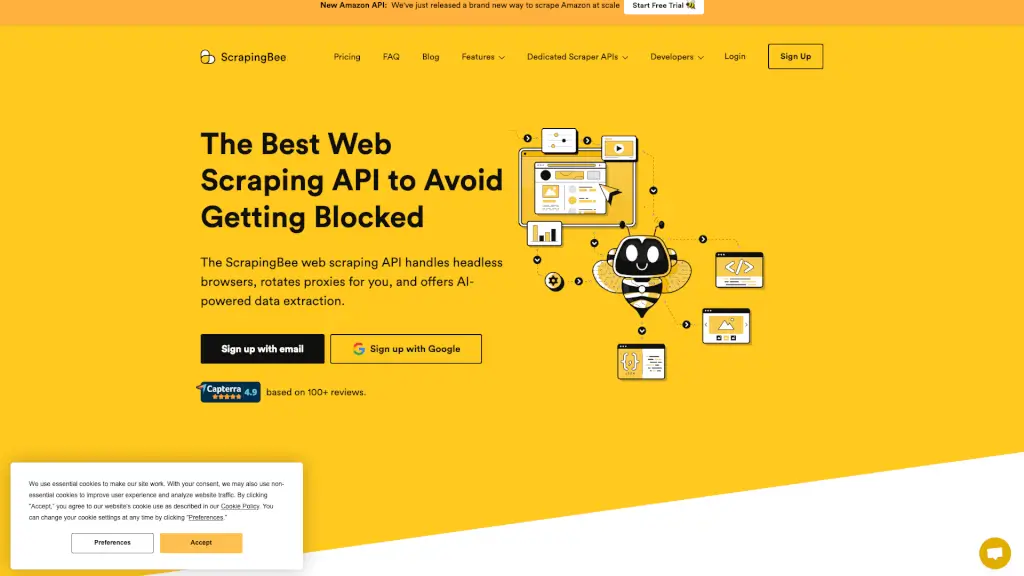
ScrapingBee is a powerful web scraping API that simplifies the process of extracting data from websites. Whether you're a developer, marketer, or researcher, ScrapingBee handles all the technical heavy lifting, including managing headless browsers and rotating proxies. This means you can focus on what really matters—getting the data you need without the hassle. With features like AI-powered data extraction and support for JavaScript rendering, ScrapingBee makes it easy to scrape even the most complex websites.
What are the features of ScrapingBee?
- AI Data ExtractionUse plain English to describe the data you want, and let ScrapingBee's AI extract it for you, returning structured data.
- Headless BrowsersRender web pages as if they were being viewed in a real browser, making it easier to scrape dynamic content.
- Proxy RotationAutomatically rotate through a large pool of proxies to avoid rate limits and reduce the risk of being blocked.
- JavaScript RenderingScrape single-page applications and other JavaScript-heavy sites with ease.
- Custom JavaScript SnippetsExecute custom JavaScript code to handle complex scraping scenarios.
- ScreenshotsTake full or partial screenshots of web pages, which can be useful for visual verification or documentation.
- Google Search APIEasily scrape Google search results without worrying about rate limits and blocks.
What are the use cases of ScrapingBee?
- Real Estate ScrapingExtract property listings, prices, and details from real estate websites.
- Price MonitoringKeep track of price changes on e-commerce sites to stay competitive.
- Review ExtractionGather customer reviews and ratings from various online platforms.
- Market ResearchCollect data on products, services, and trends from multiple sources.
- Competitor AnalysisMonitor your competitors' activities, such as product launches and pricing strategies.
- Content AggregationGather news articles, blog posts, and other content for curation or analysis.
How to use ScrapingBee?
- Sign UpCreate an account on the ScrapingBee website.
- Get Your API KeyOnce signed up, you'll receive an API key to start using the service.
- Choose Your Use CaseDecide what kind of data you need to scrape and select the appropriate API endpoint.
- Make API CallsUse the API to send requests and retrieve the data. You can do this directly in your code or through tools like Postman.
- Handle ResponsesProcess the JSON responses to extract the data you need.
- Monitor and OptimizeKeep an eye on your usage and adjust your settings as needed to optimize performance.