
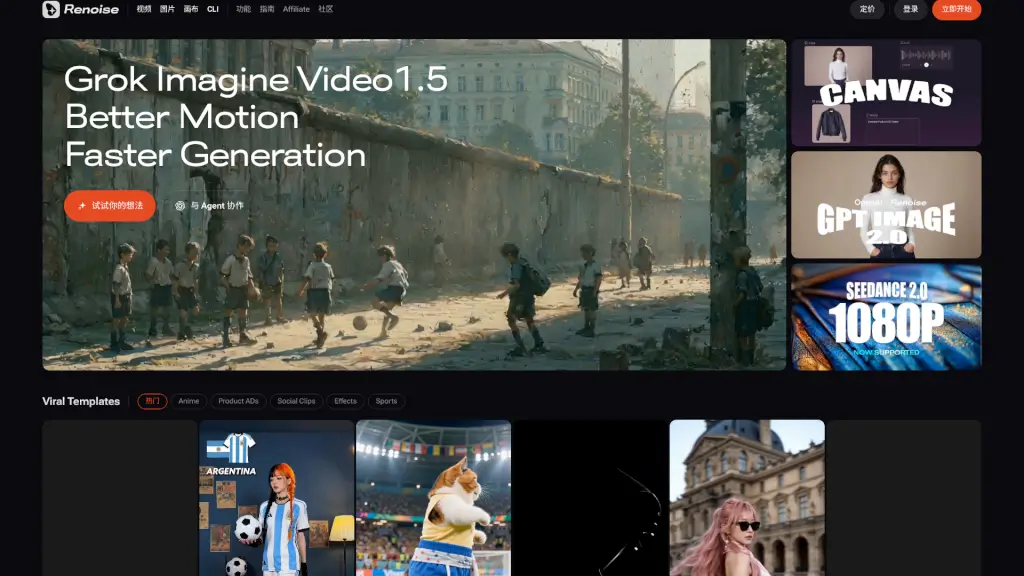
What is Renoise AI?
Renoise is a powerful AI video generation platform built for creators who want high-quality, consistent results without the technical hassle. Powered by Seedance 2.0 and featuring FacePass technology, Renoise ensures your characters stay perfectly consistent across every frame—ideal for storytelling, marketing, or e-commerce content. Whether you're making product ads, social clips, or cinematic shorts, Renoise handles the heavy lifting so you can focus on creativity.
Designed with both beginners and pros in mind, Renoise offers tools like an infinite canvas, multi-model AI support, and one-click template workflows. From generating AI headshots to full-length music videos, it’s your all-in-one studio for turning ideas into professional-grade visuals—fast.
What are the features of Renoise AI?
- FacePass Technology: Guarantees perfect character consistency across videos and images using advanced identity preservation.
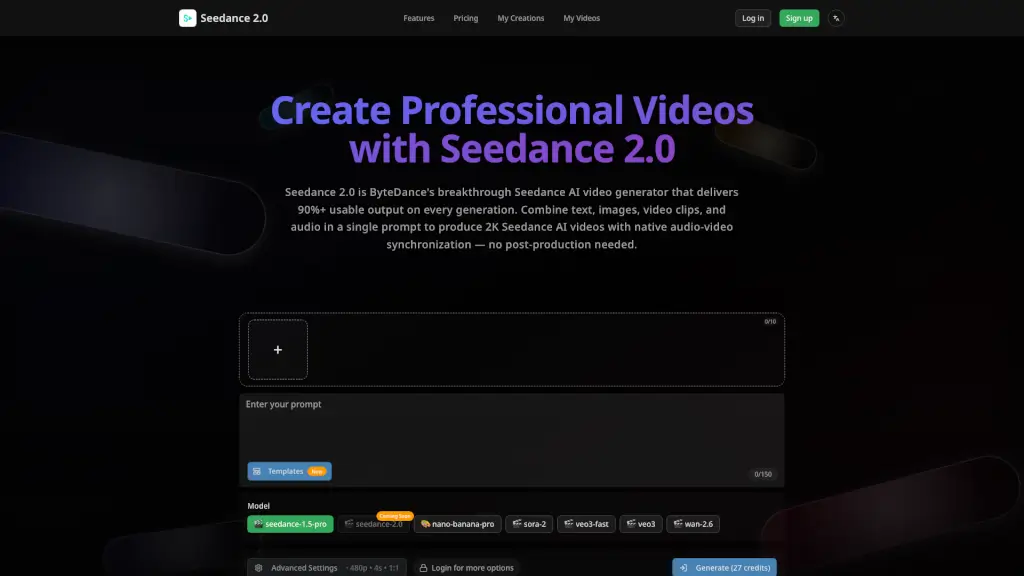
- Seedance 2.0 Engine: Delivers high-fidelity AI video with smoother motion and faster rendering than previous versions.
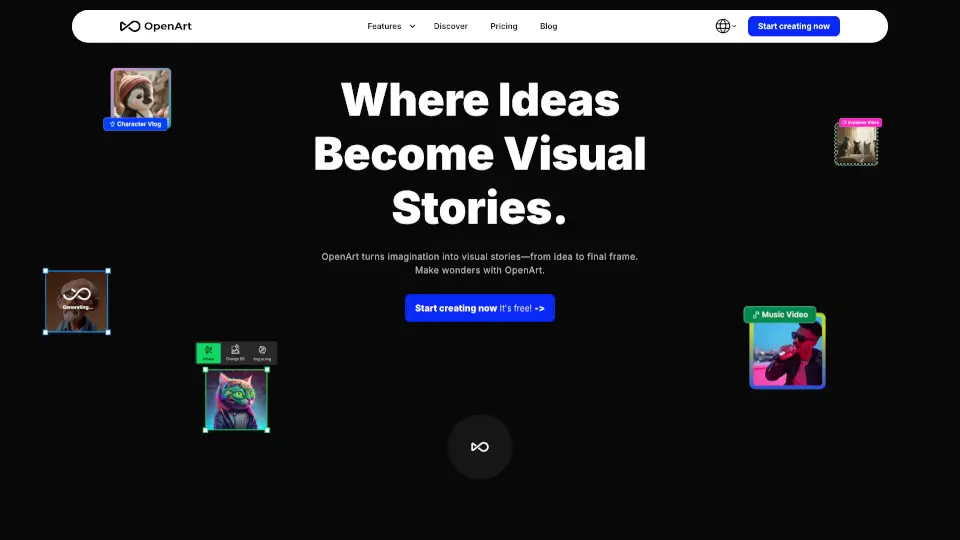
- Infinite Canvas Workspace: Visually organize characters, scenes, and assets while generating hundreds of media files in one workflow.
- Multi-Model AI Generation: Switch between models like Seedance 2.1, Kling 3.0 Omni, and others for tailored outputs.
- Viral Template Library: Access ready-to-use templates for anime ads, product demos, social clips, and more with “Make This” functionality.
- CLI & Code Integration: Start projects instantly in Claude Code or terminal with simple commands—no complex setup needed.
- AI-Powered Asset Management: Build and manage large libraries of AI-generated characters, backgrounds, and scenes in one place.
What are the use cases of Renoise AI?
- Create on-brand e-commerce product videos with consistent AI models showcasing your items.
- Generate social media clips (TikTok, Instagram Reels) using trending viral templates in minutes.
- Produce AI influencer content with realistic avatars for marketing campaigns or brand partnerships.
- Design custom movie trailers or music videos with cinematic quality and smooth motion.
- Turn static photos into dynamic AI-powered animations for storytelling or advertising.
- Build virtual room designs or interior concepts with AI-generated environments and lighting.
- Develop character-driven narratives with consistent faces across episodes or ad series.
How to use Renoise AI?
- Install the Renoise plugin via the official GitHub repo:
https://github.com/ArcoCodes/renoise-plugins-official. - Open Claude Code or your terminal and paste a single command to launch your project—no configuration required.
- Use the Infinite Canvas to drag, drop, and arrange reference images, characters, and scene elements visually.
- Select a Viral Template (like “Product ADs” or “Anime”) and click “Make This” to auto-generate a customized version.
- Apply FacePass when generating videos to lock in character identity across all frames.
- Export directly or refine with first/last frame controls for precise motion direction.