
What is OpenClaw?
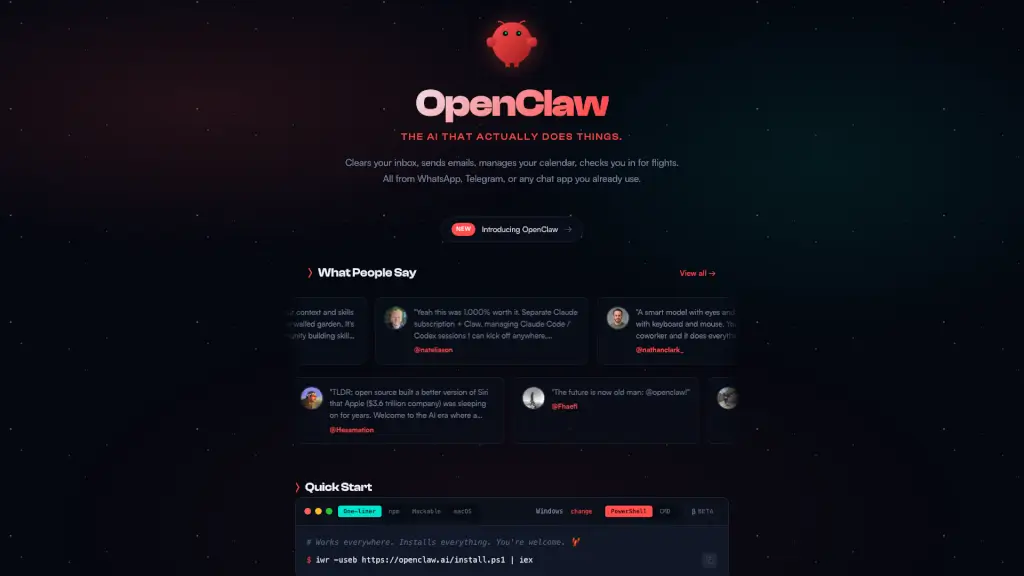
OpenClaw is your personal AI assistant that can do more than just chat. It's like having a super-smart, always-on helper who can manage your inbox, schedule your calendar, and even check you in for flights. The best part? You can interact with OpenClaw through any chat app you already use, like WhatsApp or Telegram. It runs on your own machine, so all your data stays private and secure. Whether you're a busy professional or just someone looking to streamline their life, OpenClaw is here to make things easier.
What are the features of OpenClaw?
- Runs on Your Machine: OpenClaw works on Mac, Windows, or Linux, and you can choose from various AI models, including Anthropic, OpenAI, or local models.
- Any Chat App: Talk to OpenClaw on WhatsApp, Telegram, Discord, Slack, Signal, or iMessage. It works in DMs and group chats.
- Persistent Memory: OpenClaw remembers your preferences and context, making it uniquely yours over time.
- Browser Control: It can browse the web, fill forms, and extract data from any site, making it a versatile tool for various tasks.
- Full System Access: Read and write files, run shell commands, and execute scripts. You can choose full access or sandboxed mode.
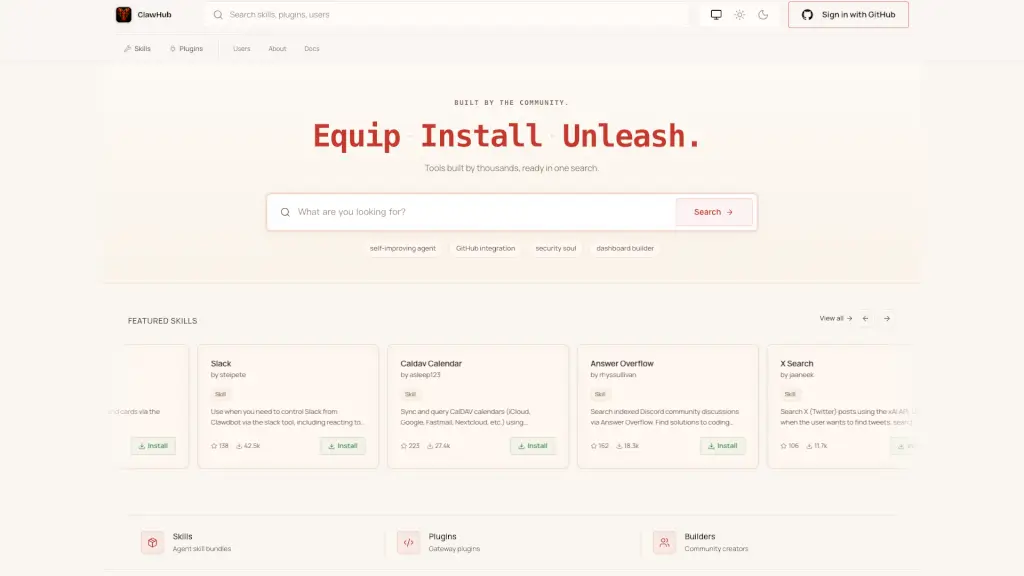
- Skills & Plugins: Extend OpenClaw with community skills or build your own. It can even write its own plugins.
What are the use cases of OpenClaw?
- Email Management: Let OpenClaw clear your inbox, send emails, and handle your email subscriptions.
- Calendar Management: Schedule meetings, set reminders, and get daily briefings.
- Flight Check-Ins: Automatically check in for flights and receive updates.
- Task Automation: Automate tasks like unsubscribing from unwanted emails, managing your to-do lists, and more.
- Content Creation: Generate custom meditations, write tweets, and create website content.
- Personalized Assistance: Get personalized updates, reminders, and even have it call you with an accent of your choice.
How to use OpenClaw?
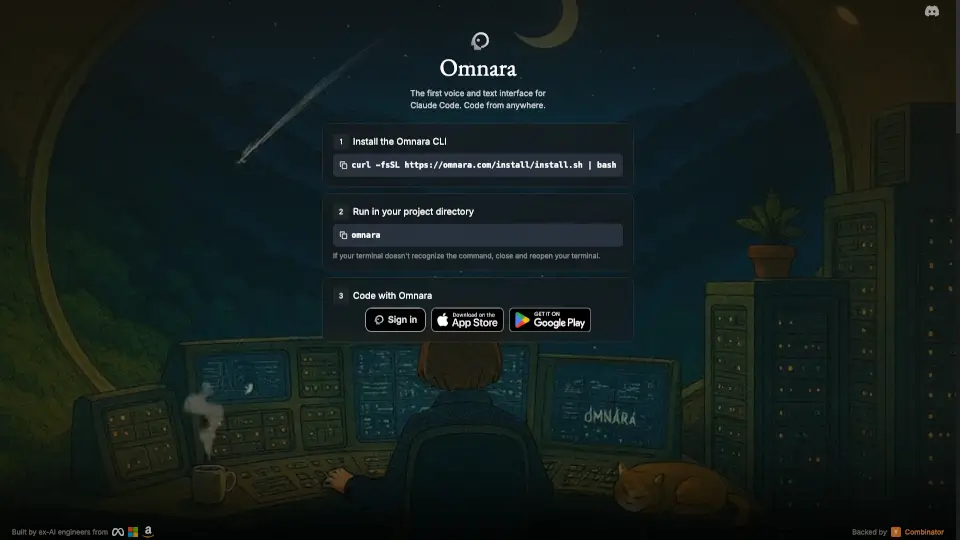
- Install OpenClaw using the one-liner:
curl -fsSL https://openclaw.ai/install.sh | bash - Onboard your new assistant:
openclaw onboard - Connect OpenClaw to your preferred chat app (WhatsApp, Telegram, etc.).
- Start giving it tasks and see how it can help you.
- Explore and install additional skills and plugins from the community.
- Customize settings and permissions to suit your needs.