What is MagicVio?
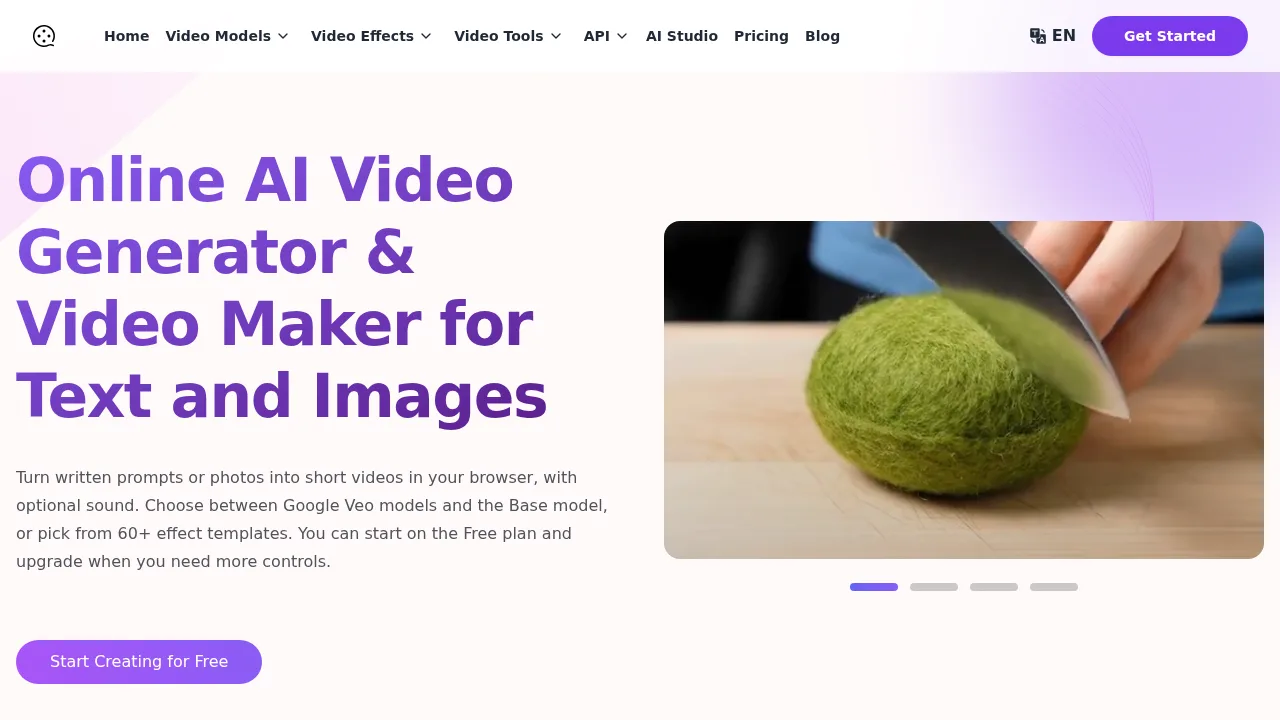
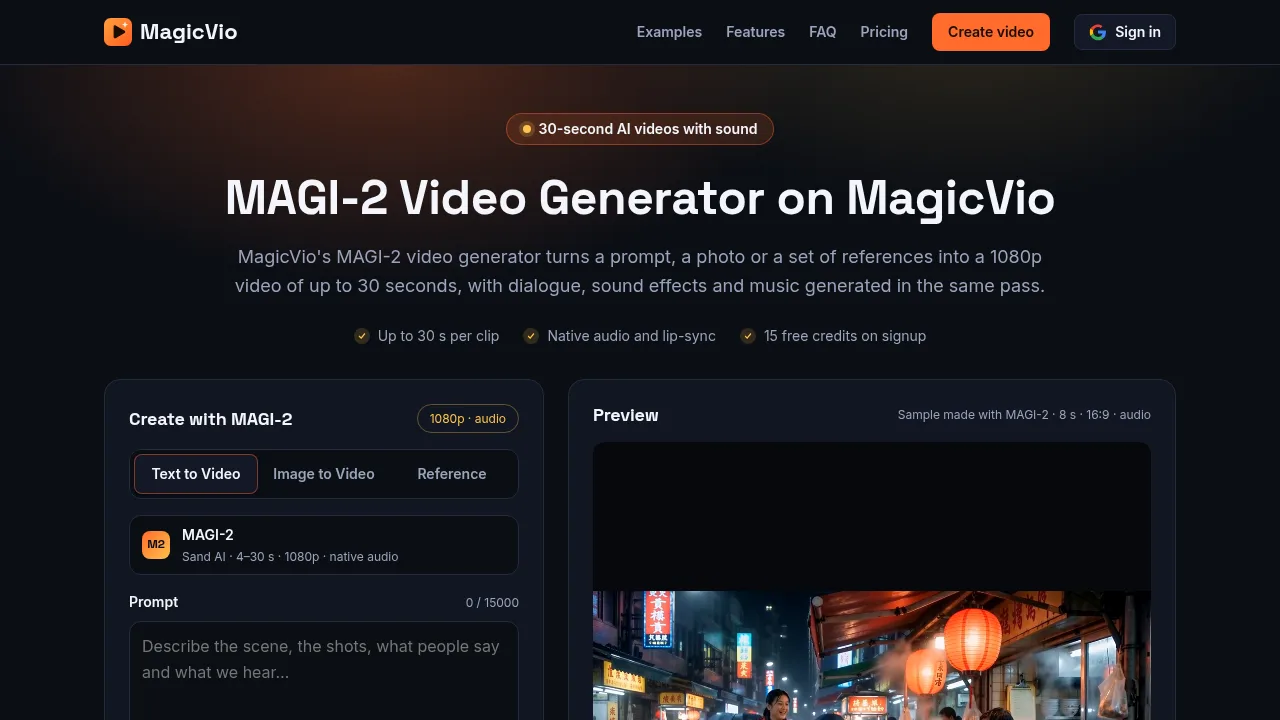
MagicVio is a browser-based generator for the MAGI-2 video model by Sand AI, producing 1080p clips up to 30 seconds with synchronized dialogue, sound effects, and music. Users can start from text prompts, uploaded images, or reference photos. Access requires signing in with a Google account; guests cannot generate videos.
What are the features of MagicVio?
- Text-to-video generationRenders 4 to 30-second clips at 1080p and 25 fps from prompts up to 15,000 characters, supporting six aspect ratios including 16:9 and 9:16.
- Native audio and lip-syncGenerates dialogue, ambience, sound effects, and music in the same pass as the video, syncing speech to on-screen characters when lines are quoted in the prompt.
- Image-to-video animationContinues motion from an uploaded first frame (JPG, PNG, or WEBP) and optionally lands on a last frame, preserving the source image's aspect ratio.
- Reference consistencyAccepts up to 10 reference images per video, tagged as @Image1, @Image2 in the prompt, to maintain consistent faces or products across shots. Uploaded photos are deleted within 24 hours.
- Shot-by-shot promptingSupports describing multiple sequential shots with individual camera moves and timing within a single generation for longer scenes.
What are the use cases of MagicVio?
- Product advertisingTurning a still packshot into a vertical video ad with camera orbits, voiceover, and music without a physical shoot.
- Social media clipsProducing vertical talking-head hooks or recipe teasers that keep a specific character consistent across videos using reference images.
- Pre-production visualizationBlocking out a 30-second scene with multiple shots, dialogue, and score to test a short film concept before production.
How to use MagicVio?
- Select input modeChoose text to video, image to video, or reference to video in the web interface.
- Write the promptDescribe shots in order, place dialogue in quotes, name desired sounds, and tag any uploaded reference images as @Image1.
- Configure settingsSet clip length between 4 and 30 seconds, choose an aspect ratio, and toggle audio generation on or off.
- Generate videoPress the generate button to spend credits based on duration; the server renders the clip.
- Download outputPreview the result and download the MP4 file immediately or later from the saved videos section.
MagicVio Pricing Information:
- Free account15 one-time credits upon signing in with a Google account (no credit card required). Costs 3 credits per second of video, allowing one 5-second clip. Credits do not expire. Outputs are 1080p with no watermark, downloadable as MP4, and permitted for commercial use. Limited to one concurrent generation.
- Paid accessAdditional credits available via monthly plans (Lite plan provides 200 credits per month) or non-expiring credit packs. Pro and Max plans allow multiple parallel generations.