
MagicPixel logo

MagicPixel

Featured
Official
4.0
(0 Reviews)
Brazil29.39%

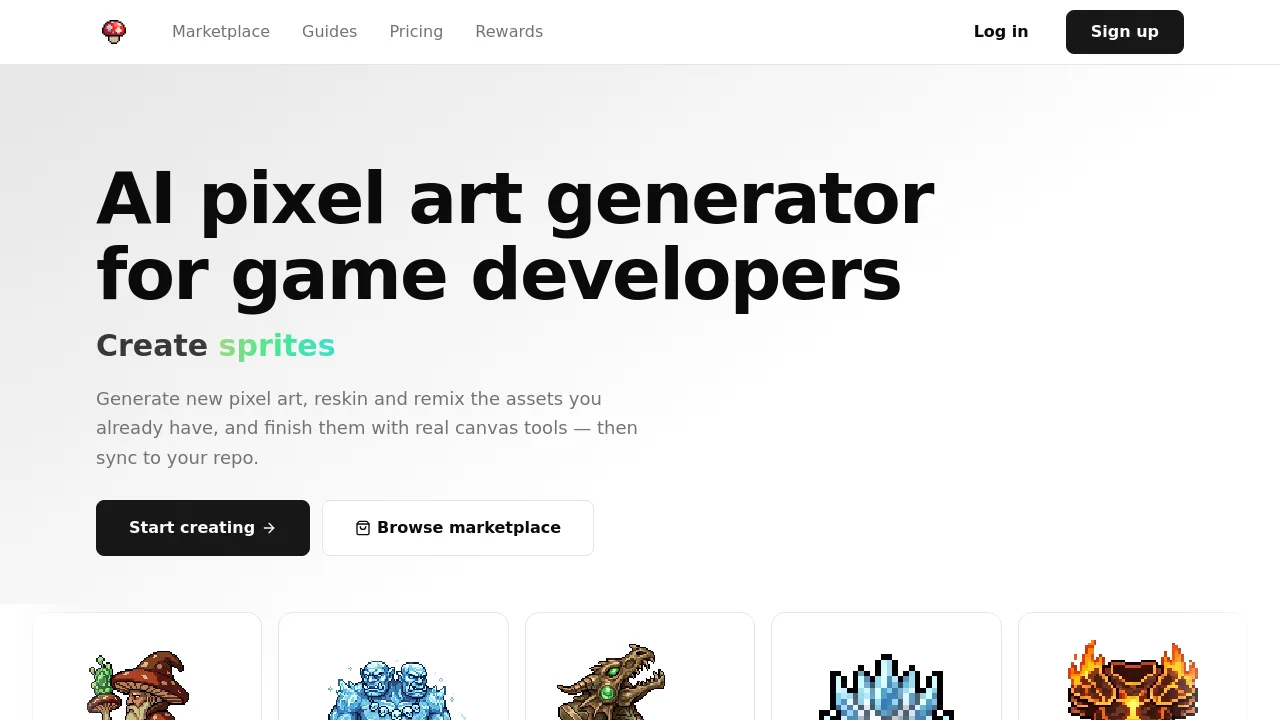
MagicPixel is an AI pixel art generator for game developers that creates editable, palette-locked sprites from text prompts and syncs them directly into your codebase.

Verified by SeekTool
MagicPixel

MagicPixel Product Information

What is MagicPixel?

MagicPixel is an AI pixel art generator built specifically for game developers who need grid-aligned, palette-controlled sprites, tiles, and UI icons. Unlike general image generators, it lands every output as editable layers on a real pixel grid, so you can fine-tune, reskin, and remix assets without leaving the canvas. It also syncs directly to code repos and supports MCP integration with Claude, ChatGPT, and Cursor.

What are the features of MagicPixel?

  • AI Sprite Generation: Describe a character, item, or environment in plain text and get back a pixel-art sprite on a true grid, ready for editing or export.
  • AI Sprite Editing: Modify any existing sprite with a sentence—add damage, change weather, or swap accessories—while preserving the original silhouette and palette.
  • Palette Remap & Lock: Import your game's palette from Aseprite, Lospec, or GIMP, then cap AI generations at 8 to 256 colors so nothing ships with off-palette shades.
  • CLI Repo Sync: Run the MagicPixel CLI to write saved assets directly into your project folder for Godot, Unity, GameMaker, or any engine that loads PNGs.
  • MCP Server Integration: Connect MagicPixel to Claude, ChatGPT, or Cursor as an MCP server so your AI agent can generate sprites, create variants, and check credits.
  • Aseprite & PNG Import: Drag in .aseprite, .ase, .png, or animated GIFs—frames, layers, and animation tags are preserved for editing or feeding back as style references.

What are the use cases of MagicPixel?

  • Indie developers generating characters, enemies, and props from text prompts for a 2D game.
  • Studio artists reskinning existing assets to create cosmetic variants, seasonal themes, or damage states.
  • Solo devs locking imported sprites to a custom color palette to maintain visual consistency across a project.
  • Teams syncing pixel art assets directly into a Unity or Godot codebase without manual file management.

How to use MagicPixel?

  • Start by signing up on MagicPixel and opening the built-in pixel art editor in your browser.
  • Describe a sprite in plain English using the AI generation panel, then review the result on the pixel grid.
  • Use the palette lock feature to import your game's color palette before generating new assets.
  • Export completed sprites as PNG sprite sheets or per-frame PNGs for your game engine.
Do you like this tool?

Upvote to help others discover it!

MagicPixel Alternatives

PixelLab

PixelLab

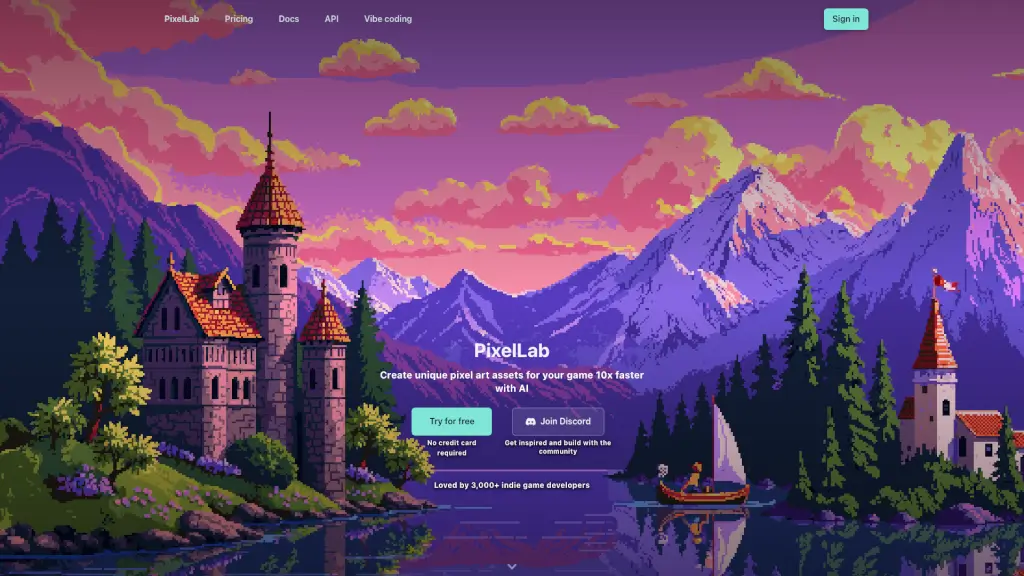
PixelLab is an AI-powered pixel art generator that helps indie developers create and animate game assets 10 times faster, with features like one-click animations and style-consistent generation.

US
12.40%
892.2K
5.0
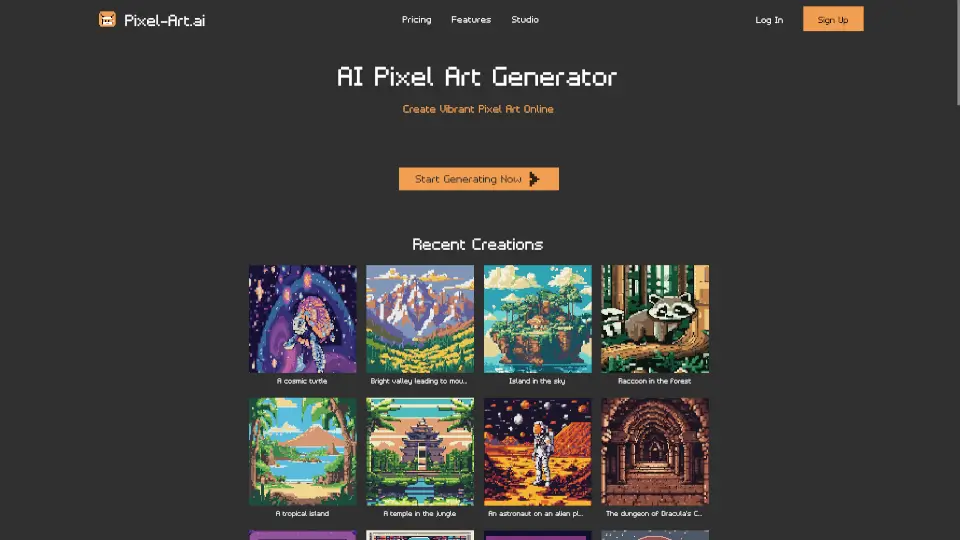
Pixel-Art.ai

Pixel-Art.ai

Pixel-Art.ai makes pixel art creation easy and fun with AI. Perfect for games, designs, or just unleashing creativity!

US
13.83%
21.2K
4.0
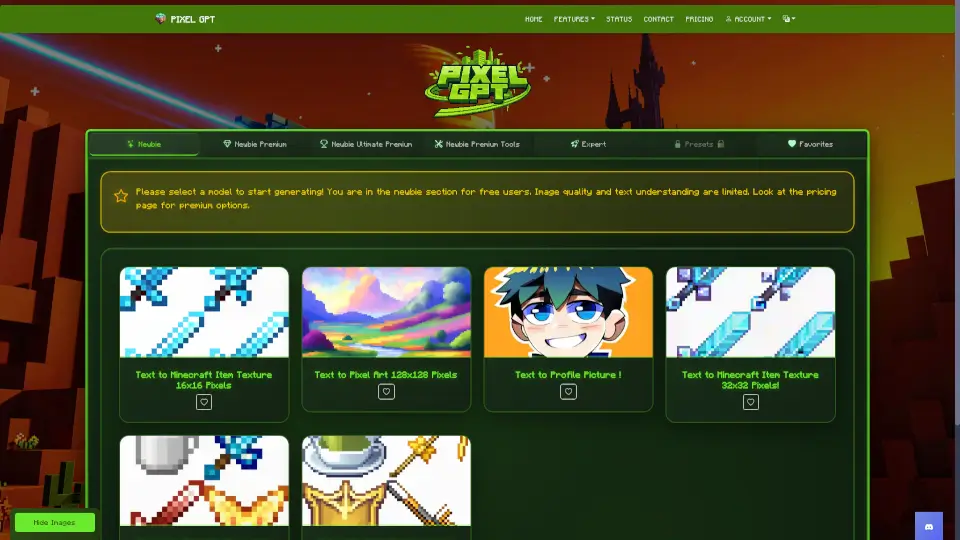
AI MC Texture

AI MC Texture

AI MC Texture makes creating Minecraft textures, pixel art, and profile pics a breeze. Free for beginners, with premium upgrades for pros. Fast, fun, and no skills required!

US
30.74%
18.4K
4.0
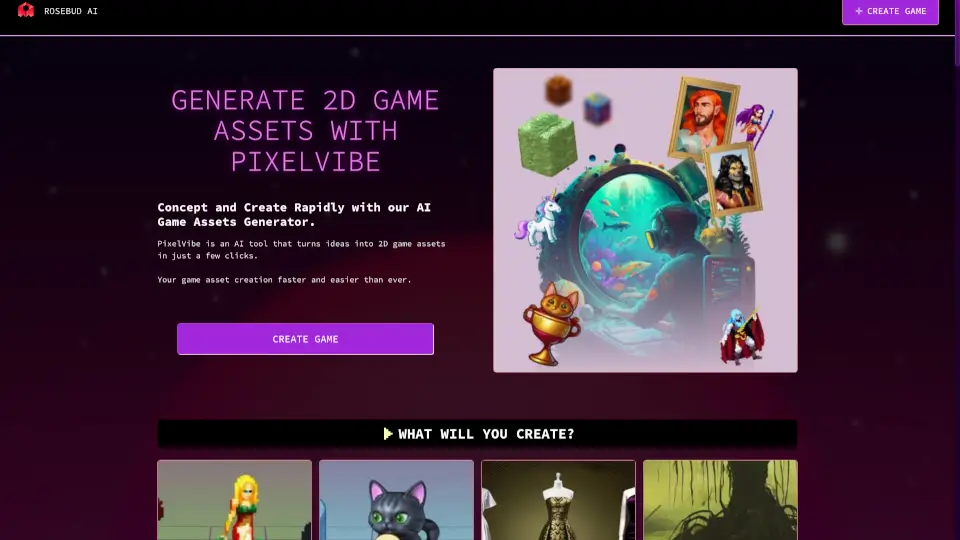
PixelVibe by Rosebud AI

PixelVibe by Rosebud AI

Rosebud AI Game Asset Generator lets you instantly create sprites, tilesets, and pixel art for free – no design skills needed, perfect for any 2D or 3D game project.

US
27.46%
614.4K
5.0
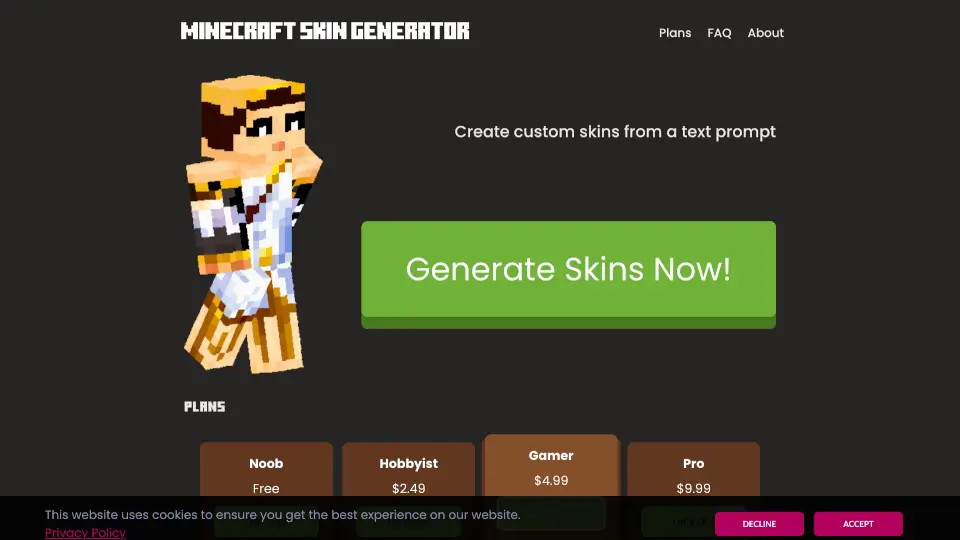
SkinGenerator.io

SkinGenerator.io

Create custom Minecraft skins quickly and easily with SkinGenerator.io. Perfect for players of all skill levels!

US
28.22%
90.6K
5.0

MagicPixel Related Other Categories

MagicPixel Traffic Analysis

💡 Insights

🌱
Emerging Tool
10K-100K monthly visits. Niche or new tool with potential unique value.
🔥
Explosive Growth
Recent growth of 104%. Extremely hot in the market right now!
💎
High Stickiness
Low bounce rate (36%) and deep engagement (3.2 pages/visit). Excellent user experience.
  • Monthly Visits

    17.08K

  • Bounce Rate

    36.49%

  • Pages Per Visit

    3.25

  • Visit Duration

    00:00:21

  • Global Rank

    1315297

  • Country Rank

    205794

Visits Over Time

Traffic Sources

Direct39.36%
Search Organic31.97%
Referrals10.48%
Social Organic5.60%
Display Ads3.60%
Mail2.91%
Affiliate1.91%
Search Paid1.70%
Gen Ai1.69%
Social Paid0.79%

Top Keywords

1
magic pixel
400Traffic
2
magicpixel
130Traffic
3
magic making pixel game
90Traffic
4
magic pixel art
60Traffic
5
ai free pixel art creature dna generator
50Traffic

Top Regions

RegionPercentage
Brazil
Brazil
29.39%
United States
United States
26.32%
Canada
Canada
7.11%
Vietnam
Vietnam
7.02%
United Kingdom
United Kingdom
6.30%
Low
High

Powered by SimilarWeb

MagicPixel FAQ

What is MagicPixel?

MagicPixel is an AI pixel art generator and editor for game developers. You describe a sprite in text and get back grid-aligned, palette-disciplined pixel art ready to edit on the same canvas.

Can I sell the pixel art I generate with MagicPixel?

Yes. Assets you generate are yours to use commercially in games, apps, marketing, or resale, including paid Steam and mobile releases.

Does MagicPixel work with my game engine?

Yes. It exports standard PNG sprite sheets compatible with Godot, Unity, GameMaker, Phaser, and LÖVE. The CLI syncs directly into your project folder.

Is MagicPixel free to try?

The editor is free to use. AI generation features require a paid subscription.

MagicPixel Reviews

0
0 Reviews
Sign Into leave a review

Recent Reviews

No reviews yet

MagicPixel Embed

Use website badges to drive community support for SeekTool.ai. They are easy to embed in your homepage or footer.

Light
Dark
MagicPixel - Featured on SeekTool.aiMagicPixel - Featured on SeekTool.ai
How to install?

Category Rankings

Ranked by monthly traffic