O que é PixelLab?
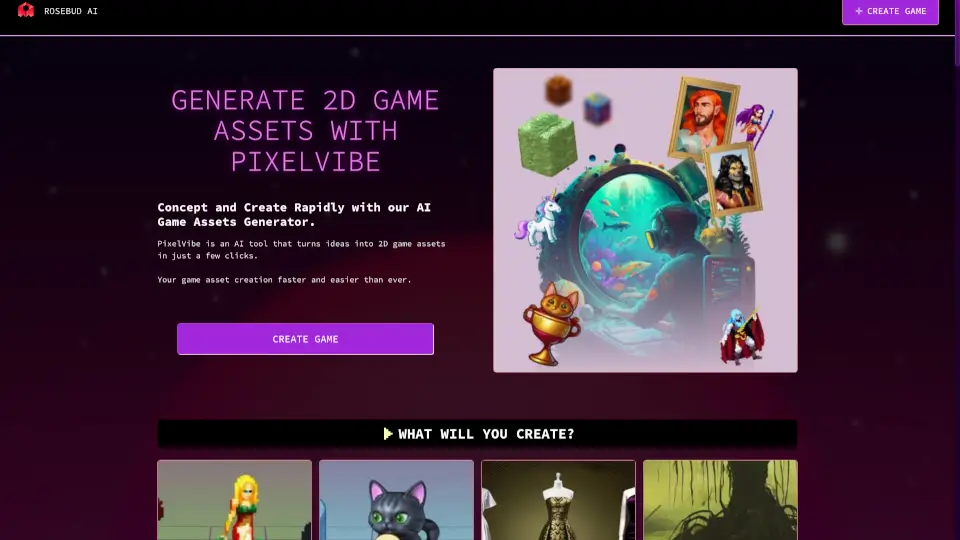
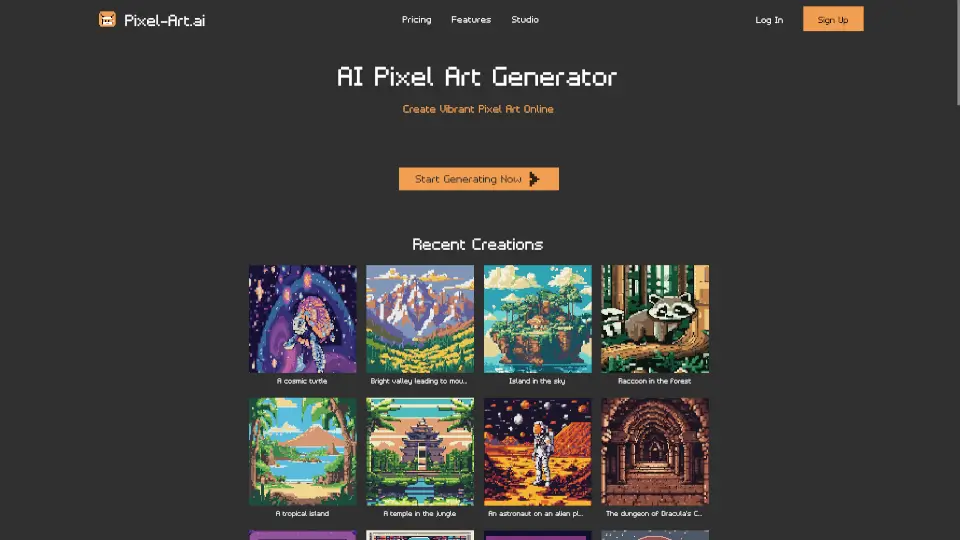
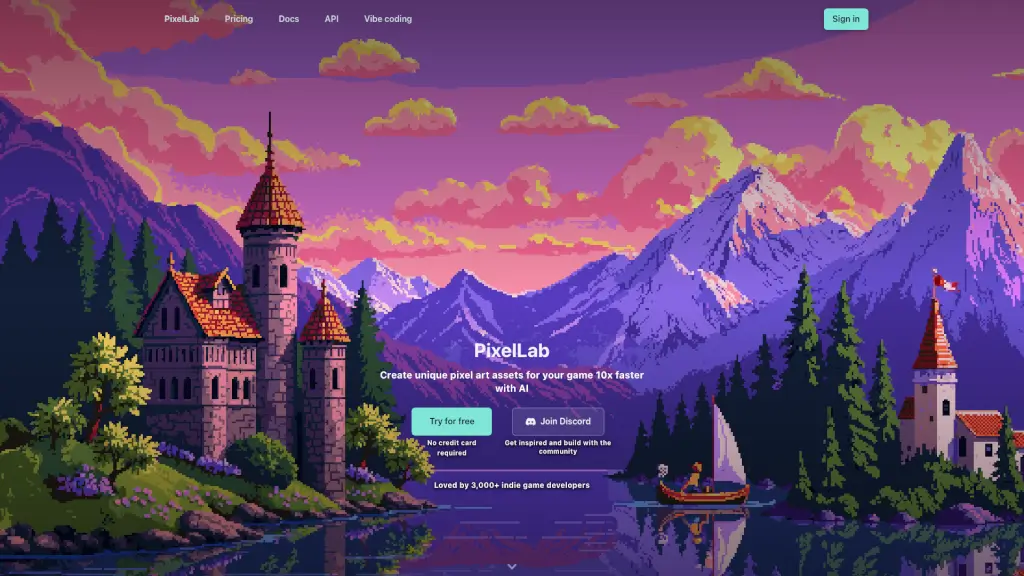
PixelLab é uma ferramenta revolucionária que usa inteligência artificial para criar arte em pixels para jogos. Com ela, desenvolvedores indie podem gerar personagens, ambientes e elementos de interface 10 vezes mais rápido do que o método tradicional. O PixelLab não apenas acelera o processo de criação, mas também garante que todos os elementos tenham um estilo consistente, o que é essencial para a estética de qualquer jogo. Seja você um novato ou um profissional, o PixelLab tem tudo o que você precisa para dar vida ao seu projeto de jogo.
Quais são as características de PixelLab?
- Geração Rápida de Arte em Pixels: Crie assets de jogo prontos para uso em minutos, incluindo personagens, ambientes e elementos de interface.
- Animações com Texto e Esqueletos: Animações complexas podem ser criadas com simples descrições de texto ou usando controles baseados em esqueletos.
- Rotações Automáticas: Gere visões direcionais de 4 ou 8 direções para seus personagens, perfeitas para jogos isométricos e top-down.
- Edição e Inpainting: Modifique seus sprites sem perder a consistência do estilo, adicionando acessórios, mudando roupas ou alterando ambientes.
- Geração de Cenas e Ambientes: Crie cenas detalhadas e ambientes completos a partir de descrições de texto, ideal para fundos atmosféricos e mundos de jogo.
- Ferramentas de UI: Gere componentes de interface como botões, barras de vida e itens de menu, mantendo um estilo consistente em todo o jogo.
Quais são os casos de uso de PixelLab?
- Desenvolvimento de Jogos Indie: Perfeito para desenvolvedores indie que precisam de assets de alta qualidade rapidamente.
- Prototipagem Rápida: Ideal para testar ideias de design e conceitos de personagens antes de investir muito tempo.
- Criação de Ambientes Dinâmicos: Gere ambientes e cenas completas para enriquecer a experiência do jogador.
- Animações Personalizadas: Crie animações únicas para personagens, incluindo movimentos personalizados e ataques.
- Consistência Visual: Mantenha a consistência visual em todo o seu jogo, desde personagens até elementos de interface.
- Colaboração em Equipe: Compartilhe feedback e ideias com a equipe de desenvolvimento, ajudando a moldar as próximas funcionalidades.
Como usar PixelLab?
- Faça Login ou Crie uma Conta: Acesse o PixelLab no navegador ou use o plugin do Aseprite.
- Escolha o Tipo de Asset: Selecione se deseja criar personagens, ambientes, animações ou elementos de interface.
- Use Descrições de Texto: Forneça descrições de texto para gerar os assets desejados, como "personagem correndo" ou "ambiente de floresta".
- Ajuste e Edite: Use as ferramentas de edição e inpainting para refinar seus designs e garantir a consistência do estilo.
- Exporte e Use: Baixe seus assets prontos para uso e integre-os diretamente no seu jogo.