
What is PixelVibe by Rosebud AI?
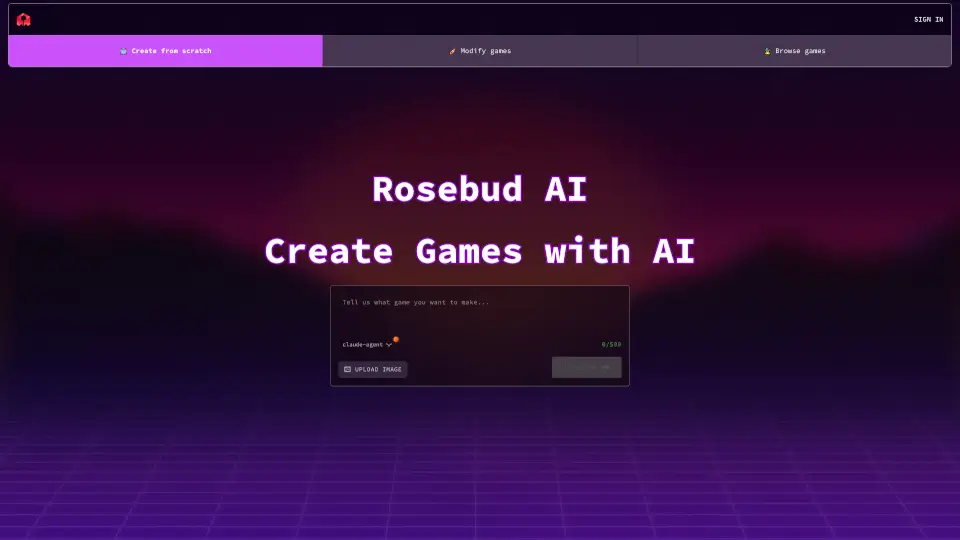
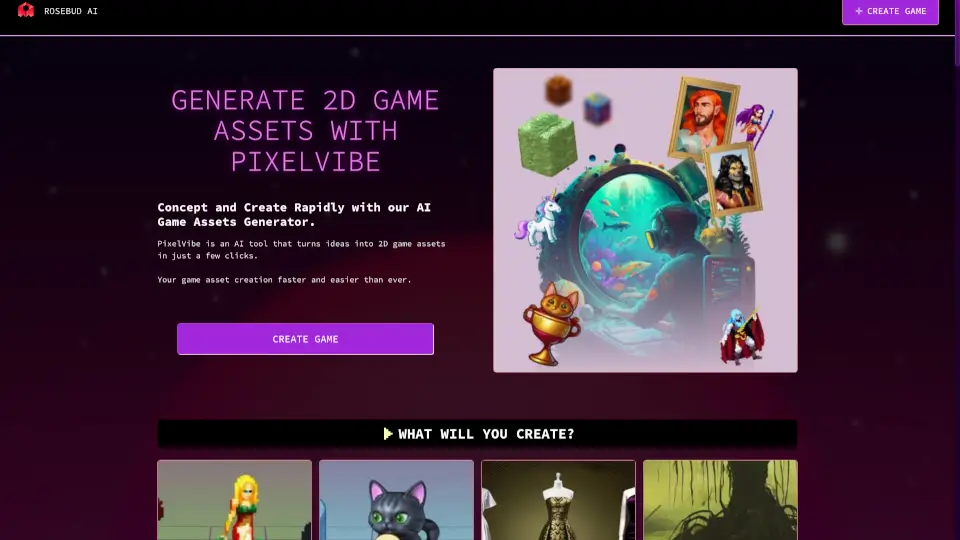
Meet Rosebud AI Game Asset Generator, a free tool that turns your ideas into ready-to-use 2D game assets in seconds. Whether you need character sprites, pixel art tilesets, isometric environments, or GUI items, just type a prompt and let the AI do the heavy lifting. No design skills required – perfect for indie devs, hobbyists, and anyone who wants to bring a game world to life fast.
What are the features of PixelVibe by Rosebud AI?
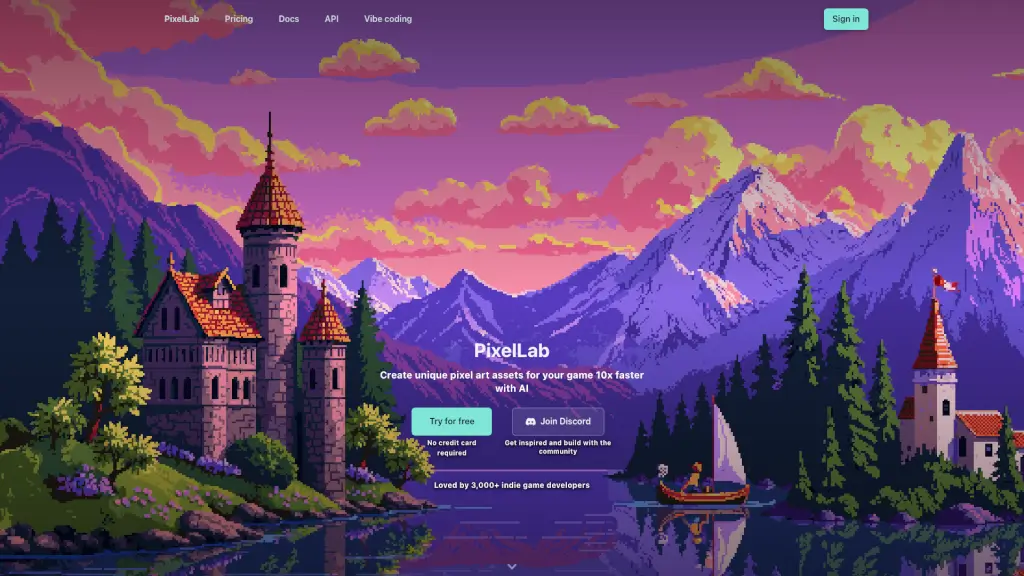
- AI-Powered Asset Generation: Describe what you want, and PixelVibe creates custom sprites, props, clothes, skyboxes, and more in any style (pixel art, cartoony, isometric).
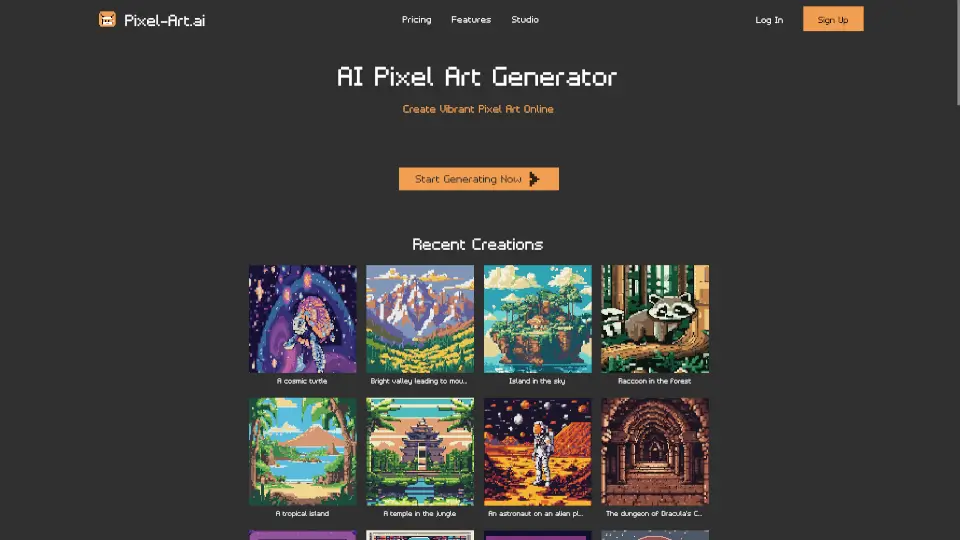
- Multiple Model Styles: Choose from specialized models for pixel art portraits, backgrounds, tiles, and even 3D assets – all integrated into one platform.
- Free Asset Packs: Download ready-made packs like “Red & Blue Tiles and Characters” or “Space Opera Assets” to kickstart your project instantly.
- No Limits on Generation: Create as many assets as your game needs – no caps, no hidden fees.
- Cross-Platform Use: Generated assets can be used in any project (games, websites, apps) – just give credit if you use free packs.
- Integrated 3D Generation: The same AI now also generates 3D game assets, making it a one-stop shop for both 2D and 3D development.
What are the use cases of PixelVibe by Rosebud AI?
- Indie Game Development: Rapidly prototype a pixel-art platformer with custom character sprites and themed tilesets.
- Visual Novel Creation: Generate character portraits, backgrounds, and GUI items to match your story’s mood.
- Web Design & Interactive Experiences: Add playful mascots, icons, or animated elements to a website or web app.
- RPG & Worldbuilding: Design isometric tile maps, elemental character portraits, and fantasy props without hiring an artist.
- Educational Projects: Teachers and students can create game assets for classroom projects or game-design exercises.
- Asset Hunting for Inspiration: Browse free packs to spark ideas or use them as placeholders during development.
How to use PixelVibe by Rosebud AI?
- Start free: Go to the PixelVibe or Rosebud AI Game Creator page and sign up (no payment needed).
- Pick a model: Choose the style that fits your project – pixel art, cartoony, isometric, or 3D.
- Type your prompt: Describe the asset you need (e.g., “a cute blue gnome character in pixel art” or “lunar stone isometric tile”).
- Generate & refine: Let the AI create your asset, then tweak the prompt or regenerate until it matches your vision.
- Download or use in-browser: Save your assets as PNG/spritesheets or integrate them directly into your Rosebud game environment.
- Clone existing games: For a faster start, clone a template game and swap in your new assets.