MagicPath logo

MagicPath

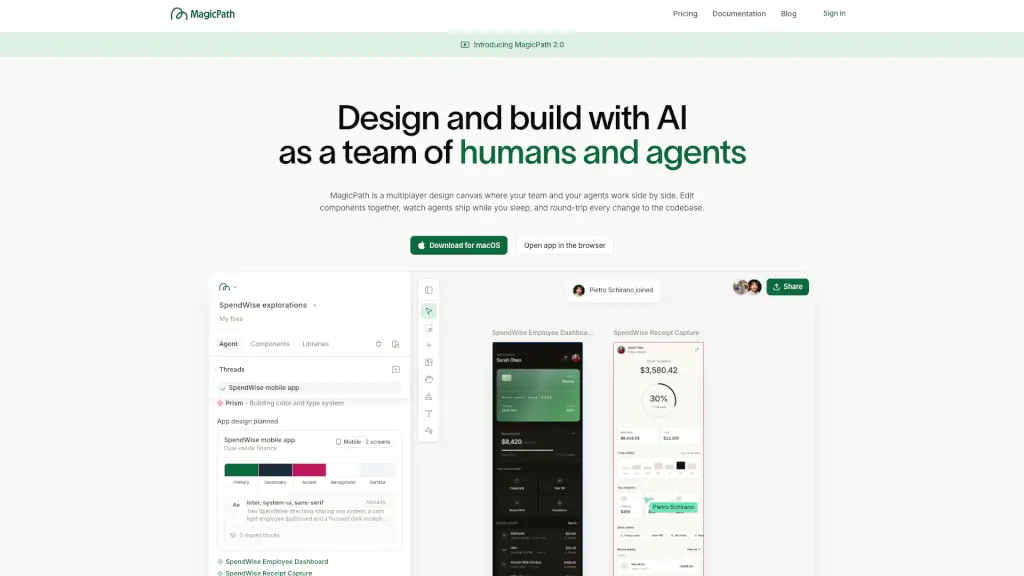
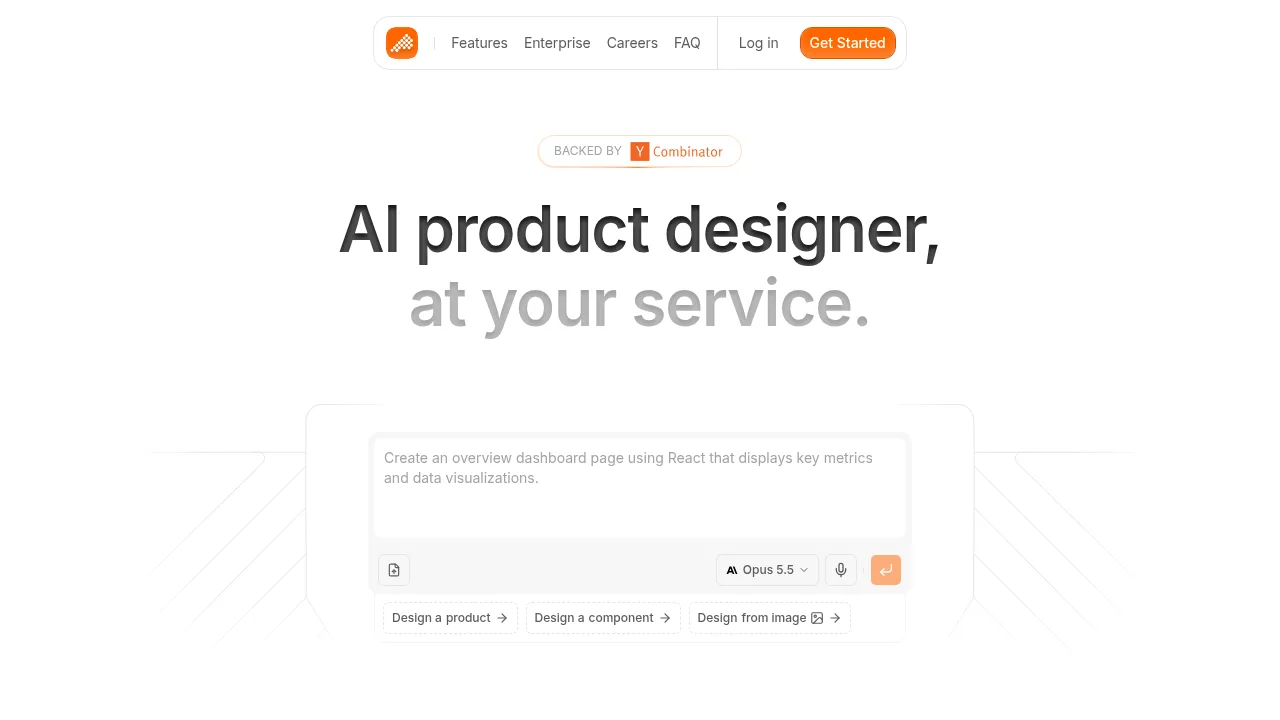
MagicPath is a collaborative design canvas where humans and AI agents build real, working products together—turning ideas into code faster.

Social Media:
MagicPath

MagicPath Product Information

What is MagicPath?

MagicPath is a shared workspace where humans and AI agents design and build together in real time. Think of it as a multiplayer canvas—your team and your AI collaborators can edit components side by side, with changes flowing seamlessly between design and code. Whether you're sketching a new feature or refining an existing one, MagicPath turns ideas into working prototypes instantly.

Unlike traditional design tools that create static mockups, MagicPath generates real, interactive React components that live in your codebase. Agents can keep working even when you’re offline—shipping updates, fixing bugs, or exploring design variations—so you come back to progress, not just pixels.

What are the features of MagicPath?

  • Multiplayer & Multi-Agent Collaboration
    Invite teammates and AI agents (like Codex, Claude Code, or Cursor) to work together on the same canvas in real time.
  • Real-Time Design-to-Code Round-Tripping
    Push designs directly into your repo as clean React code—or pull existing components into the canvas to edit visually and push back.
  • External Agent Integration
    Connect your preferred AI agents via the MagicPath skill (npx skills add https://github.com/magicpathai/agent-skills --skill magicpath) to work from anywhere—even your terminal or phone.
  • Live Task & Project Sync
    Link your Linear tasks, GitHub repos, or MCPs so agents act on real issues like “Fix login bug” or “Add billing page.”
  • Instant Shareable Prototypes
    Every design is a working web app with a unique URL—no more explaining how something should work; just share how it does work.
  • Cloud-Powered Continuity
    Your workspace lives in the cloud, so agents keep building while you sleep, travel, or take a break.

What are the use cases of MagicPath?

  • A product designer requests “three homepage variations” and watches three AI agents generate them simultaneously for team review.
  • A developer pulls a React button component from their repo into MagicPath, tweaks its padding visually, and pushes the updated code back with one click.
  • A remote team syncs Linear tickets with MagicPath—agents automatically start designing the “billing page” as soon as the task status changes to “In Progress.”
  • A founder shares a live prototype link with investors to demonstrate user flow, not just static screens.
  • An engineer asks their AI agent via Slack to “update the login modal based on Figma feedback”—the change appears in MagicPath before their next coffee break.

How to use MagicPath?

  • Start on desktop
    Visit magicpath.ai using a computer for the best experience—download the macOS app or use the browser version.
  • Create a new project
    Click “New project” and describe what you want to build (e.g., “mobile task manager with focus timer”).
  • Invite collaborators
    Add human teammates or connect external AI agents using the built-in skill installer.
  • Link your tools
    Connect your GitHub repo, Linear workspace, or other systems so agents can read tasks and write code directly.
  • Edit & iterate
    Drag, tweak, and comment on components alongside agents—every change syncs to your codebase.
  • Share instantly
    Copy the auto-generated prototype link to show stakeholders a working version, not just a picture.
Do you like this tool?

Upvote to help others discover it!

MagicPath Alternatives

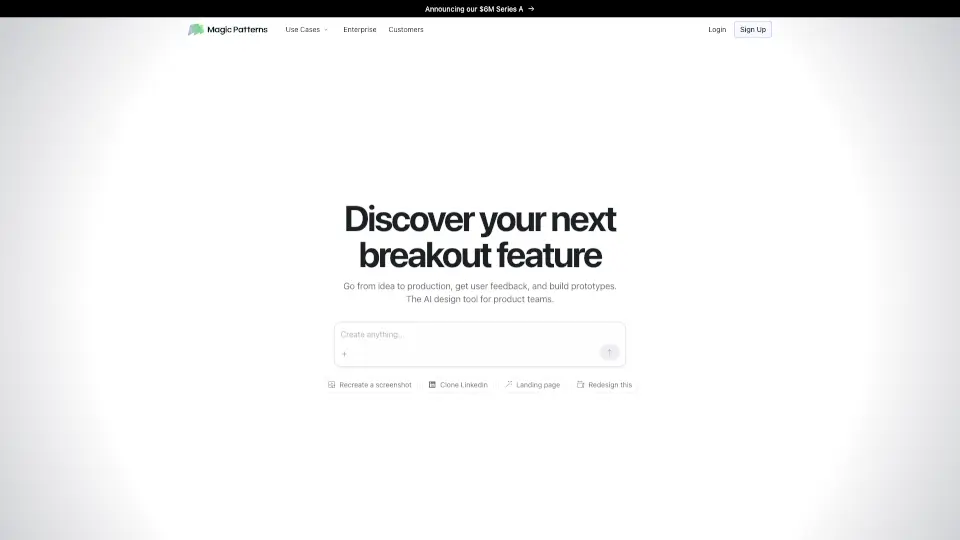
Magic Patterns

Magic Patterns

Magic Patterns is a game-changer for designers and developers, offering AI-powered tools to create, collaborate, and export designs effortlessly.

US
26.91%
214.2K
0
Polymet

Polymet

Polymet converts pages, components, and prototypes into production-ready frontend code with visual and code editing options.

GB
34.15%
2.4K
0
PureCode AI

PureCode AI

Speed up your development by 50% with PureCode AI, the first front-end ready copilot.

US
9.52%
40.7K
0
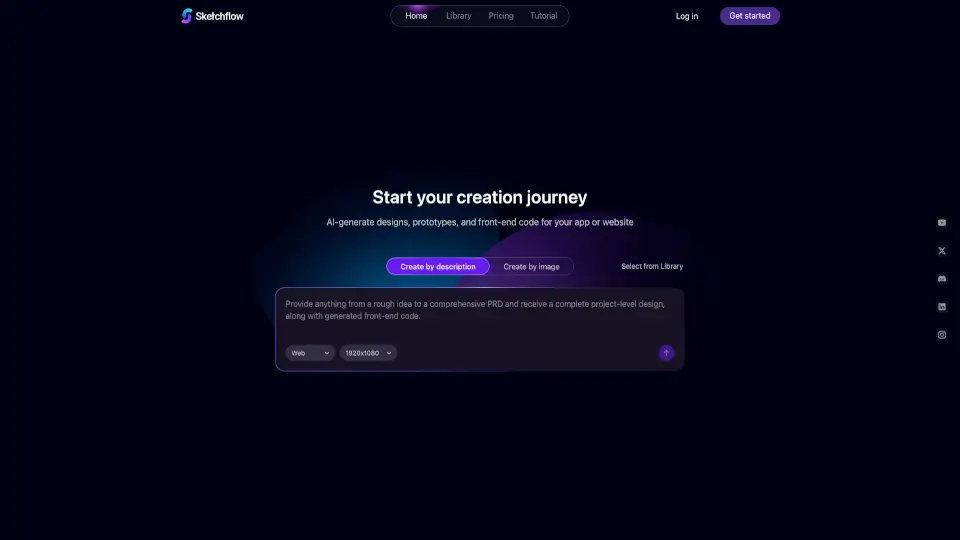
Sketchflow AI

Sketchflow AI

Sketchflow uses AI to generate designs, prototypes, and front-end code for web and mobile apps, making it easy to turn your ideas into live products in minutes.

US
20.39%
11.7K
0
Codia AI

Codia AI

Codia AI uses vision technology to reconstruct static images, PDFs, and screenshots into editable design files, presentations, and structured code.

IN
17.56%
409.8K
0
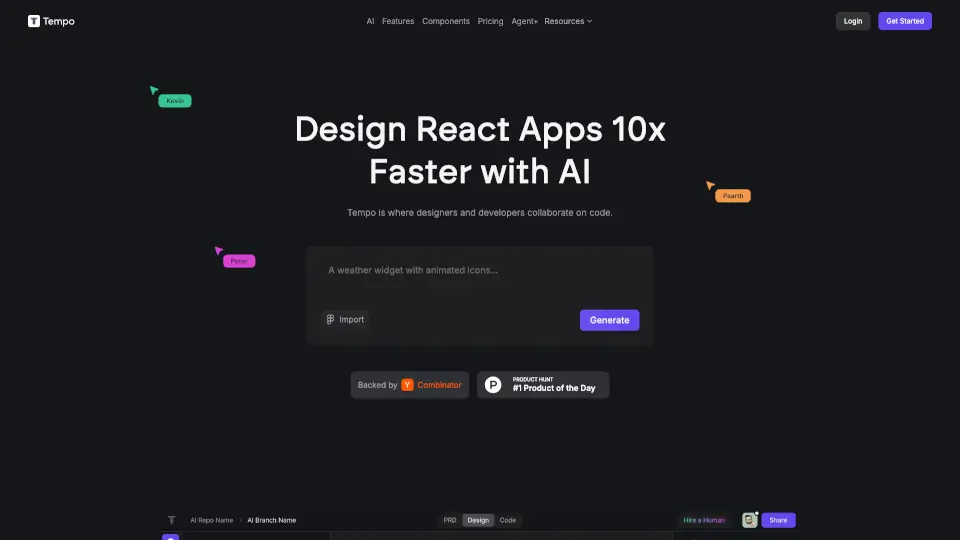
Tempo

Tempo

Tempo makes building React apps faster and easier with AI tools for design and development.

US
35.13%
25.1K
0
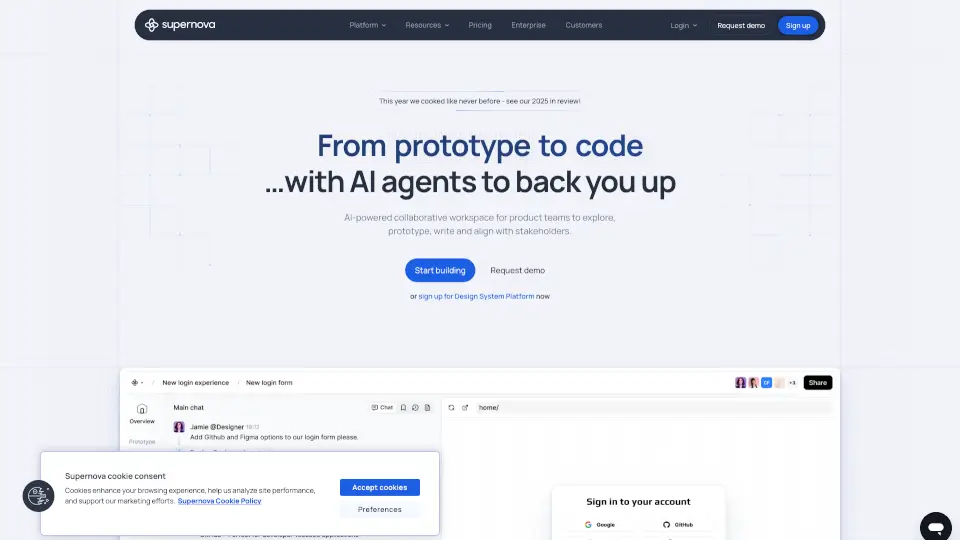
Supernova.io

Supernova.io

Supernova.io is an AI-powered platform for product teams to design, prototype, document, and manage design systems collaboratively and securely.

NG
24.57%
74.2K
0

MagicPath Related Other Categories

MagicPath Traffic Analysis

Website traffic estimates for magicpath.ai. Visits are not unique users or product usage.

💡 Insights

🌱
Emerging Tool
10K-100K monthly visits. Niche or new tool with potential unique value.
📉
Traffic Decline
Significant traffic drop recently. Check for alternatives.
👍
Good Experience
Bounce rate of 49%. Users are willing to explore features.
🎯
Strong Brand
53% direct traffic. High user loyalty.
  • Monthly Visits

    60.78K

  • Bounce Rate

    48.83%

  • Pages Per Visit

    2.36

  • Visit Duration

    00:01:11

  • Global Rank

    550724

  • Country Rank

    100897

Visits Over Time

Traffic Sources

Direct52.51%
Search Organic12.77%
Search Paid11.26%
Social Organic10.56%
Referrals6.45%
Gen Ai2.85%
Social Paid2.82%
Mail0.47%
Display Ads0.30%
Affiliate0.00%

Top Keywords

1
magicpath
CPC$8.67
5.71KTraffic
2
magic path
CPC$8.67
2.61KTraffic
3
magicpath ai
600Traffic
4
google stitch
CPC$1.09
410Traffic
5
magic patterns
CPC$2.67
300Traffic

Top Regions

RegionPercentage
United States
United States
39.59%
India
India
16.29%
Mexico
Mexico
10.15%
Italy
Italy
6.70%
Brazil
Brazil
6.17%
Low
High

Powered by SimilarWeb

MagicPath FAQ

Can I use my own AI agent (like Claude or Cursor) with MagicPath?

Yes! MagicPath supports external agents via a simple skill you install with one command: npx skills add https://github.com/magicpathai/agent-skills --skill magicpath.

Does MagicPath generate real code I can commit to my repo?

Absolutely. Every component you create or edit in MagicPath is real React code that can be pushed directly into your GitHub repository—and pulled back for future edits.

Do I need to keep the app open for agents to work?

No. MagicPath runs in the cloud, so your agents can keep designing, coding, or debugging even when you’re offline—on your phone, in your terminal, or mid-flight.

Is MagicPath just another Figma alternative?

Not at all. While Figma creates static mockups, MagicPath produces working, interactive prototypes linked to your actual codebase—blurring the line between design and development.

Can multiple people and agents work on the same file at once?

Yes! MagicPath is built as a true multiplayer canvas—you’ll see teammates and agents moving, editing, and building in real time, just like in Google Docs but for product creation.

What devices or platforms does MagicPath support?

It’s best experienced on desktop (macOS app or web browser). Mobile viewing works for prototypes, but editing requires a computer.

MagicPath Reviews

0
0 Reviews
Sign Into leave a review

Recent Reviews

No reviews yet

MagicPath Embed

Use website badges to drive community support for SeekTool.ai. They are easy to embed in your homepage or footer.

Light
Dark
MagicPath - Featured on SeekTool.aiMagicPath - Featured on SeekTool.ai
How to install?