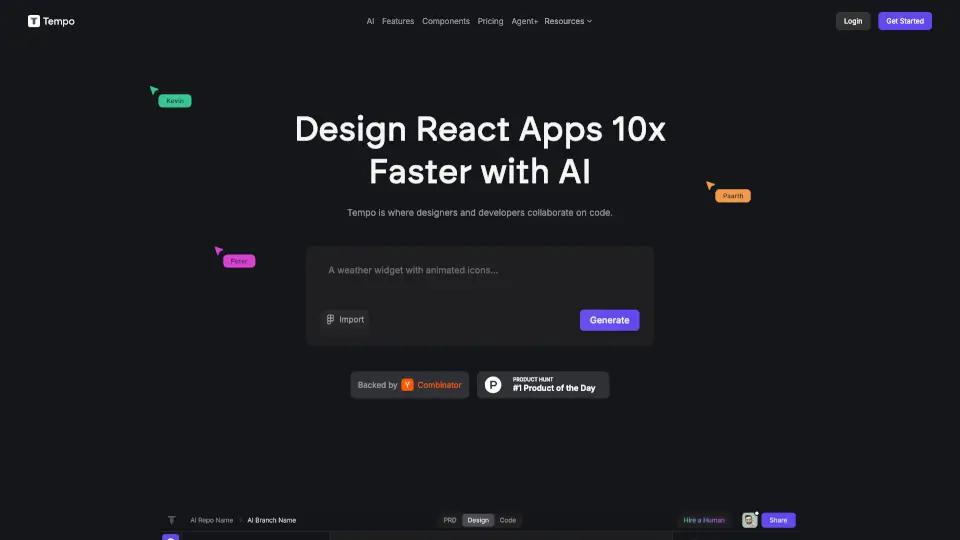
O que é Tempo?
Descubra ferramentas impulsionadas por IA na Tempo para criar, desenvolver e projetar código sem esforço. Colabore de forma fluida com soluções avançadas para um desenvolvimento web mais rápido e inteligente.
Quais são as características de Tempo?
- Design: Edite código React usando um editor de arrastar e soltar que se parece com uma ferramenta de design.
- Desenvolvimento: Funciona com qualquer base de código React, permitindo que você edite e estruture seu código como quiser.
- Componentes React: Escolha entre centenas de componentes e templates, começando com templates gratuitos da comunidade.
- Integração com GitHub: Mantenha o controle do seu código e faça o deploy em qualquer lugar.
Quais são os casos de uso de Tempo?
- Criação de Aplicativos: Use IA para gerar seu primeiro aplicativo rapidamente.
- Manutenção de Sistemas de Design: Importe seus componentes do Storybook ou gere uma biblioteca personalizada em minutos.
- Edição Visual: Polir e controlar detalhes de design usando um editor visual para componentes, layouts e estilos.
Como usar Tempo?
- Acesse a plataforma Tempo e comece a usar o editor visual para criar e editar seu código React.
- Importe seus componentes existentes ou escolha entre os templates disponíveis.
- Utilize a integração com o GitHub para gerenciar seu código e fazer o deploy.