
What is Lido?
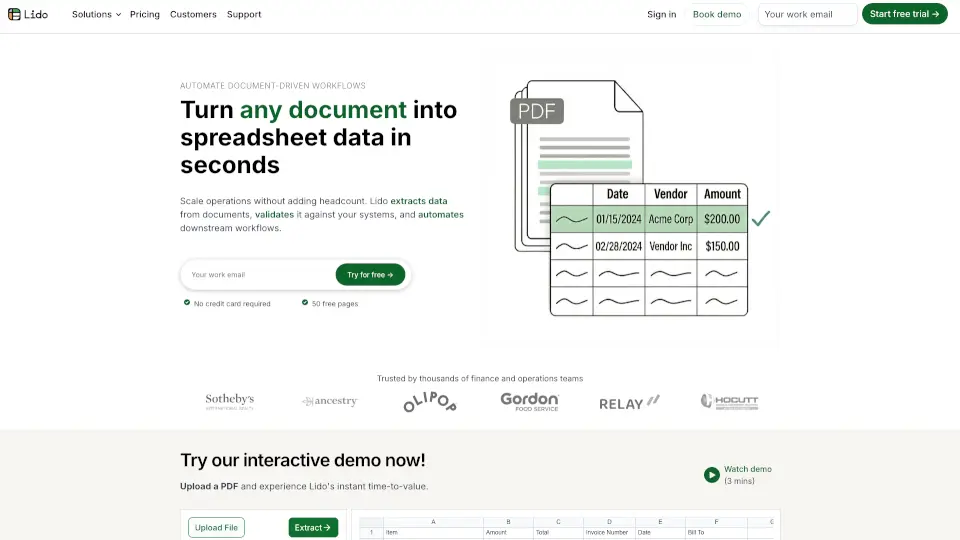
Lido is the #1 AI OCR PDF tool that makes converting PDFs and financial documents to Excel a breeze. Whether it’s scanned documents or digital files, Lido handles it all with speed and accuracy. Say goodbye to manual data entry and hello to efficiency!
What are the features of Lido?
- Fast & Accurate Conversion: Convert PDFs to Excel in seconds with 100% accuracy.
- Works with All PDFs: Handles scanned documents, digital PDFs, and even emails.
- Customizable Extraction: Define your own rules for data extraction, like formatting vendor names.
- AI-Powered Cleaning: Automatically clean and organize messy data, including number formats and transaction descriptions.
- Seamless Integration: Import from desktop, shared drives, or email, and export to Excel, Google Sheets, or QuickBooks.
What are the use cases of Lido?
- Invoices: Automate invoice processing and save hours of manual work.
- Bank Statements: Extract tables from bank statements effortlessly.
- Legal Contracts: Quickly pull key data from complex legal documents.
- Expense Reports: Clean and categorize expenses in seconds.
How to use Lido?
- Upload Your PDF: Drag and drop your file into Lido.
- Define Columns: Enter the column names for the data you want to extract.
- Add Instructions: Include any specific rules for extraction.
- Extract Data: Click "Extract" and watch Lido do the rest.
- Export: Send your data to Excel, Google Sheets, or your ERP system.