What is Jan?
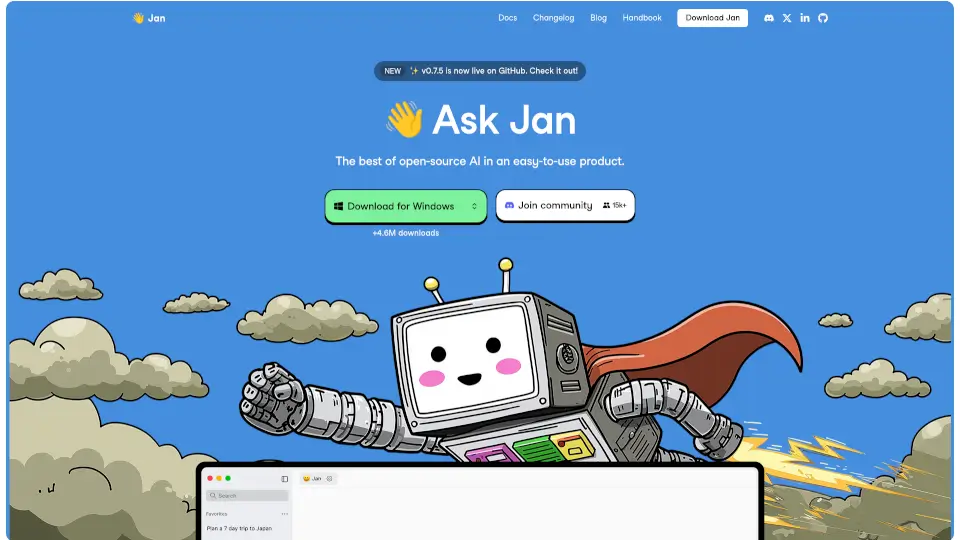
Jan is an open-source ChatGPT alternative that runs 100% offline, giving you the freedom to chat with AI without worrying about privacy. It’s designed to be local-first, meaning all your data stays on your device. Whether you’re brainstorming, learning, or just having fun, Jan makes it easy to interact with AI models like Llama3, Gemma, or Mistral right on your computer.
What are the features of Jan?
- Chat with AI: Ask questions, brainstorm ideas, and learn from AI models running locally on your device.
- Model Hub: Download and run powerful AI models like Llama3, Gemma, or Mistral directly on your computer.
- Connect to Cloud AIs: Seamlessly switch to cloud-based models like OpenAI, Groq, or Cohere when you need more power.
- Local API Server: Set up your own OpenAI-compatible API server with just one click.
- Highly Customizable: Tailor Jan to your needs with extensions, tools, and data connectors.
What are the use cases of Jan?
- Privacy-Conscious Users: Keep your conversations and data secure by running AI locally.
- Developers: Experiment with different AI models and set up local API servers for testing.
- Students & Learners: Use AI to brainstorm ideas, learn new concepts, and improve productivity.
- Tech Enthusiasts: Explore open-source AI models and customize your AI experience.
How to use Jan?
- Download Jan: Visit the official website and download the app for your operating system (Mac, Windows, or Linux).
- Choose a Model: Select from the Model Hub to download and run your preferred AI model.
- Start Chatting: Open the app and start interacting with the AI. You can switch between local and cloud models as needed.
- Customize: Add extensions or tools to enhance your experience.