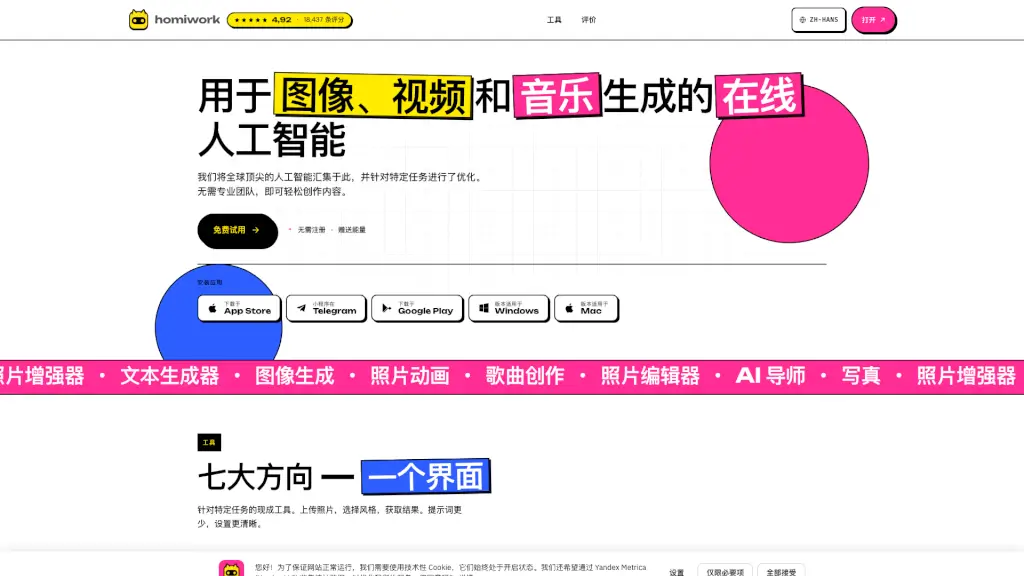
What is Homiwork?
Homiwork is an all-in-one AI platform that brings together cutting-edge neural networks for image, video, and music generation—all in your browser, no downloads required. Whether you're a freelancer, small business owner, or just someone with a creative idea, Homiwork lets you produce professional-quality content fast, without needing design skills, expensive software, or a production team.
What sets Homiwork apart is its focus on task-specific AI tools. Instead of overwhelming you with complex prompts and settings, it offers intuitive, ready-to-use features like AI photography, photo animation, song creation, and smart text editing—all accessible through one clean interface. Plus, you can start creating right away with free energy credits and no registration needed.
What are the features of Homiwork?
- AI Photography: Generate studio-quality portrait photos from a single selfie—perfect for dating profiles, LinkedIn, or social media.
- Text-to-Image Generation: Create custom images for ads, banners, logos, or avatars using simple text descriptions in your native language.
- AI Photo Editor: Edit photos by typing instructions—remove objects, swap backgrounds, or add elements without Photoshop.
- Photo Animation: Turn static photos into short animated clips for TikTok, Reels, or ads with just a text prompt.
- AI Song Creator: Generate full songs with vocals based on your lyrics or mood description—in minutes.
- AI Tutor: Get step-by-step homework help by uploading a photo of your assignment; the AI explains concepts like a real teacher.
- Smart Text Generator: Write and refine product descriptions, blog posts, emails, or ad copy with AI that adapts to your tone and purpose.
- Photo Enhancer: Restore old or blurry photos by fixing scratches, boosting resolution, and sharpening details with one click.
What are the use cases of Homiwork?
- A small e-commerce seller creates product cards and banner ads without hiring a designer.
- A student uses the AI Tutor to understand math problems by snapping a photo of their homework.
- A content creator animates a family photo for a heartfelt birthday gift video on Instagram.
- A musician drafts a custom love song using their own lyrics for a wedding proposal.
- A job seeker generates professional headshots in different styles for LinkedIn and resumes.
- A blogger writes SEO-friendly product reviews using the AI text generator in minutes.
- Someone restores faded childhood photos and shares them as high-quality prints with relatives.
How to use Homiwork?
- Visit homiwork.com and start using any tool immediately—no sign-up required for initial free trials.
- Upload a photo or type a simple text prompt describing what you want (e.g., “make me wear a suit on a beach”).
- Choose a style or preset if offered—many tools are optimized for specific outputs like “dating profile” or “product ad.”
- Click generate and wait seconds for your result; use sliders to compare before/after for enhancements.
- Download your creation or share directly to social media.
- Install the app (available on iOS, Android, Windows, and Mac) for offline access and faster workflows.