
What is Home Assistant?
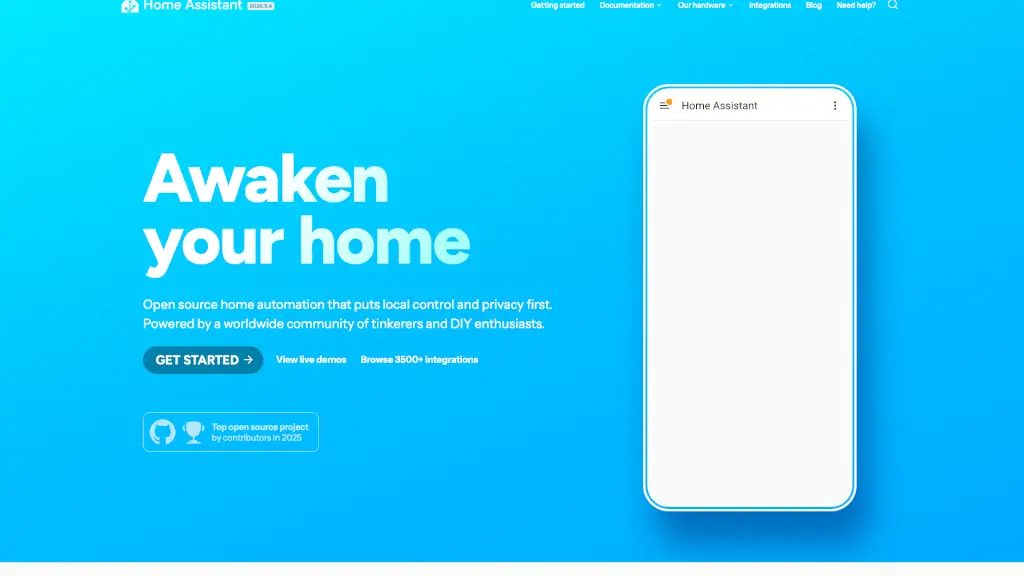
Home Assistant is open-source home automation software that puts local control and privacy first. Unlike cloud-dependent smart home platforms, it runs entirely on your own hardware—keeping your data safe at home while connecting thousands of devices from over 1000 brands. Whether you're a DIY enthusiast or just want a smarter, more private home, Home Assistant gives you full ownership without selling your data or locking you into proprietary ecosystems.
Backed by the non-profit Open Home Foundation, Home Assistant is built and maintained by a passionate global community of tinkerers, developers, and everyday users. With powerful automations, customizable dashboards, and its own private voice assistant called Assist, it turns your house into a responsive, efficient, and truly personal smart home—all without relying on the cloud.
What are the features of Home Assistant?
- Local-First Architecture: All data stays in your home; no cloud storage or third-party access.
- 3500+ Integrations: Works with devices from major brands like Philips Hue, Nest, Tesla, and many more.
- Powerful Automations: Create rules like “turn on lights at sunset” or “alert if garage door is left open.”
- Customizable Dashboards: Drag-and-drop interface to build personalized control panels for phone, tablet, or TV.
- Assist Voice Assistant: A fast, private, on-device voice assistant supporting wake words and natural language.
- Home Energy Management: Track solar production, monitor usage, and reduce bills with detailed insights.
- Companion Mobile Apps: iOS and Android apps enable remote access, presence detection, and Apple Watch support.
- Hardware Ecosystem: Official devices like Home Assistant Green, Yellow, and Connect ZBT/ZWA simplify setup.
What are the use cases of Home Assistant?
- Automatically turn on hallway lights when motion is detected after dark.
- Monitor real-time energy consumption and optimize usage around solar production.
- Use NFC tags to trigger routines—like playing morning music or arming your security system.
- Cast dashboards to any TV using Home Assistant Cast for whole-home visibility.
- Control everything via voice with Assist, without sending audio to Amazon or Google.
- Set up alerts if doors/windows are left open or if water sensors detect leaks.
- Run additional apps like AdGuard (for network-wide ad blocking) or Node-RED alongside Home Assistant.
- Ditch cloud-based assistants entirely and keep all smart home logic local and private.
How to use Home Assistant?
- Install Home Assistant on a Raspberry Pi, old PC, or official hardware like Home Assistant Green.
- Use the built-in discovery tool to automatically find and add compatible devices on your network.
- Customize your dashboard using drag-and-drop cards to display sensors, cameras, or controls.
- Create automations through the visual editor or YAML for advanced users.
- Enable Assist voice control by setting up a microphone and speaker on supported hardware.
- Install the official mobile app to enable location-based automations and receive secure notifications.