What is ForgeGUI?
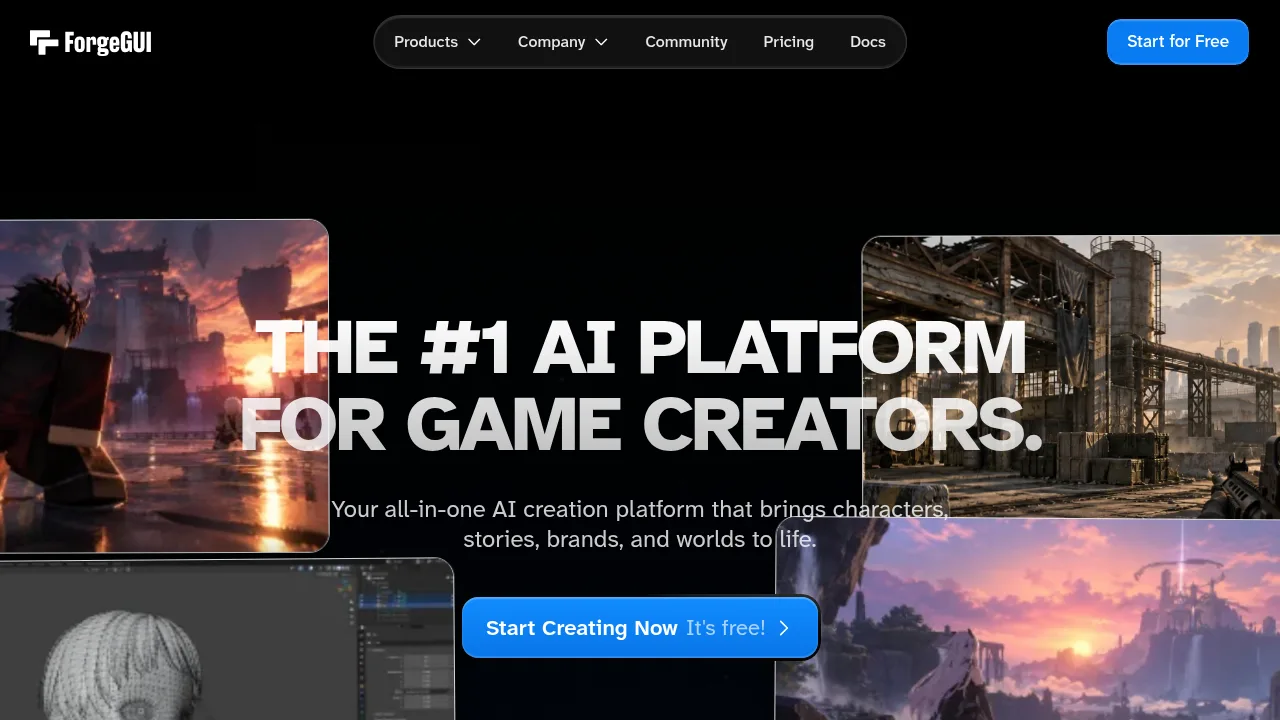
ForgeGUI is a web-based tool that generates game user interface assets, such as icons, HUD elements, and 3D models, through text prompts. It targets developers working in Roblox, Fortnite UEFN, Minecraft, Unity, and Unreal Engine. Generations made using free credits or trials may be published to the platform's public catalog unless the user opts out.
What are the features of ForgeGUI?
- Style reference matchingUploads a UI screenshot so the AI applies its colors, borders, and aesthetic across generated assets.
- Batch UI generationProduces complete sets of inventory panels, health bars, skill icons, and buttons in a single pass.
- In-tool editingAdjusts layout, colors, text overlays, borders, and padding directly within the studio without external software.
- Multi-format exportDownloads individual PNGs, bulk ZIP files, or GLB files for use in external game engines.
- Direct engine integrationBrings assets into Roblox Studio through ForgeMCP.
What are the use cases of ForgeGUI?
- Roblox or UEFN developmentGenerates export-ready GUI sets compatible with Roblox Studio or Fortnite UEFN workflows.
- Matching an existing art styleUses uploaded screenshots to produce new UI elements that share the same color palette and lighting.
How to use ForgeGUI?
- Enter a promptType a description of the desired asset, such as thumbnails, icons, or 3D models, in the web interface.
- Generate resultsWait a few seconds for the system to deliver the outputs.
- Export assetsDownload the results as PNGs, ZIPs, or GLBs, or send them to supported programs.
ForgeGUI Pricing Information:
- Free tierIncludes starter credits upon sign-up; eligible generations may be added to the public Asset Catalog after accepting the catalog notice.
- Premium plansUnlock additional credits, faster generation, and advanced features; generations are private by default unless opted in. Specific prices are not stated.