

FocuSee é o gravador de tela inteligente que transforma gravações brutas em vídeos profissionais com zoom automático, legendas e áudio aprimorado.
Melhores alternativas e concorrentes do FocuSee 2026
Uma ferramenta de Gravador de Tela IA popular com 38.2K visitas mensais. Analisamos 20 ferramentas de IA semelhantes para ajudá-lo a comparar recursos, popularidade e avaliações. Encontre a alternativa perfeita.
Comparação rápida
(Top 5 por tráfego)| Ferramenta | Visitas | Mercado principal | Crescimento | Avaliação | Análise | Descrição |
|---|---|---|---|---|---|---|
 FocuSeeAtual | 38.2K | 🇺🇸 United States16.7% | -42.1% | - | 📉Queda de tráfego Queda significativa de tráfego. Considere alternativas. | FocuSee é o gravador de tela inteligente que transforma gravações brutas em vídeos profissionais com zoom automático, legendas e áudio aprimorado. |
 Loom | 16.6M | 🇺🇸 United States43.0% | -4.5% | - | 🚀Tráfego muito alto Mais de 10M visitas mensais. Líder de mercado com confiança extremamente alta. | O Loom é uma ferramenta de gravação de tela intuitiva e segura, ideal para melhorar a comunicação e a produtividade em equipes. |
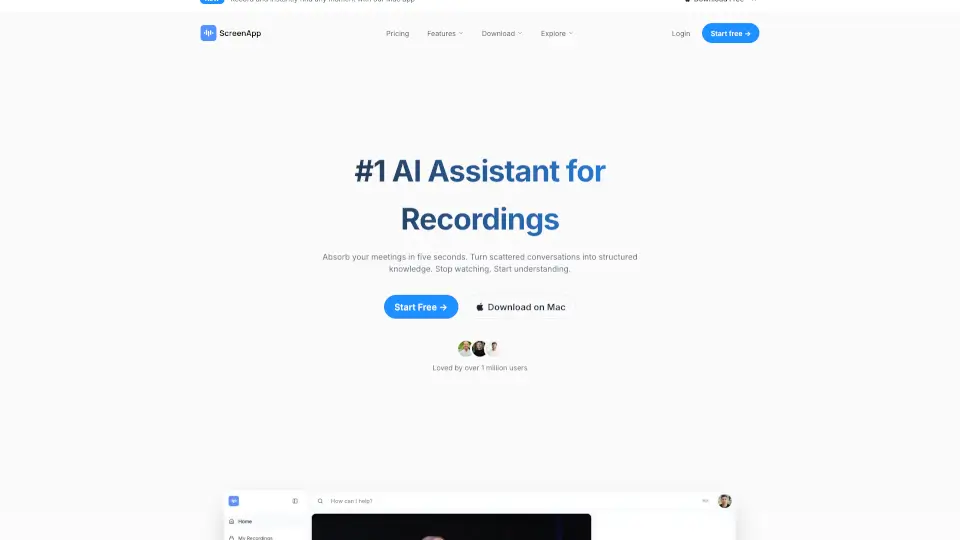
 Screenapp | 1.8M | 🇮🇳 India10.7% | +15.2% | - | 📈Alto tráfego Mais de 1M visitas mensais. Amplamente reconhecido e escolha estável. | ScreenApp é um gravador com IA que transcreve, resume e organiza automaticamente áudio e vídeo para profissionais, educadores e equipes. |
 Zight | 345.7K | 🇺🇸 United States38.8% | -12.9% | - | ⭐Escala média 100K-1M visitas mensais. Ferramenta em crescimento com desenvolvimento ativo. | O Zight é um software de gravação de tela com IA que permite capturar, editar e compartilhar vídeos, screenshots e GIFs de forma rápida, segura e produtiva. |
 Flonnect | 264.2K | 🇮🇳 India18.6% | -6.5% | - | ⭐Escala média 100K-1M visitas mensais. Ferramenta em crescimento com desenvolvimento ativo. | O Flonnect é um gravador de tela gratuito com edição por IA, perfeito para criar vídeos profissionais, tutoriais e demos interativas em minutos. |
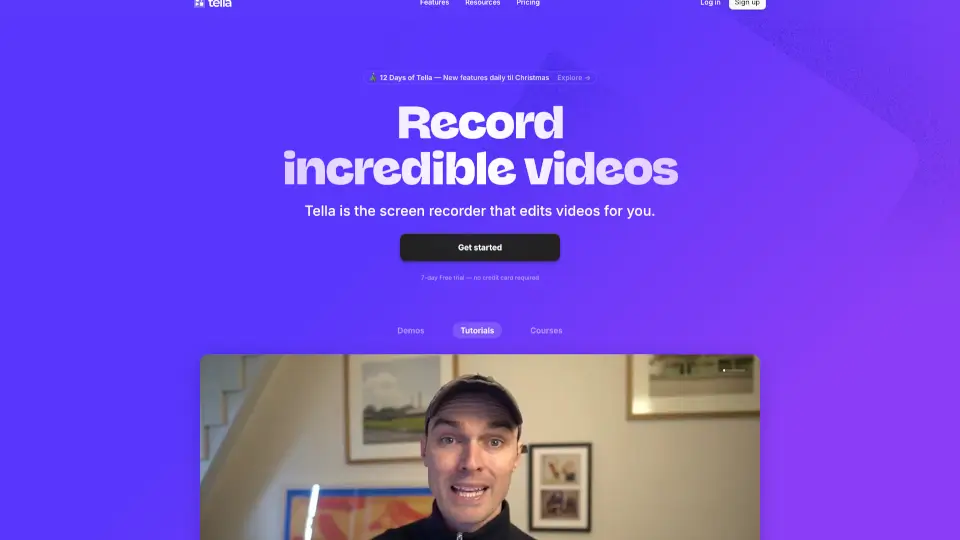
 Tella | 246.3K | 🇺🇸 United States14.0% | -5.2% | - | ⭐Escala média 100K-1M visitas mensais. Ferramenta em crescimento com desenvolvimento ativo. | Tella é o gravador de tela que simplifica a criação de vídeos profissionais, com edição por IA e exportação em 4K. Perfeito para empreendedores, criadores e equipes. |
Dados baseados em métricas de tráfego de agosto de 2026
Correspondência mais próxima
Ferramentas funcionalmente mais próximas de FocuSee, ordenadas por similaridade semântica e relevância de categoria.


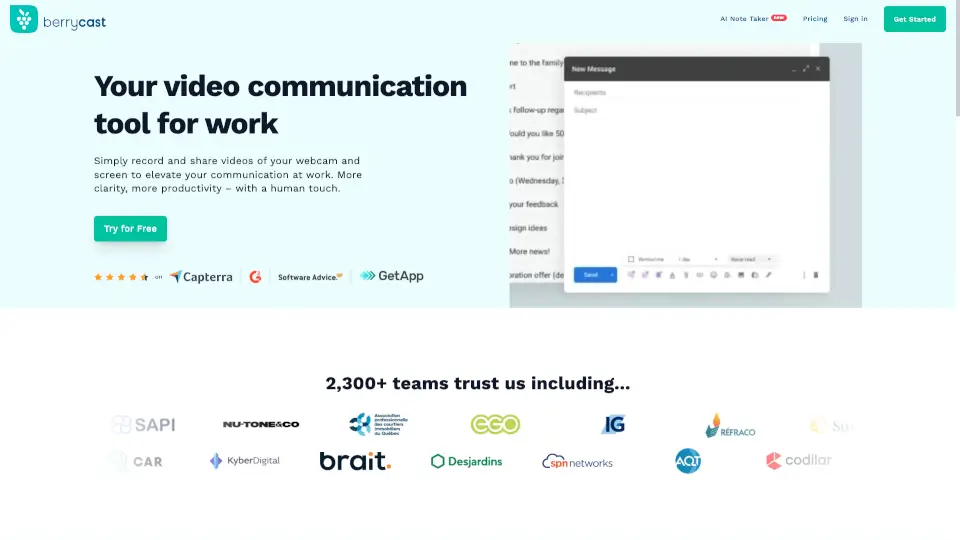


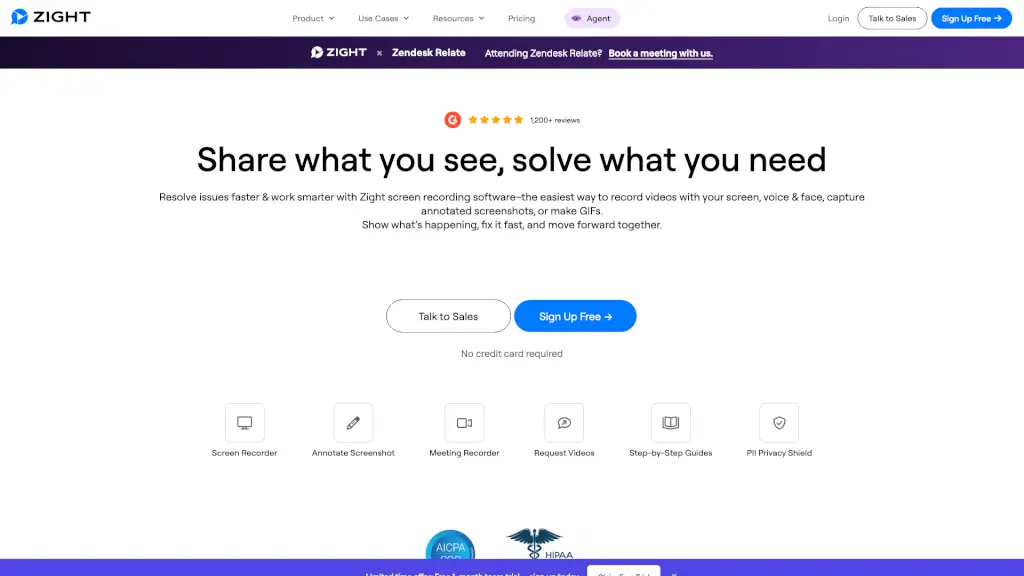
Escala de tráfego similar
Alternativas com tráfego mensal comparável a FocuSee, úteis para comparar pares em estágio de mercado semelhante.
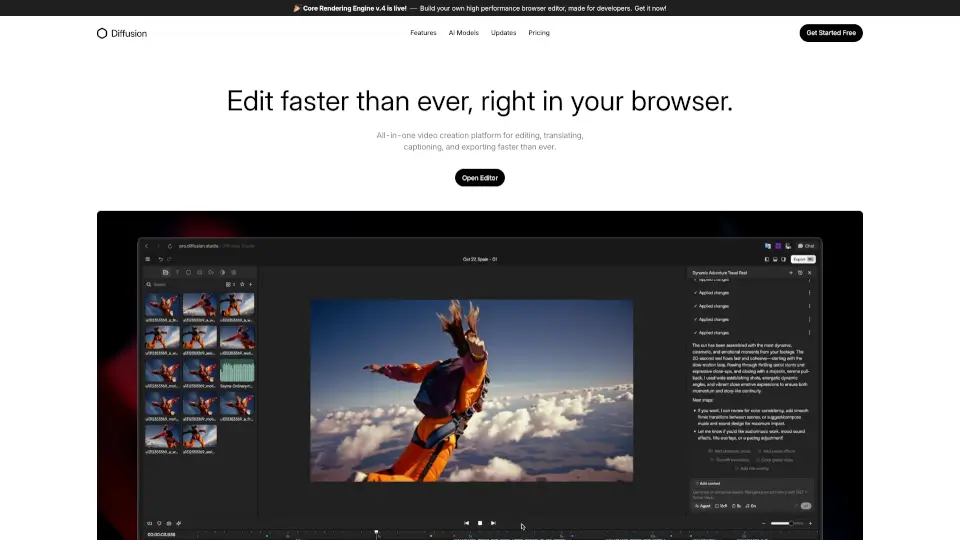

Alternativas em rápido crescimento
Ferramentas similares com crescimento recente de tráfego mais forte, destacando alternativas com impulso.



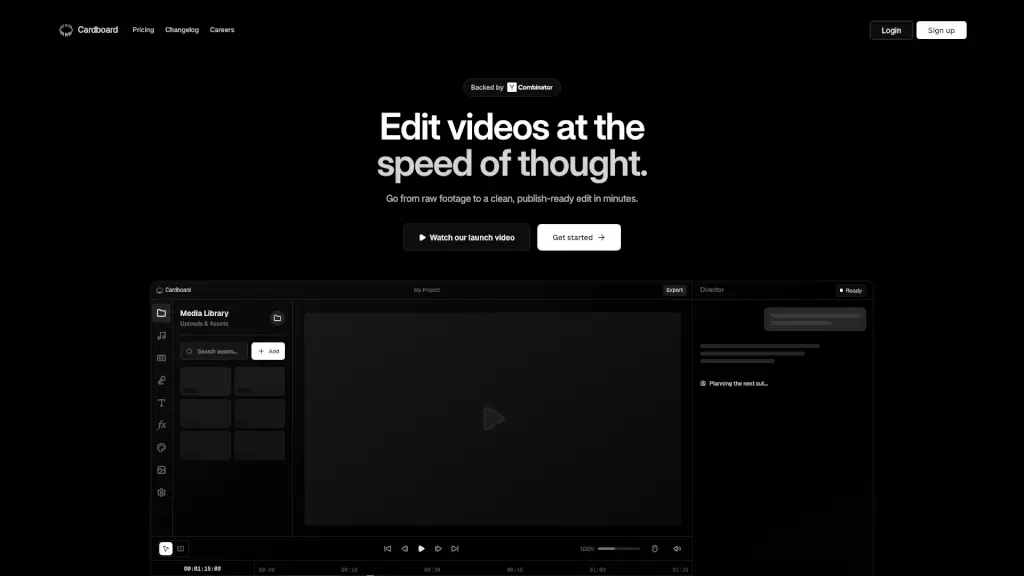

Top 20 Alternativas ao FocuSee
Ordenado por similaridade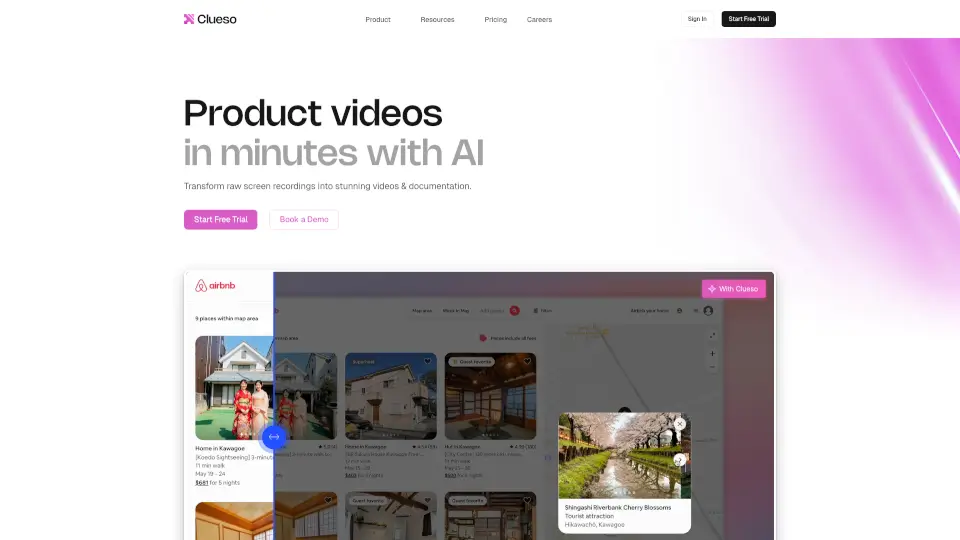


Perguntas frequentes
Como encontramos e classificamos as alternativas a FocuSee
Algoritmo semânticoDados do SimilarWebSem posicionamentos pagos
Geramos um vetor semântico (embedding) para cada ferramenta de IA em nosso banco de dados. As alternativas são encontradas primeiro limitando os candidatos a ferramentas das mesmas categorias, depois classificando pela pontuação de similaridade de cosseno. Apenas ferramentas com pontuação ≥ 0,52 passam pelo filtro, garantindo que cada recomendação seja genuinamente relevante e não apenas popular na mesma categoria.
A lista completa (até 20 ferramentas) é ordenada por similaridade semântica: as ferramentas funcionalmente mais semelhantes aparecem primeiro. A "Comparação rápida" vai um passo além: pega os melhores candidatos e os reordena por tráfego mensal, oferecendo uma visão rápida das opções mais utilizadas no momento.
A Comparação rápida tem menos vagas e adiciona um limite de tráfego além da similaridade. Uma ferramenta pode ser muito similar, mas ter menos tráfego mensal do que outros candidatos; ela permanece na lista completa, onde você ainda pode descobri-la e avaliá-la.
Visitas mensais, taxas de crescimento e distribuição regional vêm do SimilarWeb via nossa API licenciada. O SimilarWeb é o serviço de análise web padrão do setor, usado por analistas, investidores e equipes de produto em todo o mundo. O mês dos dados é exibido na parte inferior da tabela de Comparação rápida.
As relações de similaridade são recalculadas periodicamente à medida que novas ferramentas são adicionadas ao banco de dados. As métricas de tráfego são atualizadas mensalmente pelo SimilarWeb. O mês exato dos dados é sempre exibido na parte inferior da tabela de Comparação rápida para que você possa avaliar a atualidade das informações.
Não. A ordem dos resultados é determinada inteiramente pelo nosso algoritmo de similaridade e dados de tráfego de terceiros. Não vendemos posições em listas de alternativas ou tabelas de Comparação rápida. Se uma ferramenta está listada aqui, ela conquistou seu lugar pelos dados, não por orçamento publicitário.
Dados de tráfego (visitas, crescimento, mercado principal) via API licenciada do SimilarWeb · Pontuações de similaridade calculadas pelo nosso motor vetorial próprio