Elephas logo

Elephas

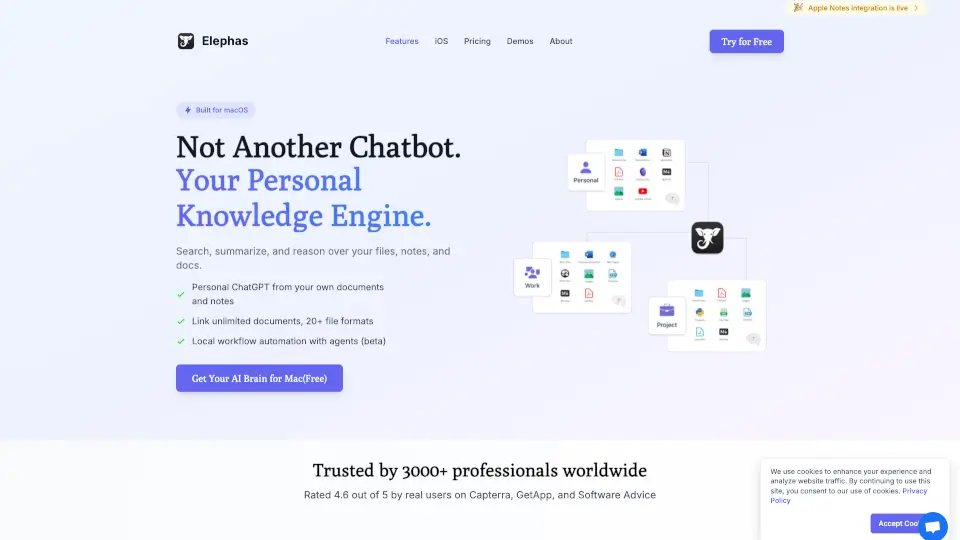
Elephas Private AI for Mac lets professionals use AI on confidential client work safely with local indexing, automatic redaction, and optional offline mode.

Social Media:
Elephas

Elephas Product Information

What is Elephas?

If you work with confidential client files—like contracts, tax documents, or legal research—you know you can’t just paste them into ChatGPT. That’s where Elephas Private AI for Mac comes in. Built specifically for lawyers, consultants, accountants, and other professionals handling sensitive data, Elephas lets you use powerful AI without risking privacy breaches.

Unlike general-purpose chatbots, Elephas keeps your documents indexed locally on your Mac, automatically redacts 28 types of sensitive information (like names, SSNs, and bank details), and gives you full control over whether AI runs offline or in the cloud. It’s designed so you never have to choose between productivity and confidentiality.

What are the features of Elephas?

  • 100% Local Indexing
    Your files stay on your Mac—never uploaded or shared.
  • Automatic PII Redaction
    Detects and masks 28 types of sensitive data before any cloud request.
  • Offline Mode
    Run AI entirely on-device with no internet needed.
  • Super Brain Workspaces
    Create project- or client-specific knowledge bases from PDFs, notes, emails, and more.
  • Super Command
    Use AI writing tools (summarize, rewrite, translate) in any Mac app with a keyboard shortcut.
  • Multi-Model Support
    Works with GPT-5, Claude, Gemini, and 15+ providers—or bring your own API key.
  • Grounded Answers with Citations
    Every response references your actual documents, not generic web info.

What are the use cases of Elephas?

  • A lawyer quickly finds key clauses in 50 client contracts without exposing privileged information.
  • An accountant summarizes audit workpapers while keeping SSNs and account numbers redacted.
  • A consultant drafts a client proposal using internal meeting notes—all processed offline during a flight.
  • A financial advisor reviews suitability memos and portfolio notes without sending data to the cloud.
  • A researcher analyzes unpublished papers and peer-review comments securely on their MacBook.
  • A solo professional uses Super Command to clean up emails in Mail or Slack while protecting client identities.

How to use Elephas?

  • Download Elephas and create a “Super Brain” for each client or project by adding PDFs, notes, or documents.
  • Toggle Offline Mode in settings if you want zero data to leave your device.
  • Use Super Command (keyboard shortcut) to summarize or rewrite text in any app—redaction happens automatically.
  • Choose your AI backend: use built-in cloud models (with zero data retention) or connect your own API key.
  • Review redacted previews in the app to confirm sensitive info stays protected before processing.
  • Sync across Apple devices using the same Apple ID for seamless access on iPhone or iPad.
Do you like this tool?

Upvote to help others discover it!

Elephas Alternatives

Flot AI

Flot AI

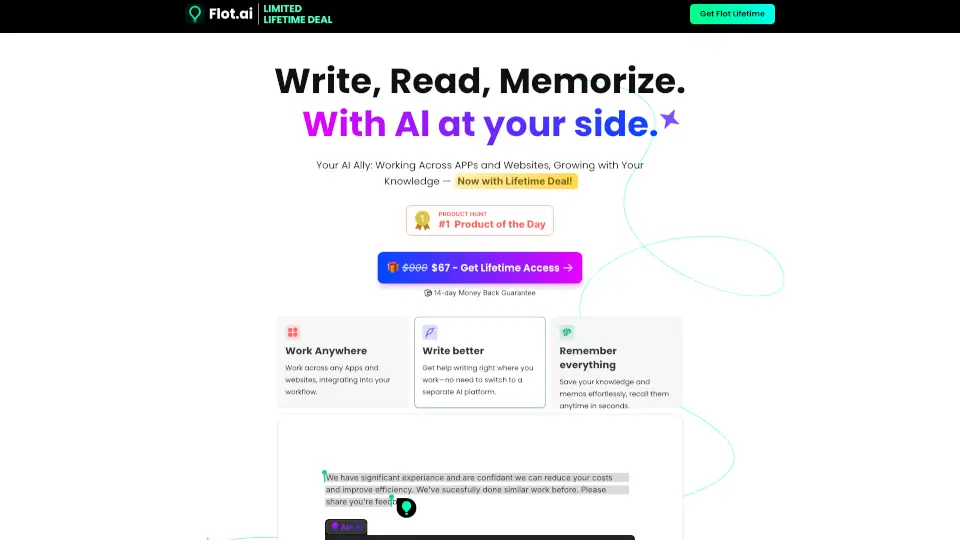
Flot.AI is a lifetime-access AI assistant that writes, reads, and memorizes with you across every app and website—boosting productivity without disrupting your workflow.

VN
52.98%
1.1K
0
Clipto

Clipto

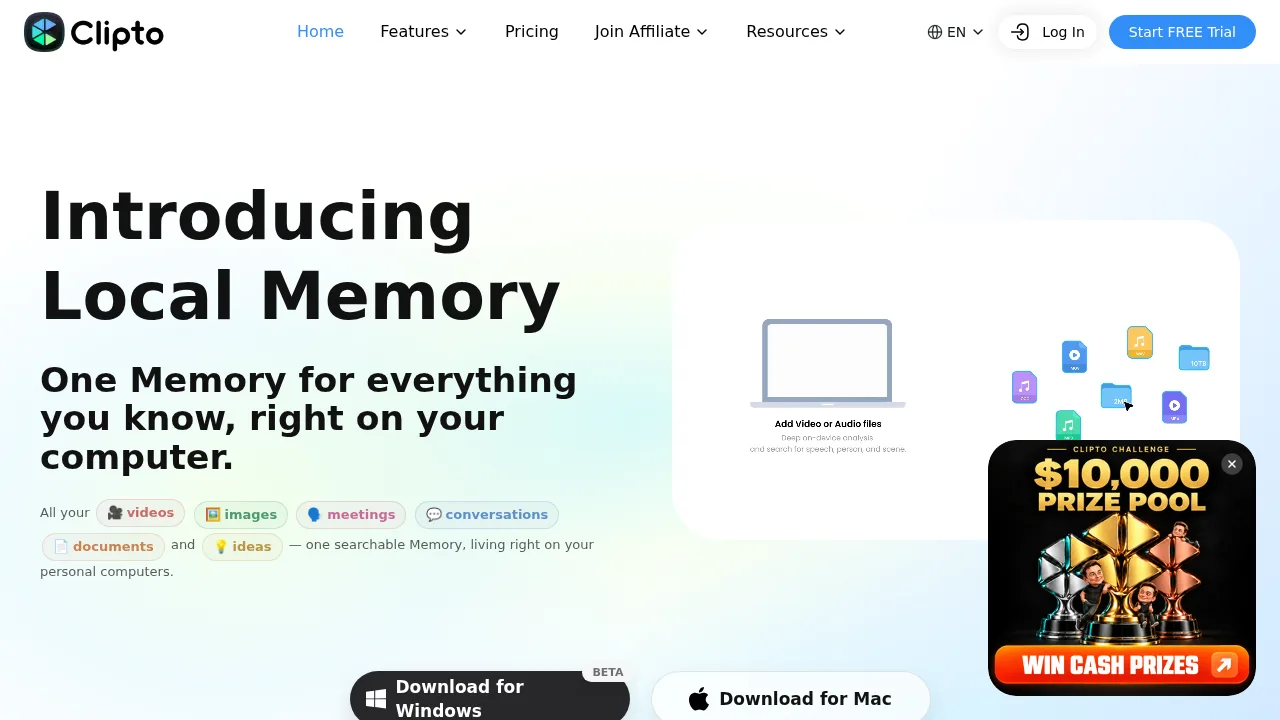
Clipto builds a searchable, local-first AI index of your media files and documents, accessible via MCP-connected tools.

US
26.32%
1.9M
0
Epsilla

Epsilla

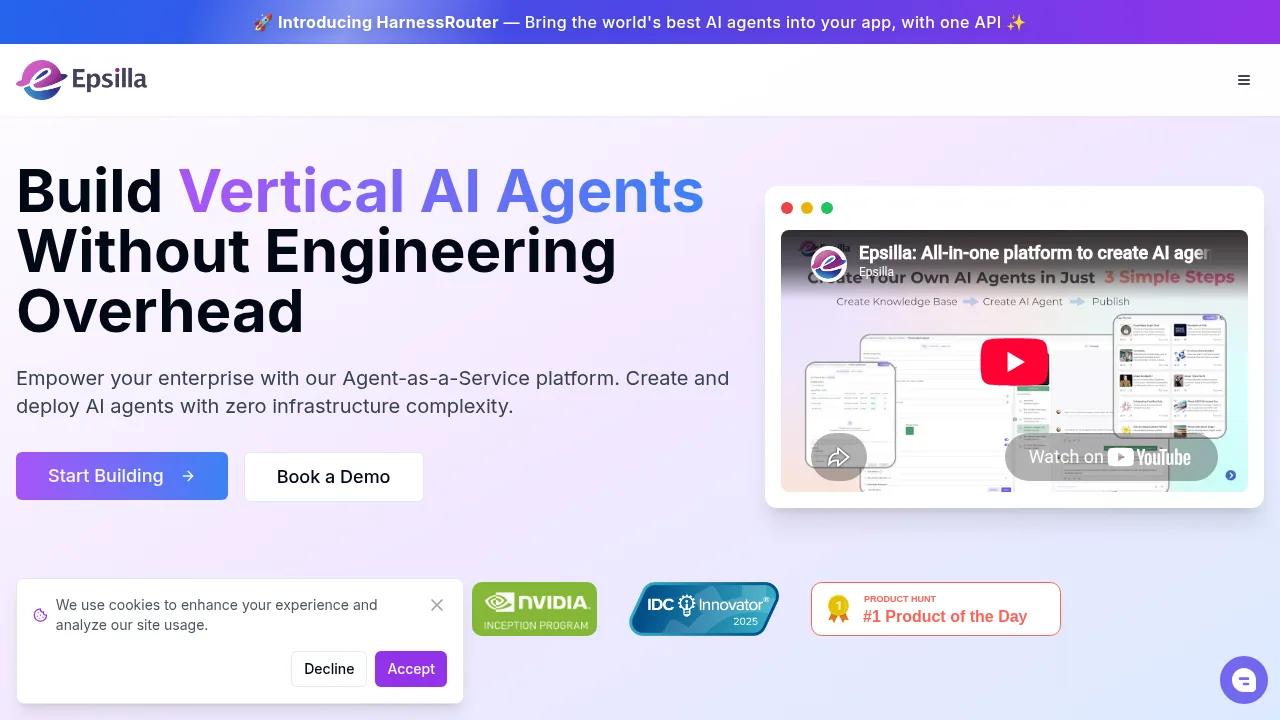
Epsilla lets teams build domain-specific AI agents by connecting private knowledge bases through a no-code interface and unified API.

US
69.34%
6.9K
0
Glean

Glean

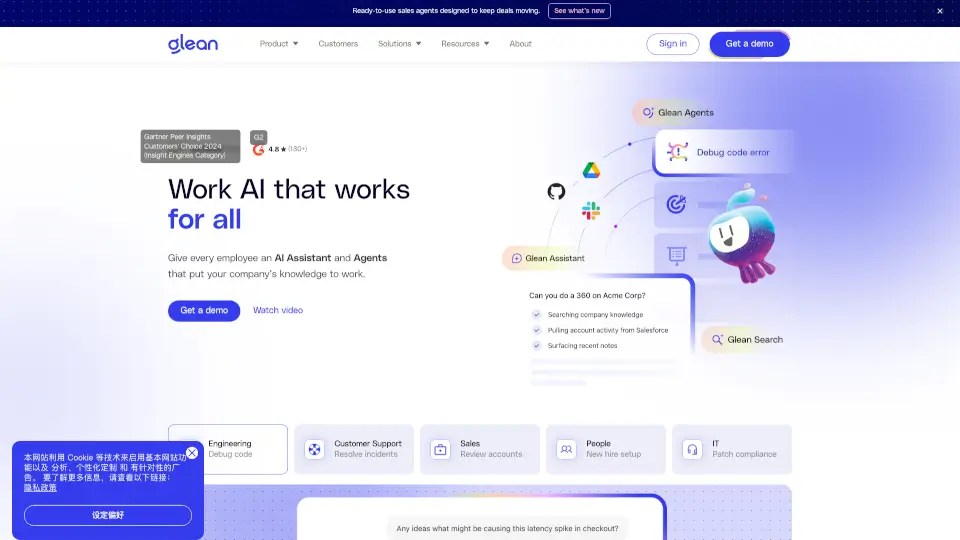
Glean is a secure, context-aware Work AI platform that helps teams find, create, and automate work using their company’s real data—saving 11 hours per week on average.

US
56.56%
3.3M
0
Personal.ai

Personal.ai

Personal AI is a powerful platform for creating AI personas that streamline workflows, enhance productivity, and ensure data security. Ideal for enterprises and SMBs, it offers customizable, privacy-first solutions for a variety of industries.

US
51.25%
26.4K
0
Powerdrill AI

Powerdrill AI

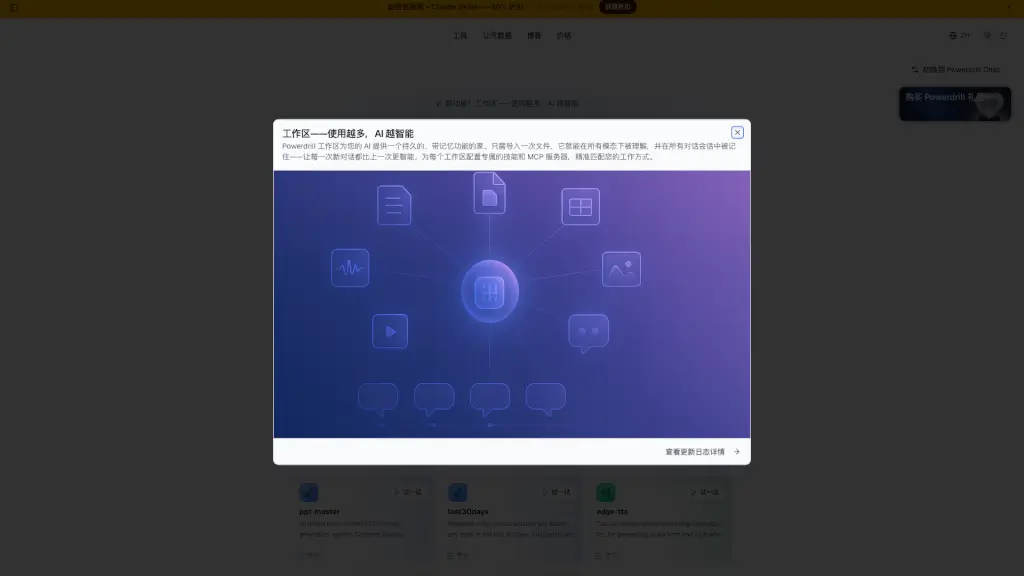
Powerdrill Bloom is a memory-equipped AI workspace that learns from every interaction to automate document, data, and presentation tasks smarter over time.

ES
12.05%
141.2K
0
FileGPT

FileGPT

FileGPT enables natural language questioning across mixed media sources including documents, audio, video, and webpages.

US
80.80%
2.9K
0
Reflect AI

Reflect AI

Reflect Notes is a minimalist, AI-powered note-taking app that mirrors your thinking through networked notes, end-to-end encryption, and seamless cross-device sync.

US
20.31%
44.6K
0

Elephas Related Other Categories

Elephas Traffic Analysis

Website traffic estimates for elephas.app. Visits are not unique users or product usage.

Data month: 2026-10

💡 Insights

🌱
10K–100K monthly visits
Estimated monthly visits exceed 10,000 and are at most 100,000.
⚠️
Slight Decline
Estimated visits decreased 14.7% from the previous month.
👍
Bounce rate below 60%
The estimated bounce rate is 40%.
🔎
Search-led traffic
Search accounts for 74% of estimated visits.
  • Monthly Visits

    76.65K

  • Bounce Rate

    39.54%

  • Pages Per Visit

    1.52

  • Visit Duration

    00:00:12

  • Global Rank

    521709

  • Country Rank

    584573

Visits Over Time

Traffic Sources

Search Organic73.64%
Direct14.76%
Referrals5.53%
Social Organic3.85%
Gen Ai2.22%
Search Paid0.00%
Social Paid0.00%
Affiliate0.00%

Top Keywords

1
notebook lm
CPC$0.79
3.07KTraffic
2
why's siri is not allowed in all devices what should i do
1.67KTraffic
3
elephas
CPC$5.54
900Traffic
4
notebooklm vs gpt projects
370Traffic
5
emudhra private key with value 4
330Traffic

Top Regions

RegionPercentage
United States
United States
17.65%
India
India
5.16%
Germany
Germany
4.86%
United Kingdom
United Kingdom
4.58%
Malaysia
Malaysia
3.16%
Low
High

Powered by SimilarWeb

Elephas FAQ

How does Elephas protect sensitive data?

All indexing happens on your Mac. Before any cloud AI call, Elephas detects and redacts 28 types of sensitive data—including names, emails, SSNs, bank accounts, passport numbers, and legal case numbers—right on your device. You also choose where AI runs: fully offline, via secure cloud with zero data retention, or using your own API key.

What does PII redaction mean in Elephas?

Elephas automatically finds and hides personally identifiable information (like names, phone numbers, addresses) and structured sensitive data (like tax IDs or medical records) before sending content to an AI model. The AI only sees the redacted version, so your real data never leaves your Mac. Elephas doesn’t train on your content, and cloud providers don’t log or store your requests.

Do I need an OpenAI account?

No. Elephas includes built-in access to top models like GPT-5 and Claude. You can start immediately without any external accounts—but you can also plug in your own API key from 15+ providers if you prefer.

Can I use Elephas without downloading a local model?

Yes. Elephas works out of the box using secure cloud AI. Local models are optional and only needed if you want fully offline operation.

What is Super Command?

Super Command lets you activate Elephas in any Mac app with a keyboard shortcut. Highlight text in Mail, Safari, Slack, or Notes, then summarize, rewrite, translate, or run custom commands—all with automatic redaction and context from your own documents.

Is there a free trial?

Yes! Download Elephas and get 7 days of Pro features free—no credit card required.

What features are missing in the Mac App Store version?

Due to Apple’s sandbox rules, the App Store version doesn’t include Super Command or any text-writing features (like inserting AI responses into other apps). For the full experience, download the direct version from the Elephas website.

Do I need the same Apple account for multi-device sync?

Yes. To sync your Super Brains and settings across Mac, iPhone, and iPad, you must use the same Apple ID on all devices.

Elephas Reviews

0
0 Reviews
Sign Into leave a review

Recent Reviews

No reviews yet

Elephas Embed

Use website badges to drive community support for SeekTool.ai. They are easy to embed in your homepage or footer.

Light
Dark
Elephas - Featured on SeekTool.aiElephas - Featured on SeekTool.ai
How to install?