What is CurseCut?
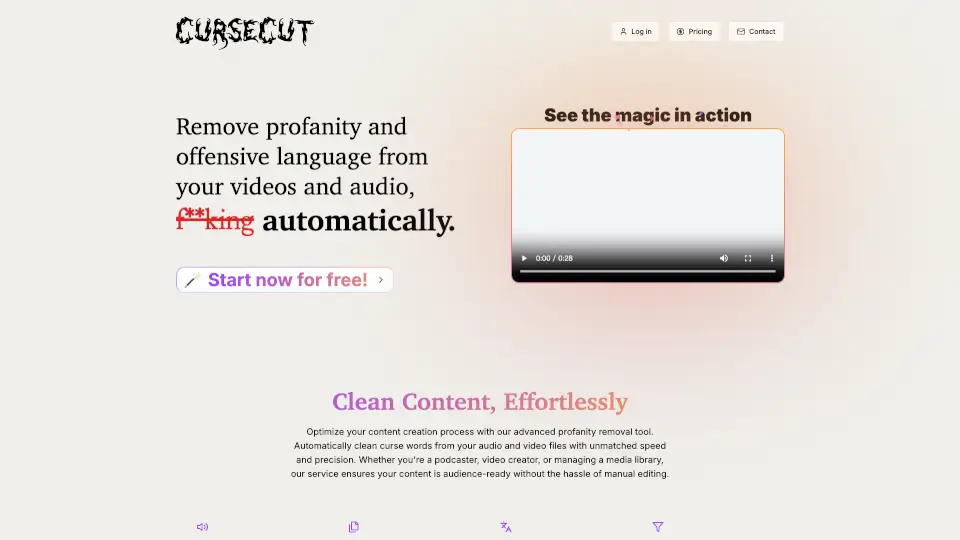
CurseCut is your go-to tool for automatically removing profanity and offensive language from video and audio files. With advanced AI, it cleans up your content quickly and accurately, making it perfect for creators who want professional, audience-friendly results without the hassle of manual editing.
What are the features of CurseCut?
- Automatic Profanity RemovalEffortlessly cleans curse words from audio and video.
- Wide Format SupportWorks with MP3, WAV, MP4, AVI, MOV, and more.
- Batch ProcessingClean multiple files at once—great for series or collections.
- Multi-language FilteringDetects and censors profanity in over 30 languages.
- Customizable Word FilteringChoose specific words or phrases to censor.
- Precision Censorship ControlAdjust how much of each word gets muted.
- Versatile Bleeping MethodsOptions include beep tones, silence, custom sounds, or audio reversal.
- Local Processing for PrivacyAll editing happens on your device—your files stay private.
- Free Unlimited ReprocessingRefine your content as many times as you want, for free.
What are the use cases of CurseCut?
- PodcastersClean up interviews and episodes for wider audiences.
- YouTubers & VloggersMake videos advertiser-friendly and suitable for all ages.
- LivestreamersArchive streams without worrying about slip-ups.
- Media ManagersProcess large libraries quickly and efficiently.
- Multilingual CreatorsCensor content in multiple languages with ease.
How to use CurseCut?
- Upload your audio or video file (up to 2GB).
- Select your preferred language or let CurseCut detect it automatically.
- Choose your censorship style (beep, silence, custom sound, reversal).
- Define any custom words or phrases you want censored.
- Start processing—batch multiple files if needed.
- Download your clean, audience-ready content.