
What is Codiga?
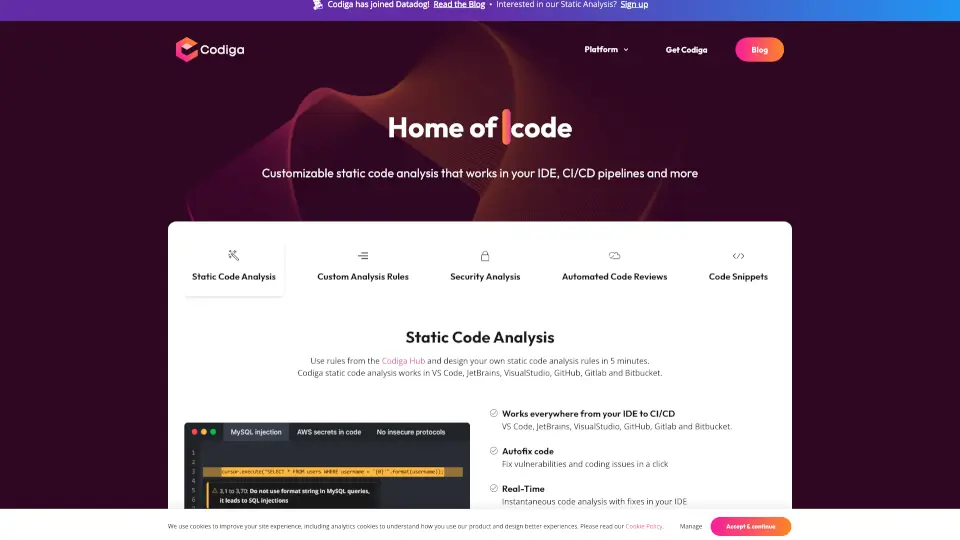
Codiga is your go-to tool for real-time static code analysis that works seamlessly across popular platforms like VS Code, JetBrains, GitHub, and more. It helps you catch coding issues, fix vulnerabilities, and improve code quality instantly, whether you're working in your IDE or pushing code to your repository.
What are the features of Codiga?
- Customizable Static Code Analysis: Create your own rules in minutes and share them with your team.
- Security-Focused Analysis: Covers OWASP 10, MITRE CWE, and SANS/CWE Top 25 to keep your code secure.
- Automated Code Reviews: Get feedback in seconds, not hours, with support for 12+ languages.
- Code Snippets Hub: Access and share smart code snippets directly from your IDE.
- Real-Time Fixes: Instantly detect and fix vulnerabilities as you code.
What are the use cases of Codiga?
- Developers: Improve code quality and security while coding in your favorite IDE.
- Teams: Share custom rules and snippets to maintain consistent coding standards.
- DevOps: Integrate static analysis into CI/CD pipelines to ensure safe deployments.
- Security Engineers: Detect and fix vulnerabilities before they reach production.
How to use Codiga?
- Install Codiga in your IDE or integrate it with your GitHub, GitLab, or Bitbucket repository.
- Write Code: Codiga will analyze your code in real-time and suggest fixes.
- Customize Rules: Create your own analysis rules in the Codiga Hub.
- Review Code: Get instant feedback on pull requests and merge with confidence.
- Deploy Safely: Ensure your code meets quality standards before it goes live.