What is Animaker ai?
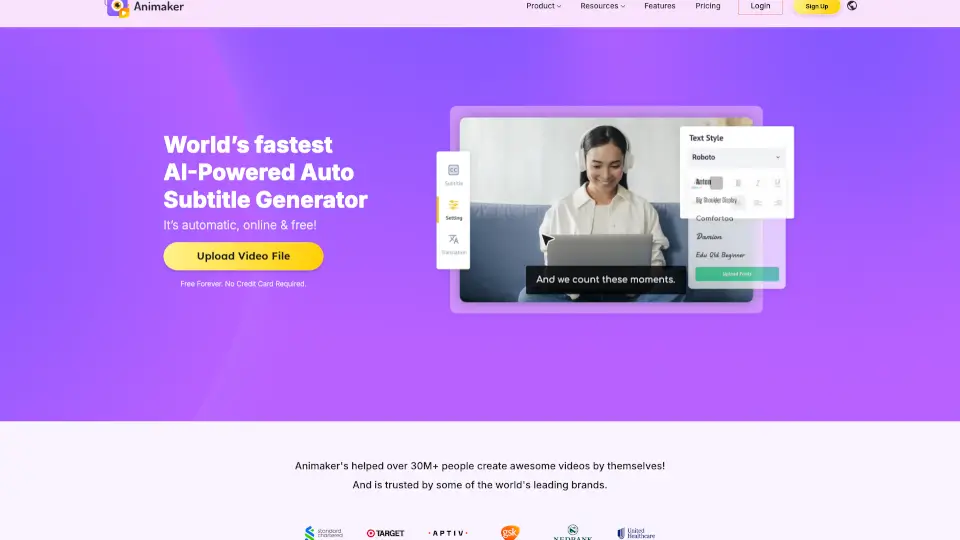
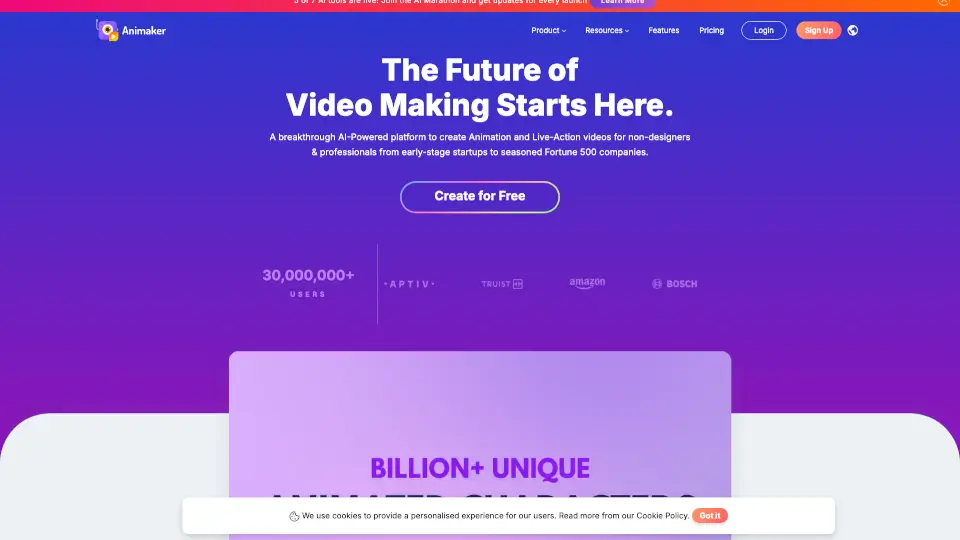
Animaker is an AI-powered online animation maker for beginners and professionals who need to create studio-quality animated videos quickly. It combines a text-to-animation generator, a custom character builder, and a library of over 100 million stock media assets, 70,000 icons, and 30,000 music tracks. Trusted by more than 35 million users and Fortune 500 teams, Animaker is built for marketing, training, explainer, and onboarding videos. Users can start with a free plan and upgrade to access advanced features like AI voiceovers, 4K exports, and live collaboration.
What are the features of Animaker ai?
- AI Text-to-Animation: Enter a text prompt and let AI generate a full animated video with characters, props, and voiceovers – ideal for rapid prototyping.
- Custom Character Builder: Build billions of unique animated characters by adjusting body parts, outfits, and expressions to match your brand.
- Massive Asset Library: Access 100M+ stock media, 70K+ icons, and 30K+ music tracks and stickers without leaving the editor.
- 1000s of Video Templates: Choose from pre-built templates for explainer, promo, birthday, educational, and other video types to create videos in under five minutes.
- 25+ Video Editing Tools: Includes trimming, cropping, green screen editor, and video effects controller for fine-tuning your final video.
- AI Voiceover Generator: Convert text to natural-sounding voiceovers in 180+ languages and accents, automatically synced to your scenes.
What are the use cases of Animaker ai?
- L&D Course Creators: Create animated training videos that simplify complex concepts, increasing course engagement and learner retention.
- HR Teams: Produce onboarding, orientation, and compliance videos quickly without relying on external video production teams.
- Marketing & Sales Professionals: Generate explainer, promo, and product demo videos to attract leads and boost conversion rates.
- Internal Communications: Craft animated company updates, policy guides, and culture videos to keep employees aligned and informed.
- Personal Use: Make birthday wishes, wedding invitations, resume videos, or social media content using easy-to-follow templates.
How to use Animaker ai?
- Sign up for a free account on Animaker’s website and log in to the dashboard.
- Enter your video idea as a text prompt in the AI animation generator to produce a first draft.
- Review the generated video and use the Advanced Edit tool to refine characters, scenes, and voiceovers.
- Add finishing touches using the 25+ video editing tools, such as trimming, transitions, or green screen effects.
- Export your final video in your preferred resolution (up to 4K) and share or download it.