
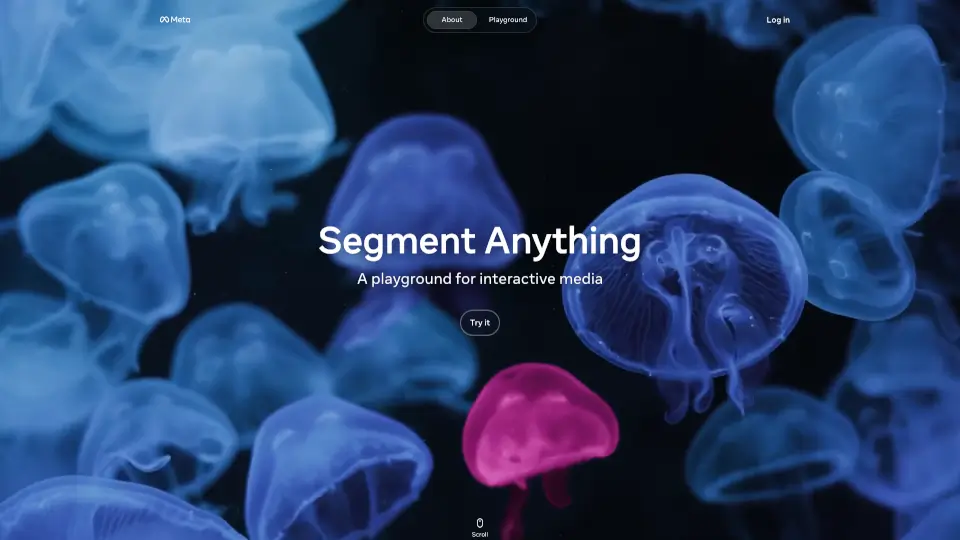
What is Segment Anything Model (SAM)?
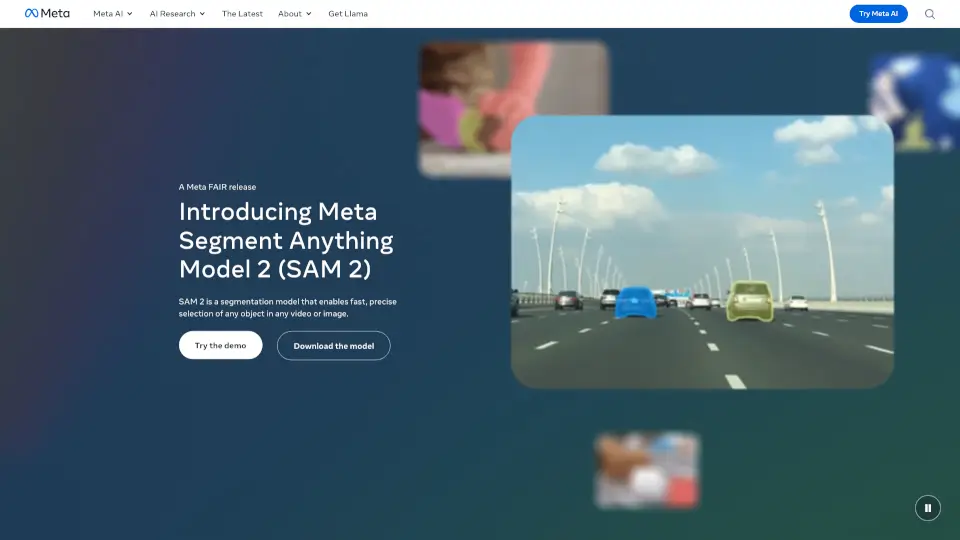
Welcome to the Meta AI Demos Playground, a super cool and interactive space where you can do amazing things with images and videos! Whether you're a student, a creative, or just someone who loves to play around with media, this platform is for you. With the power of Meta's advanced AI, you can instantly isolate, edit, and experiment with any part of your media. It's like having a magic wand that lets you transform your photos and videos in ways you never thought possible.
What are the features of Segment Anything Model (SAM)?
- Instant Object Detection: Just type a phrase, and the model finds every matching object across your media.
- One-Click Effects: Experiment with effects like blurring, cloning, and more with just a single click.
- Reusable Templates: Save, download, and share your creations with the community.
- Count Objects: Easily count objects in your media, making it perfect for all sorts of projects.
- Create Motion Trails: Add dynamic motion trails to track moving objects and make your videos more engaging.
- Desaturate Backgrounds: Focus on the subject by desaturating the background, giving your media a professional look.
What are the use cases of Segment Anything Model (SAM)?
- Everyday Editing: Quickly edit your photos and videos for social media or personal projects.
- Creative Projects: Use the playground to create unique and eye-catching content for your portfolio.
- Educational Purposes: Count objects, create motion trails, and more for school projects or presentations.
- Just for Fun: Play around with fun effects like cloning and contour lines to see what you can come up with.
- Professional Work: Save time and effort by using advanced tools to enhance your media for work projects.
How to use Segment Anything Model (SAM)?
- Upload Your Media: Start by uploading the image or video you want to edit.
- Type a Phrase: Enter a phrase to detect and isolate specific objects in your media.
- Apply Effects: Choose from a variety of one-click effects to transform your media.
- Save and Share: Save your edited media and share it with the community or download it for your own use.
- Explore Community Ideas: Get inspired by other users' creations and use them as a starting point for your own projects.