
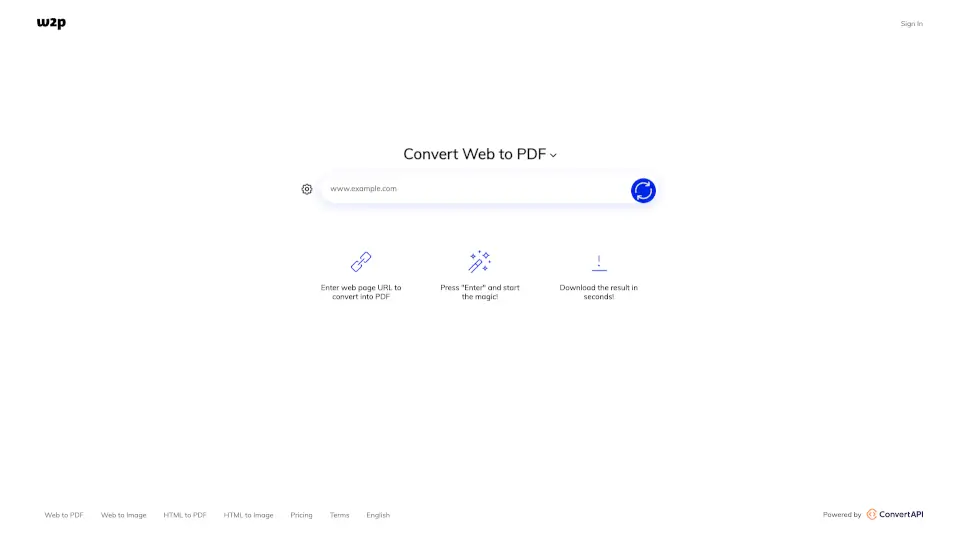
O que é Web2PDFConvert?
Convert Web Page to PDF for Free Online
Need to convert a web page to PDF? Our #1 Web to PDF Converter makes it easy! With just a few clicks, you can turn any webpage into a PDF file. It’s fast, free, and super simple to use. Whether you're saving an article, a receipt, or any other content, this tool has got you covered.
Quais são as características de Web2PDFConvert?
- Unlimited Conversions with Subscription: Upgrade your plan to convert as many web pages as you want.
- Delay Before Conversion: Let the page load fully before converting.
- Customization Options:
- Page Size: Choose from A0 to A9, B0 to B5, Letter, Legal, and Ledger sizes.
- Orientation: Select between portrait and landscape.
- Margins: Adjust top, right, bottom, and left margins in millimeters.
- JavaScript and Cookies: Disable JavaScript or block cookie consent dialogs for smoother conversion.
- Lazy Loading: Load images and content fully before converting.
- Hide Background: Remove the webpage’s background for a cleaner PDF.
Quais são os casos de uso de Web2PDFConvert?
- Save Articles: Convert blog posts or news articles to PDF for offline reading.
- Backup Content: Save important web pages as PDFs for future reference.
- Share Content: Convert web pages to PDF for easy sharing via email or cloud storage.
- Print Friendly: Turn web pages into PDFs for printing without formatting issues.
Como usar Web2PDFConvert?
- Enter the URL: Paste the web page link into the converter.
- Customize Settings: Adjust page size, orientation, margins, and other options as needed.
- Start Conversion: Click "Enter" to begin the process.
- Download or Save: Once converted, download the PDF or save it directly to Dropbox or Google Drive.