What is Zoer AI?
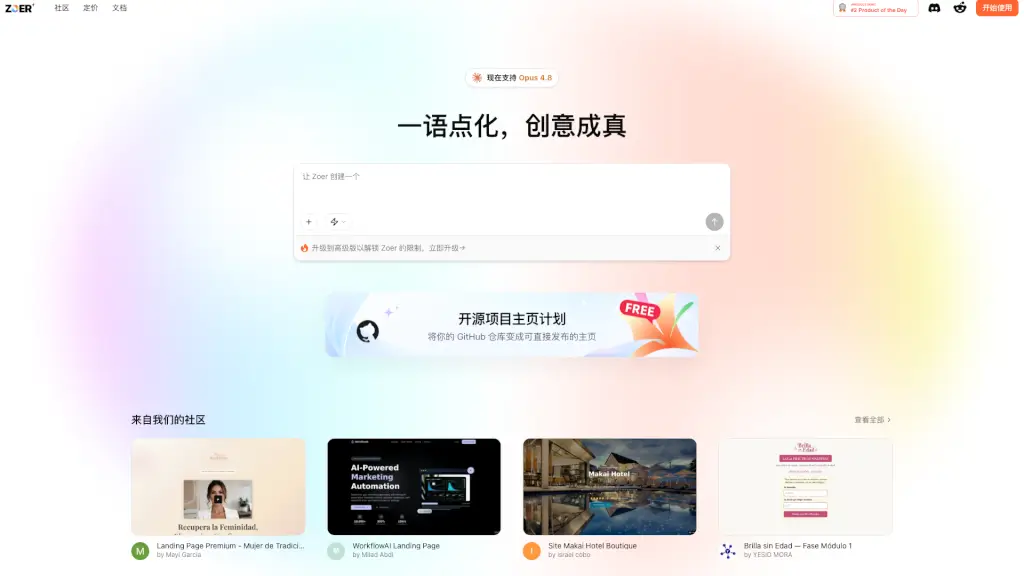
Zoer is an AI-powered application builder that turns your ideas into fully functional web apps in minutes. Whether you have a database schema or just a concept, Zoer generates a complete, deployable application — from the frontend UI to the backend logic. It’s designed for developers, product managers, and non-technical creators who want to skip the repetitive setup and go straight to building something real.
What are the features of Zoer AI?
- Database-Driven App Generation: Connect your database schema (or describe it) and Zoer automatically creates a working web application with CRUD operations, dashboards, and forms.
- AI Copilot for Coding: Use natural language prompts to modify, extend, or debug your app. No need to hunt through files — just tell Zoer what you want.
- Built-in Authentication & Payments: Pre-integrated Stripe and user authentication let you add logins and monetization without extra work.
- One-Click Community Publishing: Share your app publicly on the Zoer community for feedback, exposure, or collaboration.
- Full Code Export: Download the entire project source code at any time — you own every line.
- Custom Domain Support: Launch your app on a custom domain for a professional, branded experience.
What are the use cases of Zoer AI?
- Build a personal portfolio or landing page with dynamic content and a contact form — no coding required.
- Create an internal business tool like an inventory tracker, expense manager, or CRM based on your company’s database.
- Prototype a SaaS dashboard with real data, user accounts, and payment integration in a single afternoon.
- Launch a real-time chat app or messaging MVP using Zoer’s backend scaffolding and database engine.
- Develop an educational platform for kids or adults — complete with lessons, quizzes, and progress tracking.
How to use Zoer AI?
- Start with a schema or a prompt: Describe your app idea in plain English, or upload/connect your database schema. Zoer generates the initial application automatically.
- Refine with the AI Copilot: Use the built-in chat to tweak the UI, adjust logic, or add new features. Ask for changes like “add a dark mode toggle” or “show sales data as a bar chart.”
- Integrate payments & authentication: Enable Stripe for subscriptions or one-time payments, and turn on user sign-in with just a few clicks.
- Preview and publish: Test your app in the live preview environment, then hit “publish” to share it on the Zoer community or your own custom domain.
- Download your code: At any point, export the full project to keep a local backup or deploy it elsewhere.