
What is Background Generator?
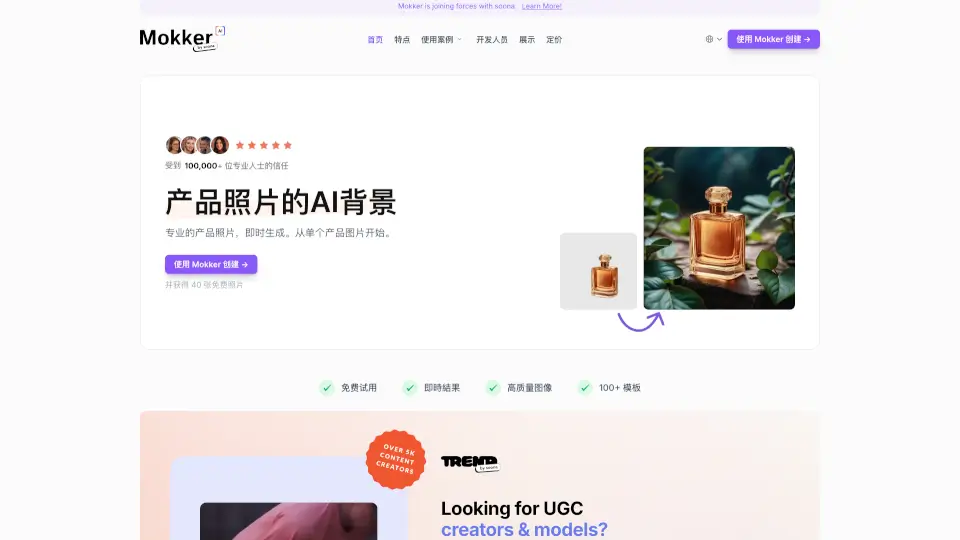
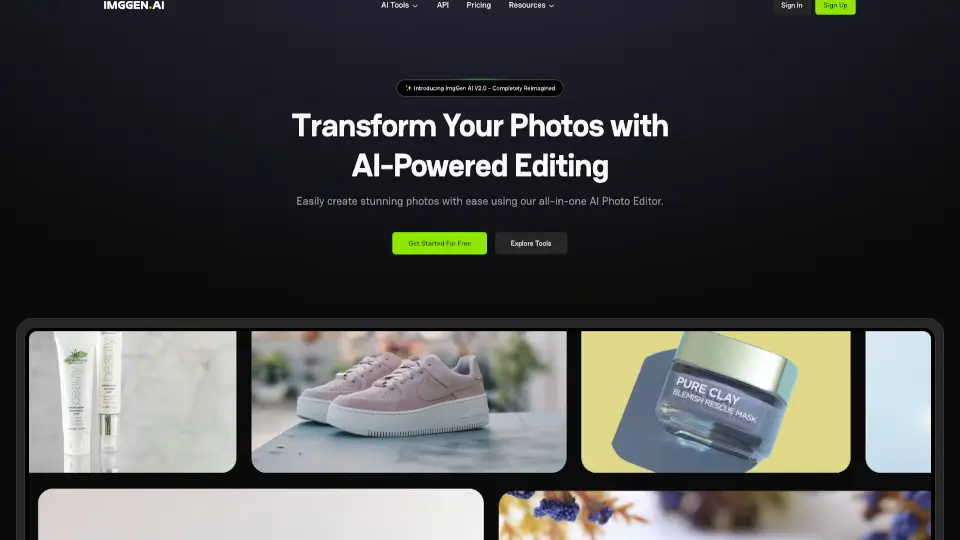
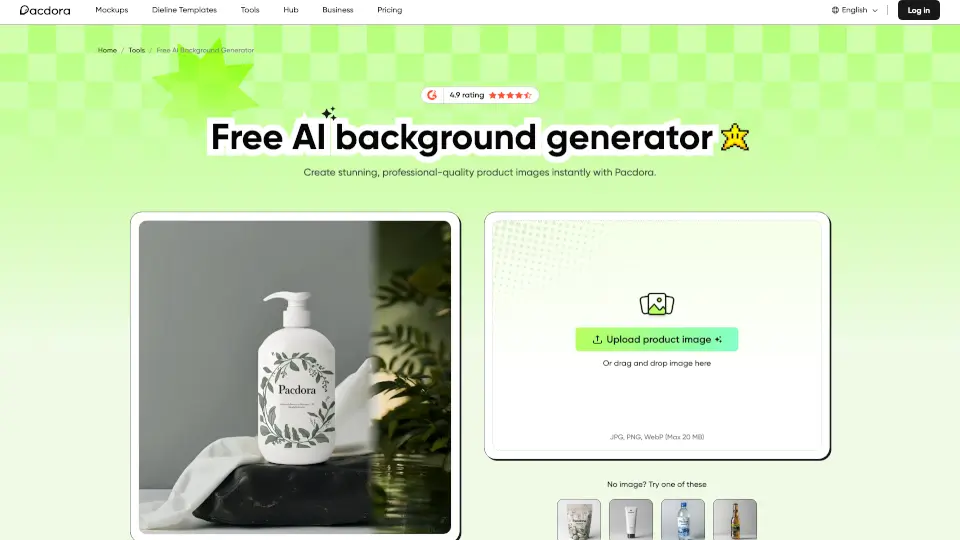
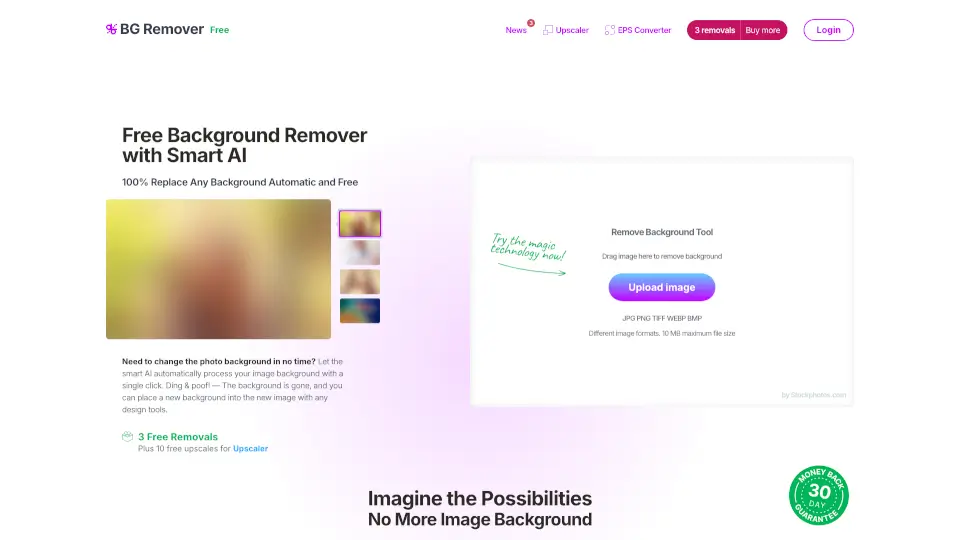
Tired of spending hours editing photos or paying for expensive studio shoots? Meet the ZMO AI Background Changer, your new secret weapon for creating stunning visuals in seconds. Whether you are running an online store or managing social media, this tool takes the hassle out of photo editing by letting you swap, remove, or generate completely new backgrounds with just a few clicks.
What makes it stand out from basic editing apps? Unlike clunky traditional software that leaves jagged edges, this platform uses advanced AI edge detection to keep your subject perfectly intact. It does not just paste your product onto a new backdrop; it intelligently blends the lighting and shadows so your images look like they were shot in a professional studio. It is all about saving you time while making your brand look incredibly polished.
What are the features of Background Generator?
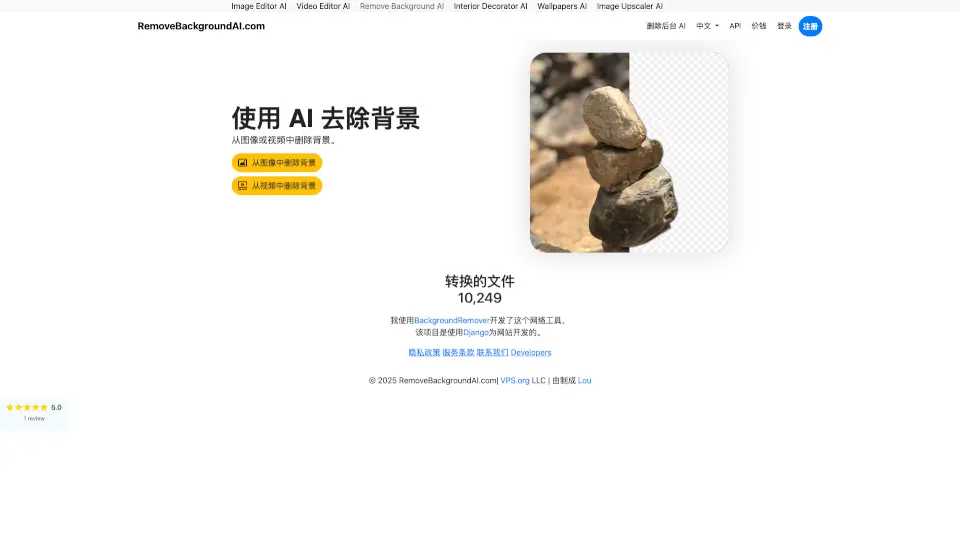
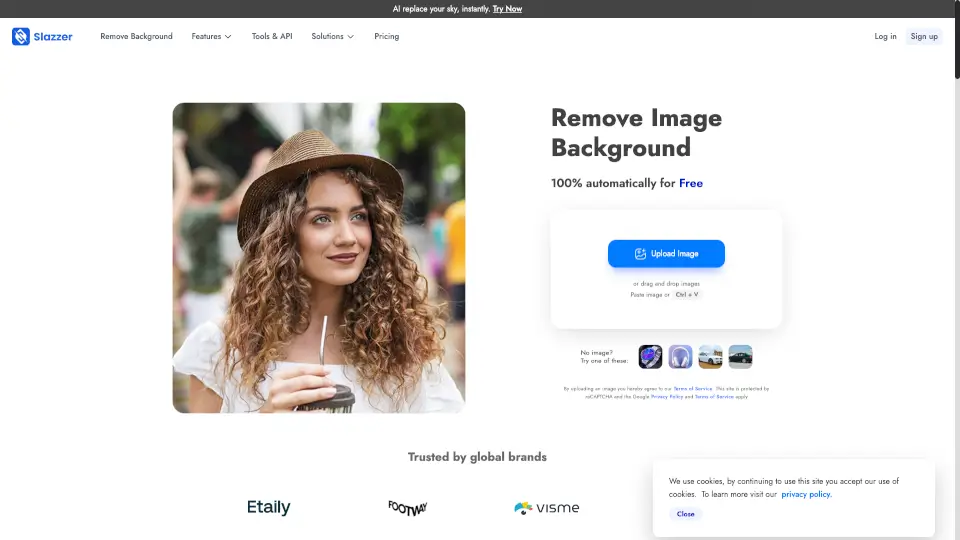
- One-Click Background RemovalInstantly strips away messy backgrounds without losing fine details like hair, fur, or intricate product edges.
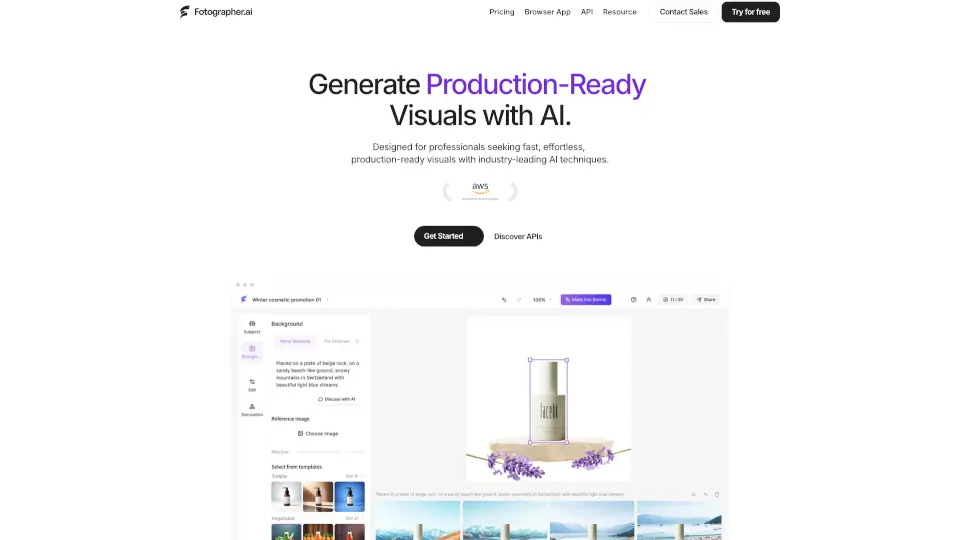
- AI-Generated Custom BackgroundsType a simple text prompt to create unique, high-quality scenes tailored exactly to your brand's specific vibe.
- Smart Lighting & Shadow BlendingAutomatically adjusts shadows and reflections so your subject looks naturally grounded in the new environment.
- Batch Processing for E-commerceEdit multiple product images at once, which is a massive time-saver for online sellers with large catalogs.
- Pre-designed Scene TemplatesChoose from a library of professional, ready-to-use backgrounds optimized for platforms like Amazon, Shopify, and Instagram.
What are the use cases of Background Generator?
- E-commerce Product PhotographyTransform plain white-background product shots into lifestyle images that boost conversion rates on Shopify or Amazon.
- Social Media Content CreationQuickly generate eye-catching, on-brand visuals for Instagram posts, Pinterest pins, or TikTok thumbnails without hiring a designer.
- Real Estate Virtual StagingTake empty room photos and use AI to furnish them with modern decor to attract potential buyers and sell homes faster.
- Portrait & Headshot EnhancementSwap a distracting office or outdoor background for a clean, professional studio backdrop for LinkedIn profiles.
- Marketing & Ad CampaignsCreate multiple background variations for A/B testing your Facebook and Google ads to see which design drives more clicks.
How to use Background Generator?
- Upload Your ImageDrag and drop your original photo into the web interface; the system supports all major formats like JPG and PNG.
- Remove or Keep the BackgroundLet the AI automatically detect the subject, or use the manual brush tool to refine any tricky edges.
- Choose or Generate a New ScenePick a template from the gallery or type a custom prompt like "sunny beach with palm trees" to generate a fresh backdrop.
- Adjust Lighting and PositionUse the sliders to tweak the shadow intensity and resize your subject so it fits perfectly within the new frame.
- Download in High ResolutionExport your finished image in HD quality, ready to be uploaded directly to your website or social media channels.