

What is ZipZap?
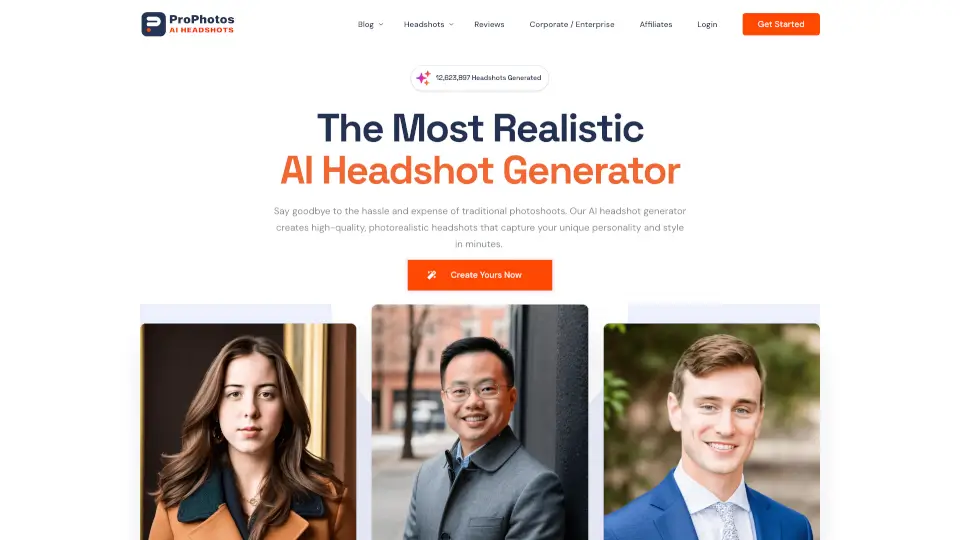
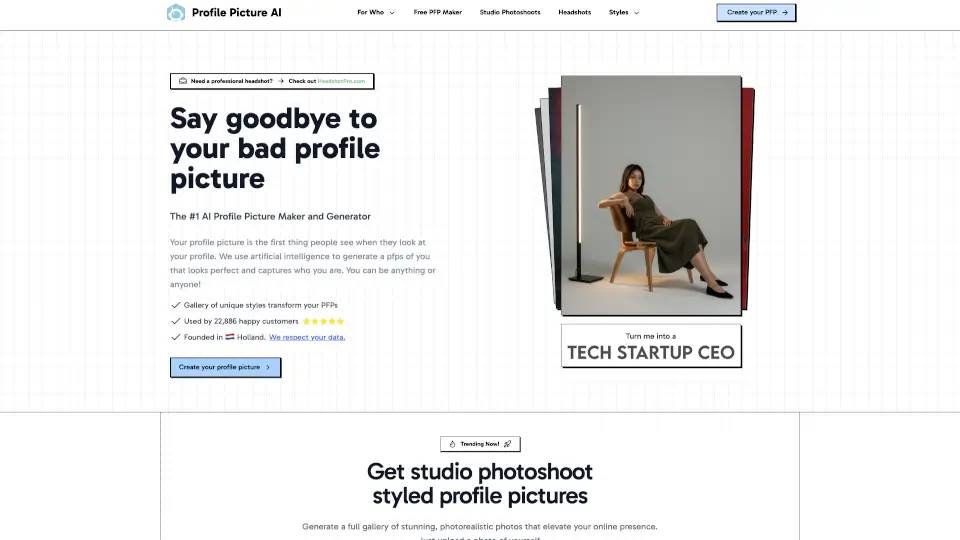
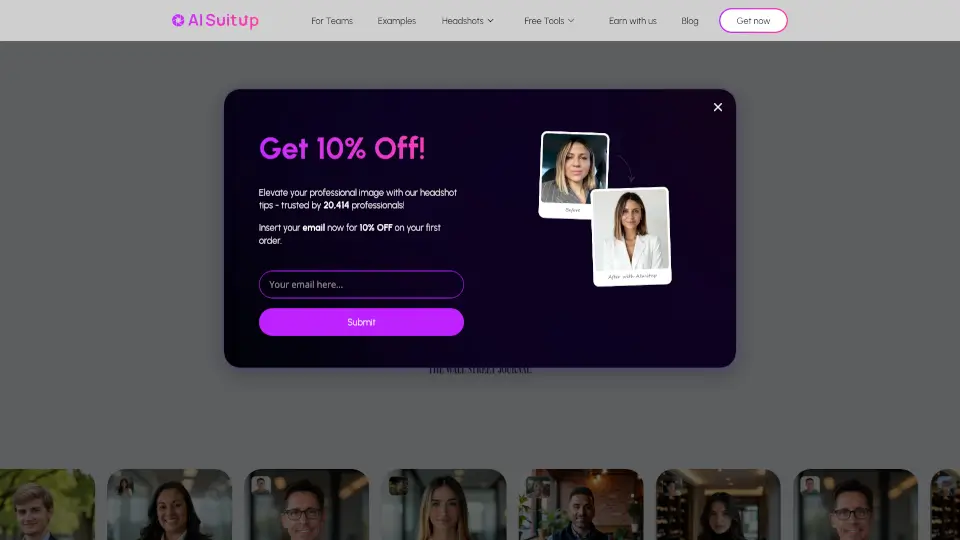
Getting a professional headshot used to mean booking an expensive photographer, taking time off work, and waiting weeks for the final edits. ZipZap AI completely changes that by turning your everyday smartphone selfies into stunning, studio-quality portraits in just a few minutes. It is an AI headshot generator designed to help you look your absolute best online without the hassle or high price tag of a traditional photoshoot.
Whether you are updating your LinkedIn profile, refreshing your resume, or need a great photo for your company's team page, this tool does the heavy lifting for you. Simply upload a few casual photos, and the advanced artificial intelligence handles the lighting, background, and professional styling. It gives you the polished, credible look you need to stand out, all from the comfort of your own home.
What are the features of ZipZap?
- AI-Powered Generation: Uses advanced machine learning models to create highly realistic, professional portraits that maintain your true facial features.
- Diverse Styles and Backgrounds: Choose from a wide variety of corporate outfits, modern backgrounds, and professional lighting setups to match your personal brand.
- High-Resolution Downloads: Provides crisp, print-ready image files that look perfect on any digital platform or physical document.
- Fast Turnaround: Generates a complete gallery of professional headshots in just a few minutes, saving you days of waiting.
- User-Friendly Interface: Features a simple, intuitive design that makes uploading source photos and selecting your final images completely effortless.
What are the use cases of ZipZap?
- LinkedIn Profile Optimization: Stand out to recruiters and network connections with a polished, highly professional profile picture.
- Resume and CV Enhancement: Add a high-quality, credible headshot to your job application documents to make a strong first impression.
- Company Team Pages: Provide consistent, professional photos for your business website without the logistical nightmare of organizing a group photoshoot.
- Dating App Profiles: Upgrade your Tinder, Bumble, or Hinge photos with clear, attractive, and natural-looking portraits.
- Speaker and Author Bios: Look credible and authoritative for podcast covers, conference websites, and book jackets.
How to use ZipZap?
- Upload Diverse Selfies: Upload 10 to 20 clear photos of your face. Pro tip: Include a mix of close-ups, different angles, and varied lighting conditions so the AI can accurately capture your unique features and avoid generating repetitive images.
- Select Your Preferred Styles: Browse the available style packages and choose the backgrounds, outfits, and overall vibes that best match your industry and personal brand.
- Generate Your Headshots: Hit the generate button and let the AI process your images. You can grab a coffee while it works, as the process usually takes just a few minutes.
- Review and Download: Check your newly generated gallery, pick your absolute favorites, and download them in high resolution to use immediately across all your platforms.