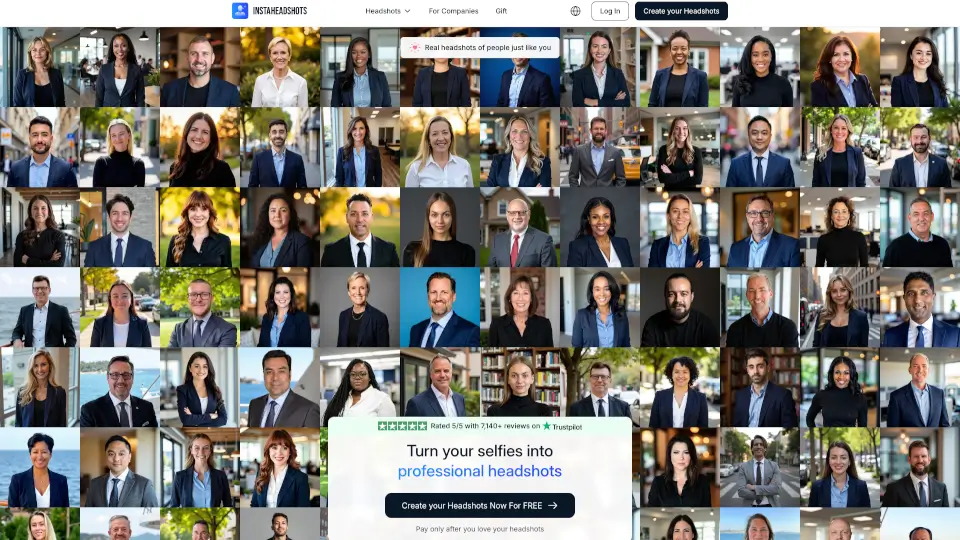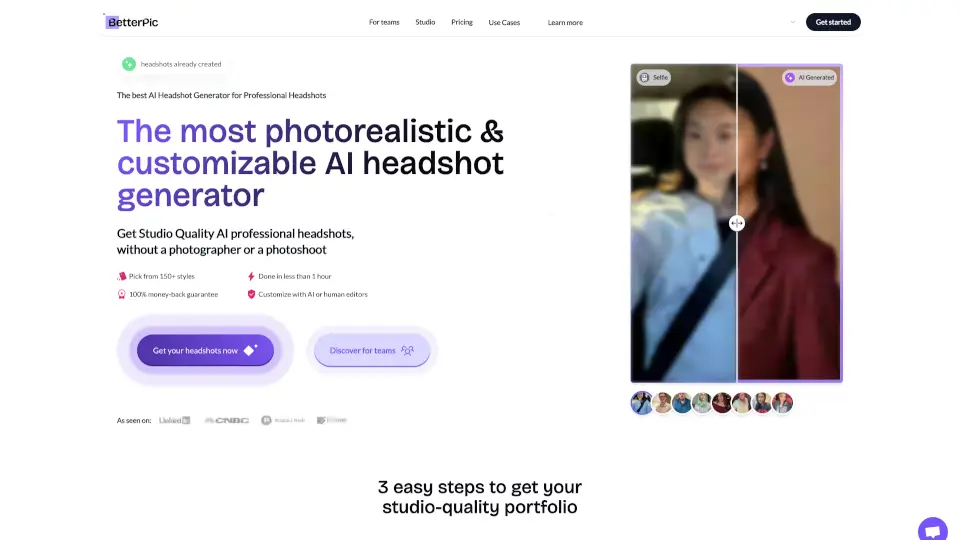

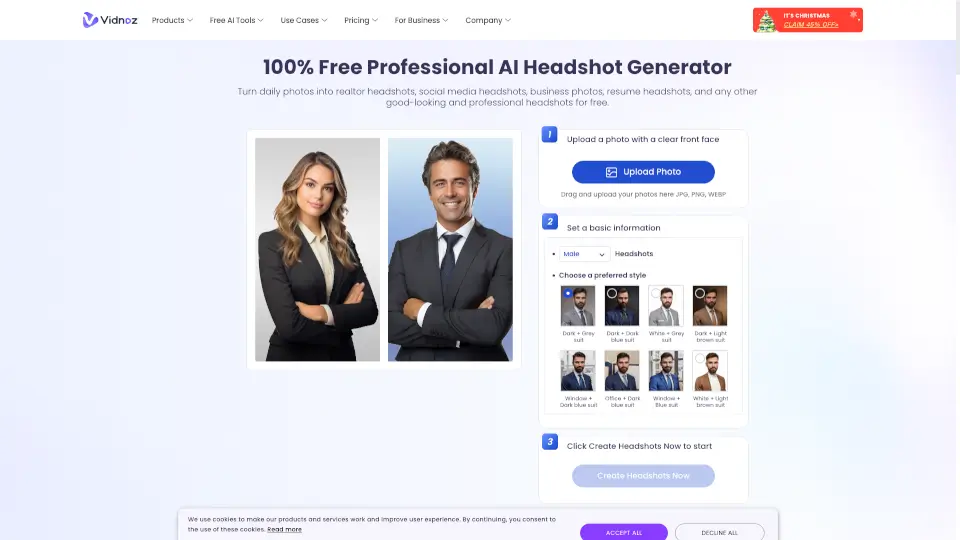
What is Vidnoz Headshot Generator?
Looking for a professional headshot without the hassle of scheduling a photoshoot or spending hundreds of dollars? Vidnoz AI Headshot Generator lets you create studio-quality, realistic business headshots right from your phone or computer—completely free to start. Just upload a clear selfie, and in under 2 hours, you’ll get polished, professional photos perfect for LinkedIn, resumes, corporate profiles, and more.
Trusted by over 170,000 users who’ve generated more than 3.4 million headshots, Vidnoz uses advanced AI to transform everyday photos into high-resolution (1536×2304) images with natural lighting, professional attire, and clean backdrops—no camera crew or wardrobe changes needed.
What are the features of Vidnoz Headshot Generator?
- Free AI Headshot Generation: Create realistic professional headshots at no cost with daily free credits.
- 40+ Customizable Styles: Choose from diverse outfits, expressions, poses, and background options to match your industry and personality.
- High-Resolution Output: All headshots are delivered in crisp 1536×2304 resolution—ideal for digital and print use.
- Fast Turnaround: Get your AI-generated headshots in 2 hours or less after uploading your photo.
- No Subscription Required: Pay only per shoot (one-time payment), or start with the free tier—no recurring fees.
- Mobile-Friendly App: Download the Vidnoz app for iOS to generate headshots on the go.
What are the use cases of Vidnoz Headshot Generator?
- Updating your LinkedIn profile with a sharp, trustworthy headshot that boosts engagement.
- Creating polished resume or CV photos for job applications, especially for recent graduates or career changers.
- Generating consistent corporate headshots for team directories, email signatures, or company websites.
- Producing real estate agent portraits that convey professionalism and approachability.
- Building a strong personal brand on social media (Instagram, X, Facebook) with high-quality profile pictures.
- Preparing client-facing images for freelancers, consultants, or coaches who rely on first impressions.
How to use Vidnoz Headshot Generator?
- Upload a clear, front-facing selfie with good lighting and visible facial features—glasses and minimal makeup are fine.
- Click “Generate” to let the AI process your photo using your chosen style or default settings.
- Wait for your notification (usually within 2 hours), then preview and download your new professional headshots.
- For best results, avoid blurry images, heavy shadows, or busy backgrounds in your original photo.
- Start with the free version to test quality before upgrading to paid plans for more styles and bulk downloads.
- Use the iOS app for quick, on-the-go headshot creation if you're always mobile.