
What is WOXO?
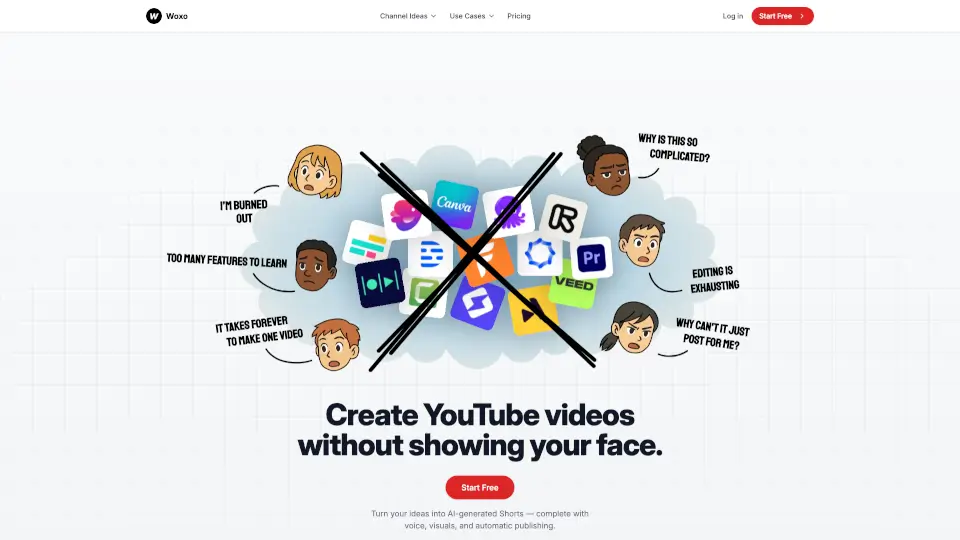
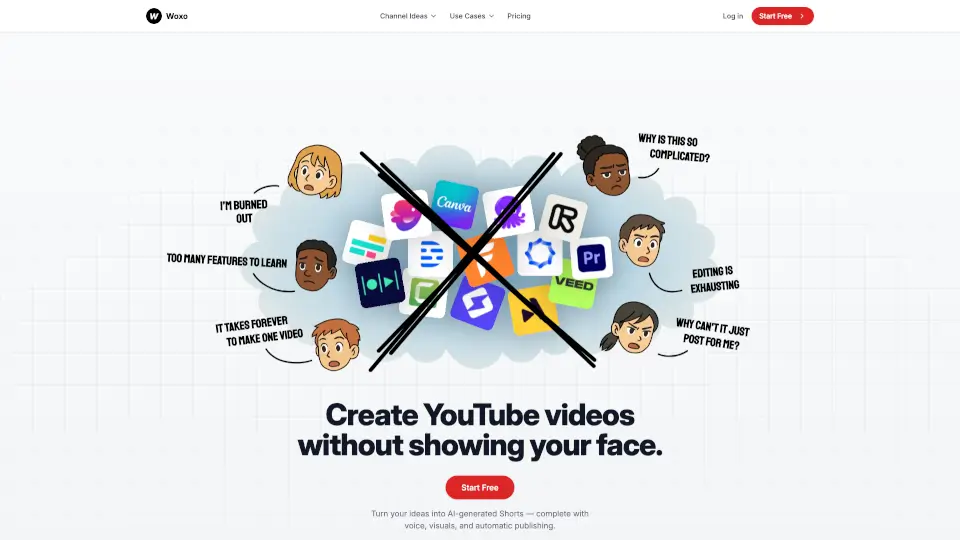
Woxo is an AI video generator for faceless YouTube creators. It turns a text prompt into a complete Short with script, voiceover, and visuals — no filming or editing needed. The tool automates research, narration, and visual selection, then lets you publish or schedule directly to YouTube. It is designed for creators in niches like history, commentary, gaming, and sci-fi who want to grow an audience without appearing on camera. New users get 50 free credits to test the workflow.
What are the features of WOXO?
- AI Script Builder: Converts a single-line idea into a researched, compelling script optimized for YouTube Shorts, eliminating manual writing and research.
- Copyright-Free AI Visuals: Generates scroll-stopping visuals with hooks, pacing, and captions — no stock footage or copyright concerns needed.
- AI Voiceover: Natural-sounding narration synced with video pacing and visuals, so creators never need to record their own voice.
- One-Click Publishing: Publish or schedule faceless videos directly to YouTube without downloading, re-encoding, or editing the output.
- Automated Scheduling: Schedule Shorts to post at consistent times, helping creators maintain a regular upload cadence without manual effort.
What are the use cases of WOXO?
- History Documentaries: Turn historical topics into AI-narrated Shorts with script, visuals, and voiceover — no research or filming needed.
- Viral Mistake Commentary: Create faceless commentary videos about viral mistakes or stories, using automated voiceover and captions.
- Gaming Storytelling: Blend gameplay with motivation or narrative using AI-generated scripts and voiceovers for faceless gaming channels.
- Sci-Fi "What If" Concepts: Generate Shorts exploring wild scenarios like living on Jupiter, with AI visuals and narration — no rendering required.
How to use WOXO?
- Write your video prompt: Type a YouTube video idea in one sentence to start the AI generation process.
- Let Woxo build the video: The AI generates a full Short with script, voiceover, and visuals automatically in seconds.
- Publish or schedule: Directly publish to YouTube or schedule for later — no need to download or edit.
- Review and customize: Optionally adjust voice style, visual theme, or content approach before publishing (available in premium plans).