

What is Webcam Effects?
Webcam Effects Chrome Plugin is your go-to tool for spicing up video calls. Blur, replace, or customize your background in real-time—no green screen needed! Perfect for work, school, or fun chats.
What are the features of Webcam Effects?
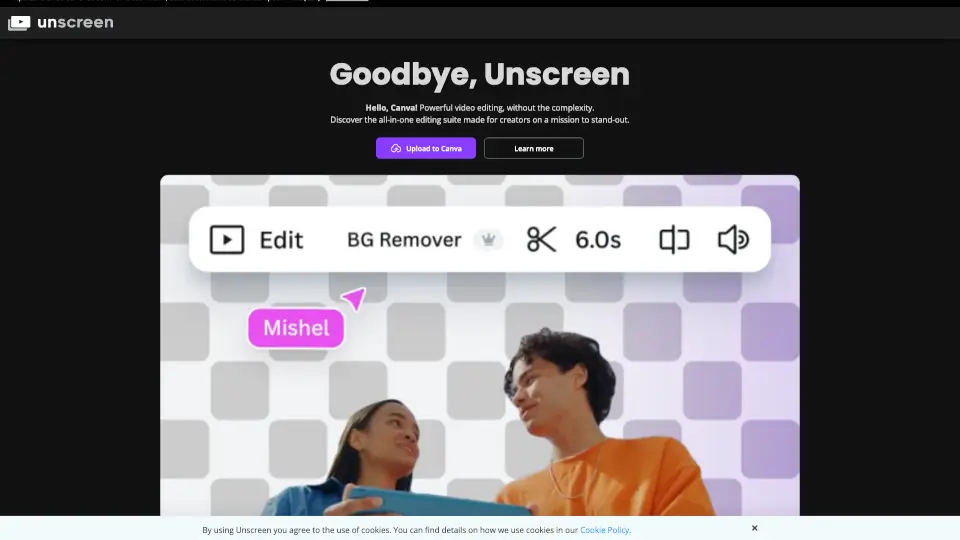
- Virtual Backgrounds: Swap your backdrop with images or videos instantly.
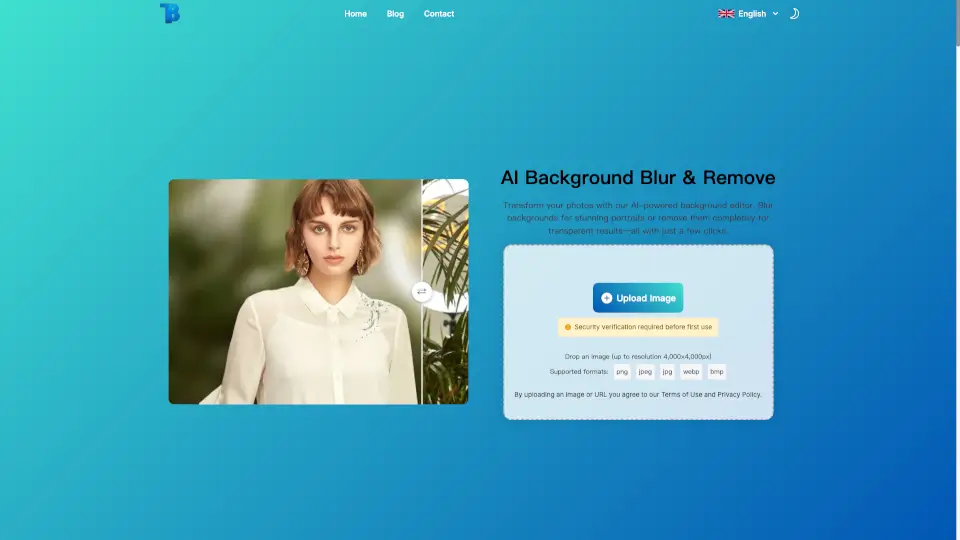
- Background Blur: Keep the focus on you, not your messy room.
- Smart Layouts: Position your face and content like a pro.
- Beautification: Smooth skin, brighten colors—look your best with one click.
- Noise Cancellation: Block out background noise for crystal-clear audio.
What are the use cases of Webcam Effects?
- Work Calls: Hide clutter and stay professional.
- Online Classes: Keep distractions out of the frame.
- Streaming: Add fun backgrounds or emojis to engage viewers.
- Social Calls: Impress friends with dynamic video backdrops.
How to use Webcam Effects?
- Install the plugin from the Chrome Web Store.
- Open your video call platform (e.g., Zoom, Meet).
- Click the plugin icon to pick your effect—blur, background, or layout.
- Adjust settings to perfection and start your call!