What is Wava AI?
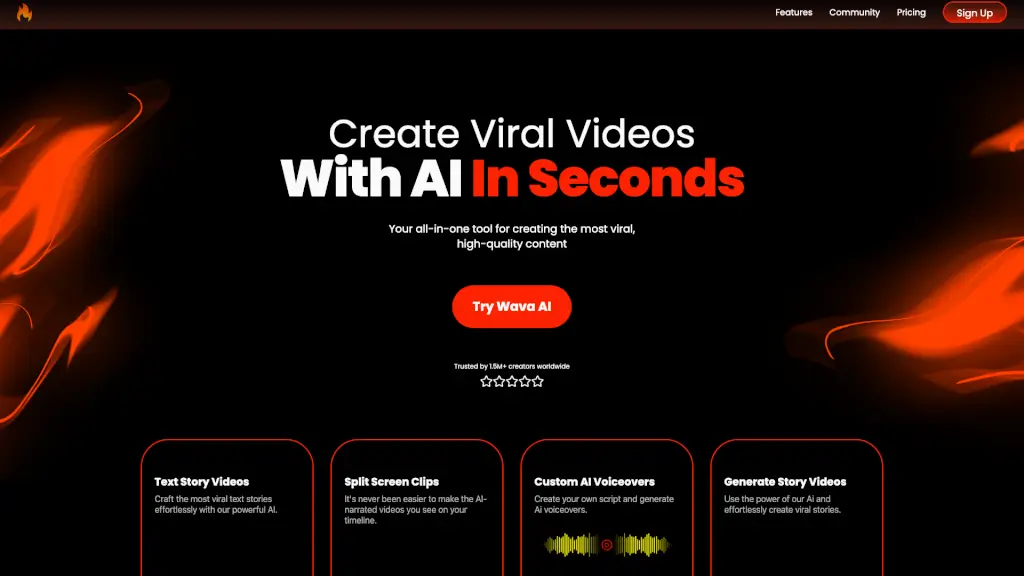
Wava AI is a cutting-edge tool designed to help creators like you make the most viral, high-quality content in just seconds. Whether you're a social media influencer, a small business owner, or someone who just loves sharing stories, Wava AI simplifies the process of creating engaging videos. With its powerful AI, you can craft text stories, split-screen clips, and even generate custom voiceovers, all without needing any advanced video editing skills. Say goodbye to hours of manual editing and hello to instant, eye-catching content that gets noticed.
What are the features of Wava AI?
- Text Story Videos: Effortlessly create the most viral text stories with our AI, making your content stand out.
- Split Screen Clips: Easily produce AI-narrated split-screen videos, perfect for comparing or contrasting different elements.
- Custom AI Voiceovers: Write your own script and let our AI generate professional-sounding voiceovers.
- Generate Story Videos: Use the power of AI to create viral story videos that capture attention and engage your audience.
- On-the-Go Creation: Generate clips anywhere, anytime, making it easy to stay creative and productive no matter where you are.
What are the use cases of Wava AI?
- Social Media Influencers: Create engaging and shareable content to grow your following and keep your audience hooked.
- Small Business Owners: Promote your products or services with high-quality, professional-looking videos that grab attention.
- Content Creators: Quickly produce a variety of content types, from text stories to narrated clips, to keep your channel fresh and engaging.
- Educators: Make learning more interactive with visually appealing and informative videos that students will love.
- Travel Bloggers: Share your adventures with beautifully crafted videos that highlight the best moments of your travels.
How to use Wava AI?
- Choose Your Content Type: Decide whether you want to create a text story, split-screen clip, or a full story video.
- Input Your Script: Enter the text or script you want to use for your video.
- Select Customizations: Choose from various options to customize your video, such as background music, transitions, and voiceover styles.
- Preview and Edit: Preview your video and make any necessary adjustments to ensure it looks and sounds perfect.
- Publish and Share: Once you’re satisfied, download your video and share it on your preferred platform.