
What is Visme?
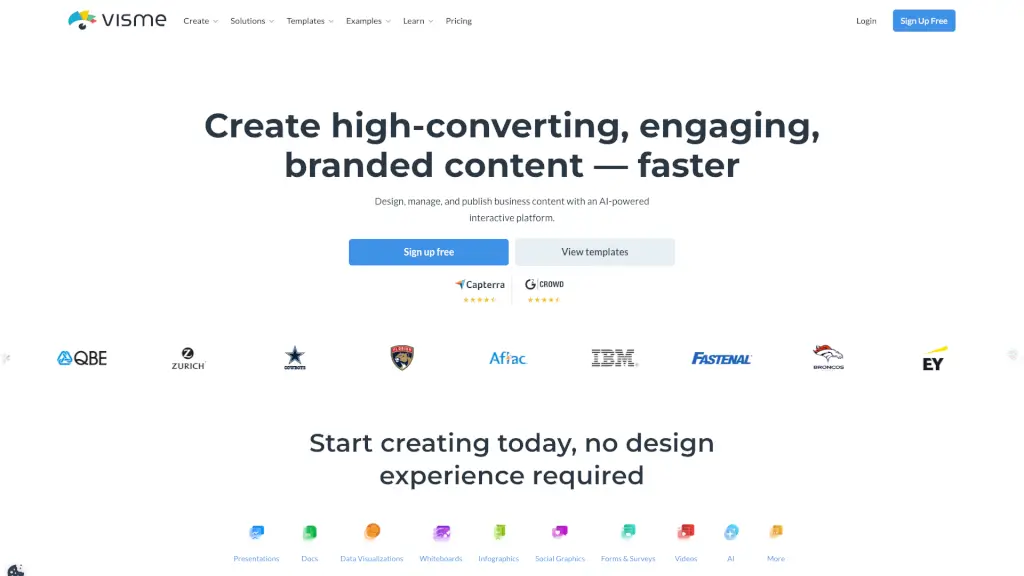
Visme is your all-in-one design platform that makes creating professional presentations, infographics, and one-pagers a breeze. Whether you're a student, a small business owner, or part of a large enterprise, Visme has the tools you need to bring your ideas to life. With its user-friendly interface and powerful AI features, you can craft stunning visuals without needing any design experience. Say goodbye to boring, text-heavy documents and hello to engaging, visually appealing content that captures attention and drives results.
What are the features of Visme?
- AI Presentation Maker: Automatically generate professional-looking presentations with just a text prompt.
- Infographics and One-Pager Templates: Choose from a wide range of customizable templates to create informative and visually appealing infographics and one-pagers.
- Data Visualization Tools: Transform raw data into beautiful, interactive charts and graphs that tell a compelling story.
- Branded Content Creation: Easily add your brand's fonts, colors, and logo to maintain consistency across all your designs.
- Collaboration Tools: Work seamlessly with your team, providing real-time feedback and ensuring everyone is on the same page.
- Content Calendar: Plan, schedule, and publish your social media posts and other content tasks from a single, consolidated calendar.
What are the use cases of Visme?
- Business Presentations: Create engaging pitch decks and proposals that help you close deals.
- Educational Materials: Design visually appealing lesson plans, handouts, and reports for students and teachers.
- Social Media Graphics: Produce eye-catching graphics and posts that increase engagement and followers.
- Project Management: Develop and share project timelines, reports, and status updates with your team.
- Marketing Campaigns: Craft high-impact marketing materials, including brochures, flyers, and email newsletters.
- Internal Communications: Generate internal documents, training manuals, and whitepapers that keep your team informed and engaged.
How to use Visme?
- Start with a Template: Choose a template that best fits your needs, whether it’s a presentation, infographic, or document.
- Customize Your Design: Add your own text, images, and branding elements to make the design uniquely yours.
- Use AI Designer: Input a text prompt to generate a ready-to-use design, saving you time and effort.
- Add Interactivity: Incorporate hotspots, hover effects, and clickable menus to make your content more engaging.
- Collaborate with Teammates: Share your project with team members, get feedback, and work together in real-time.
- Publish and Share: Download your final design or share it directly via a link or on social media.