
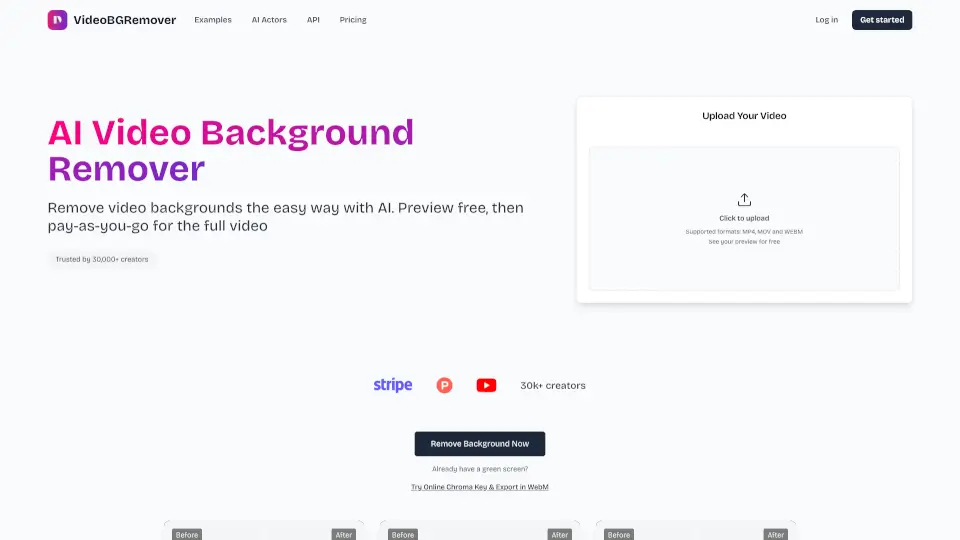
What is VideoBGRemover?
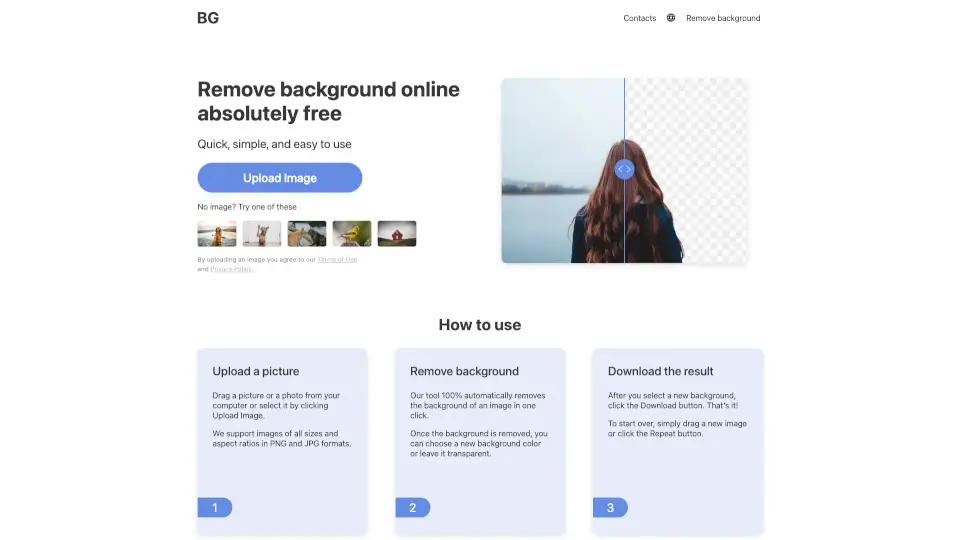
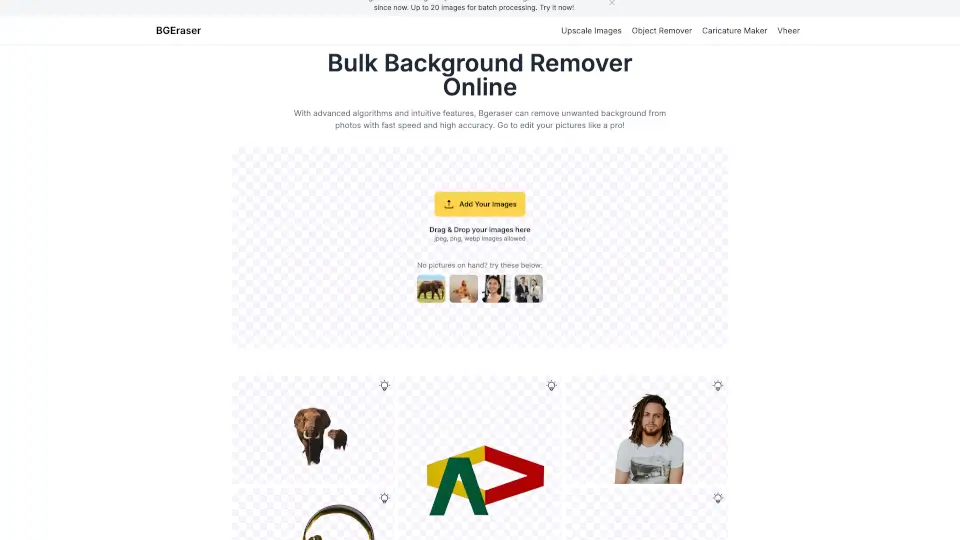
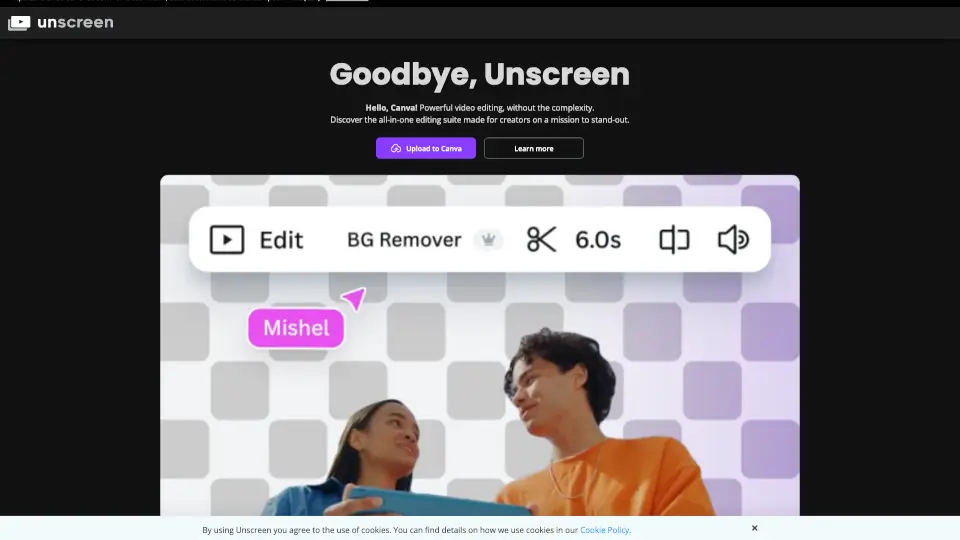
VideoBGRemover is your go-to online tool for removing video backgrounds instantly with AI. No sign-ups, no hassle—just upload your video and get a transparent or custom background in minutes. Perfect for creators, marketers, and anyone who needs pro-quality videos without the studio cost.
What are the features of VideoBGRemover?
- AI-Powered Background Removal: Instantly detects and removes backgrounds—no green screen needed.
- HD Export: Download in 1080p with no watermark (upgrade required).
- Custom Backgrounds: Replace with solid colors, images, or keep it transparent.
- Long Videos Supported: Process clips up to 120 minutes.
- Mobile-Friendly: Works on any device—just upload and go.
What are the use cases of VideoBGRemover?
- Content Creators: Clean up facecam videos for YouTube or TikTok.
- E-commerce: Showcase products with white or transparent backgrounds.
- Gaming: Remove messy backgrounds from gameplay footage.
- Educators: Record lessons anywhere and swap in a professional backdrop.
- Social Media: Make eye-catching Reels or Shorts with custom backgrounds.
How to use VideoBGRemover?
- Upload: Drag and drop your video (MP4, MOV, or WEBM).
- AI Processing: Let the tool automatically remove the background.
- Preview: Check the result (free with a watermark).
- Download: Upgrade for HD, no-watermark exports.