What is Utell AI?
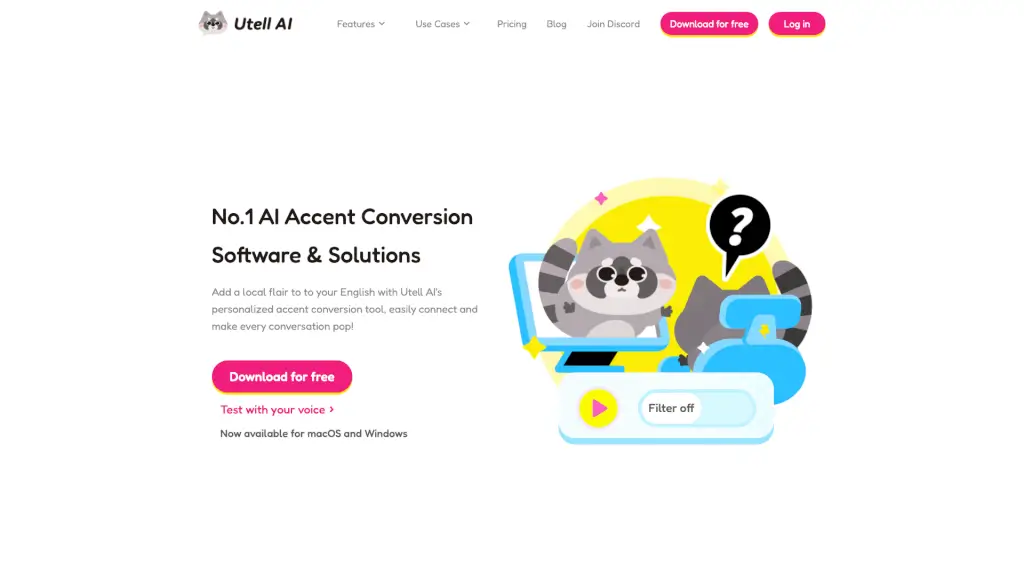
Utell AI is a game-changer for anyone who wants to communicate more clearly and confidently in English. Whether you're a student, a business professional, or a content creator, this real-time accent conversion software can help you sound more natural and understandable. With features like real-time accent conversion, noise cancellation, and live translation, Utell AI makes global communication a breeze.
What are the features of Utell AI?
- Real-time Accent Conversion: Enhances your accent and comprehension in online meetings, making your speech clearer and more natural.
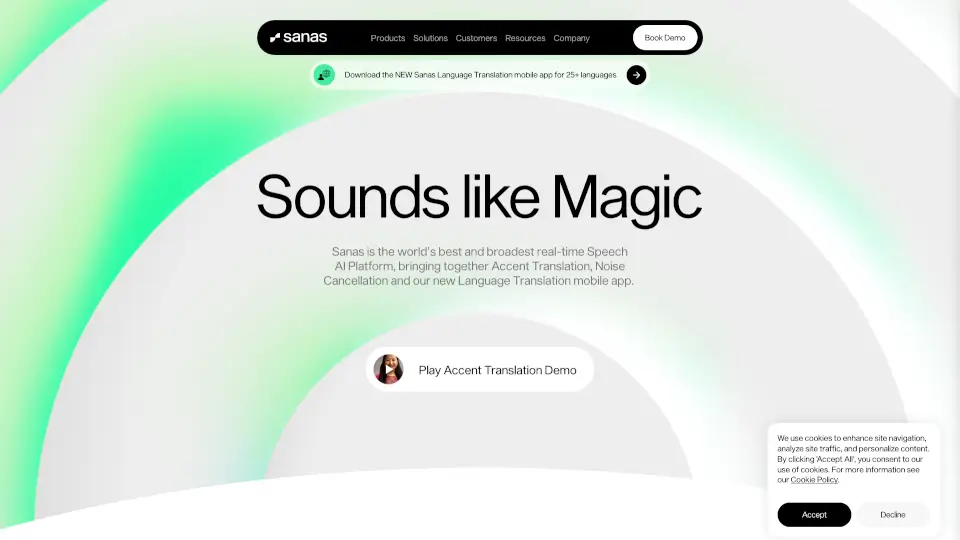
- Noise Cancellation: Removes background noises, voices, and echoes, ensuring your calls are crystal clear and distraction-free.
- Improve Sound Quality: Refines your accent and boosts speech clarity, making every word sharper and more pleasant to hear.
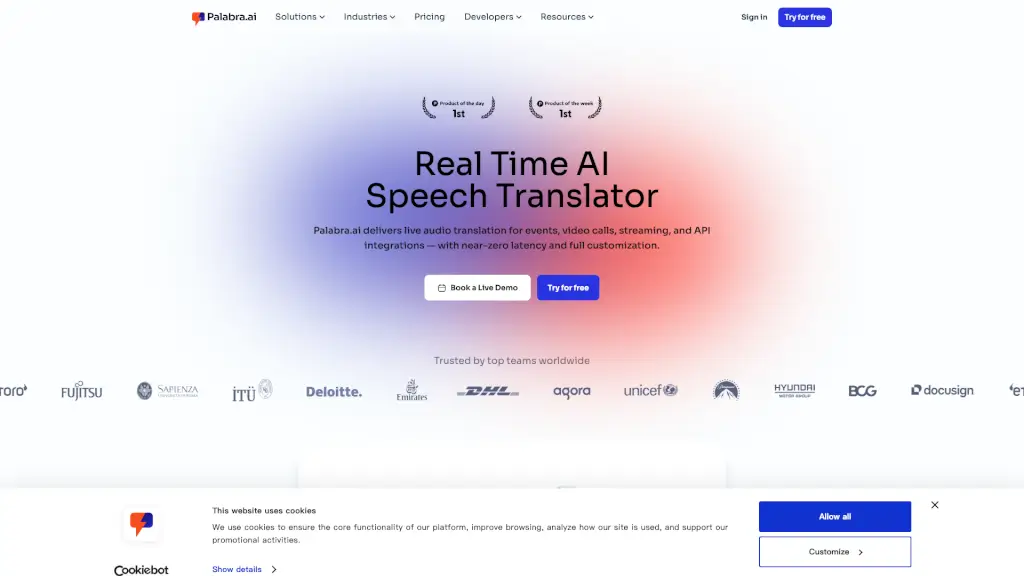
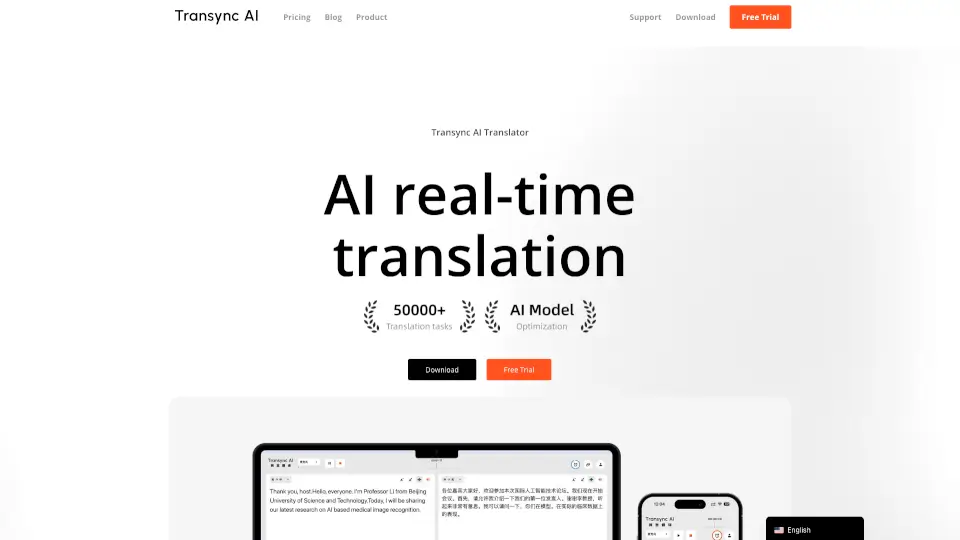
- Live Translator: Instantly translates any language into standard English, breaking down language barriers in real time.
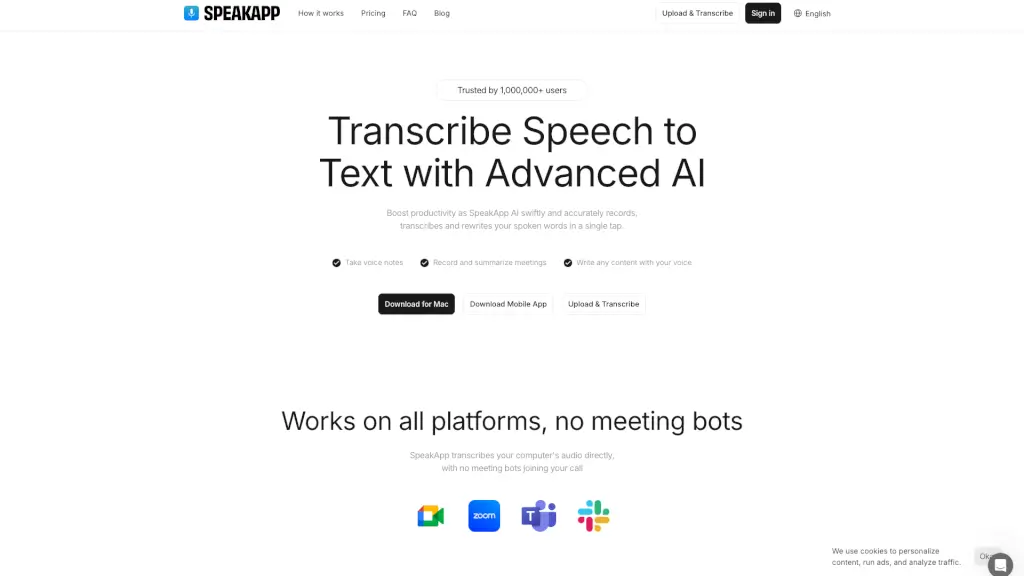
- Meeting Assistant: Captures every detail and decision, making your action items organized and searchable, and improving meeting efficiency.
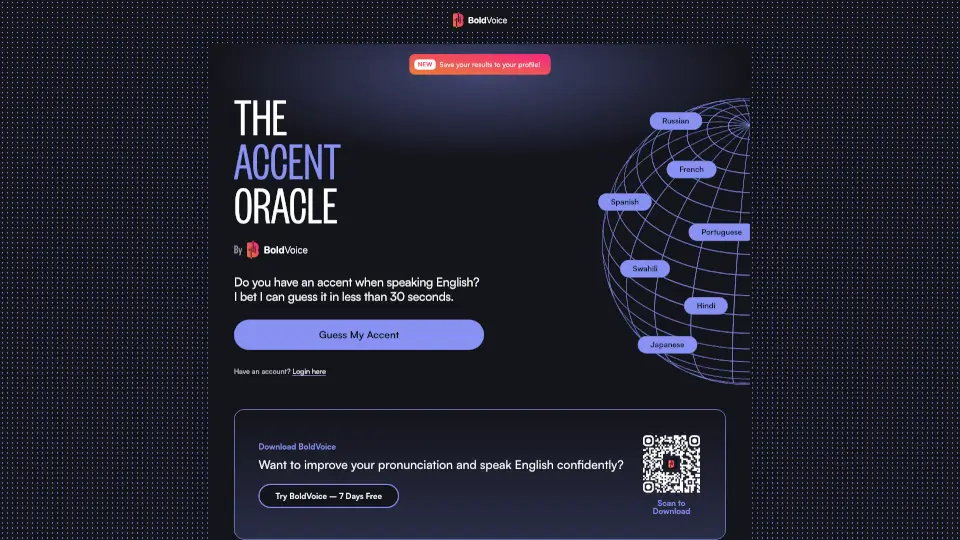
- Accent Oracle: Analyzes and identifies your accent with just a few sentences, providing personalized feedback.
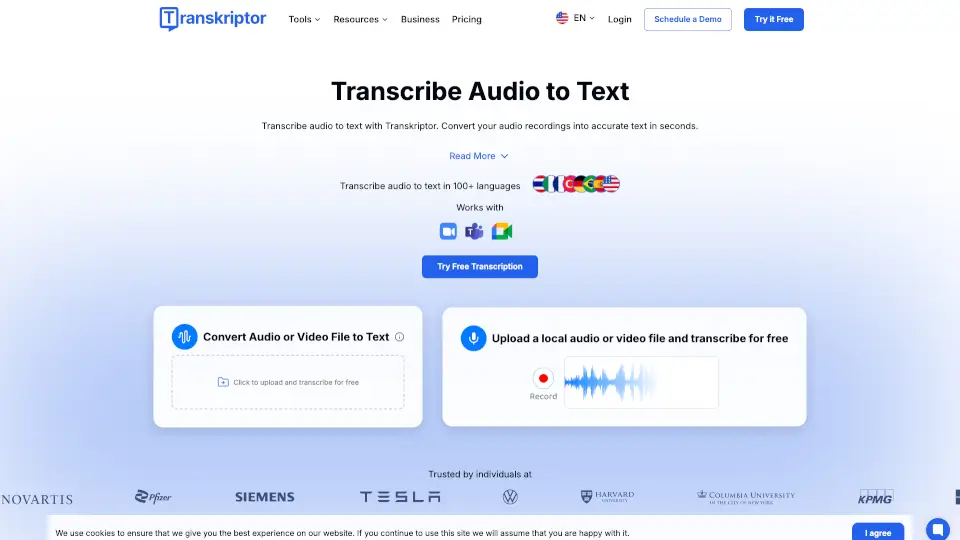
- Audio Translator: Translates any recorded or uploaded audio into accurate, translated text, making it easy to understand and share.
What are the use cases of Utell AI?
- Study and Education: Helps students and educators communicate more clearly and naturally, perfect for global learning.
- Sales and Success: Breaks down accent barriers, making it easier to connect with international clients and close deals.
- Travels and Business Trips: Ensures smooth, standard English, making travel and cross-cultural communication seamless.
- Games and Streaming: Improves team chats and streaming quality by reducing accent barriers and enhancing clarity.
- Call Center: Eliminates accent barriers, boosting customer satisfaction and enabling global hiring.
- Online Meetings: Ensures flawless, crystal-clear communication for all participants, regardless of their native language.
How to use Utell AI?
- Download and install Utell AI on your macOS or Windows device.
- Open the app and select your desired accent and voice.
- Start a call or meeting on platforms like Zoom, Meet, or Teams.
- Enable Utell AI’s real-time accent conversion and noise cancellation features.
- Use the Live Translator and Meeting Assistant for enhanced communication and organization.
- Experiment with different accents and settings to find what works best for you.