Findr logo

Findr

8
3.0
(0 Reviews)

Findr is an AI research assistant that delivers fast, cited answers from trustworthy sources—perfect for students, professionals, and curious minds who value accuracy and clarity.

Verified by SeekTool
Social Media:

Findr Product Information

What is Findr?

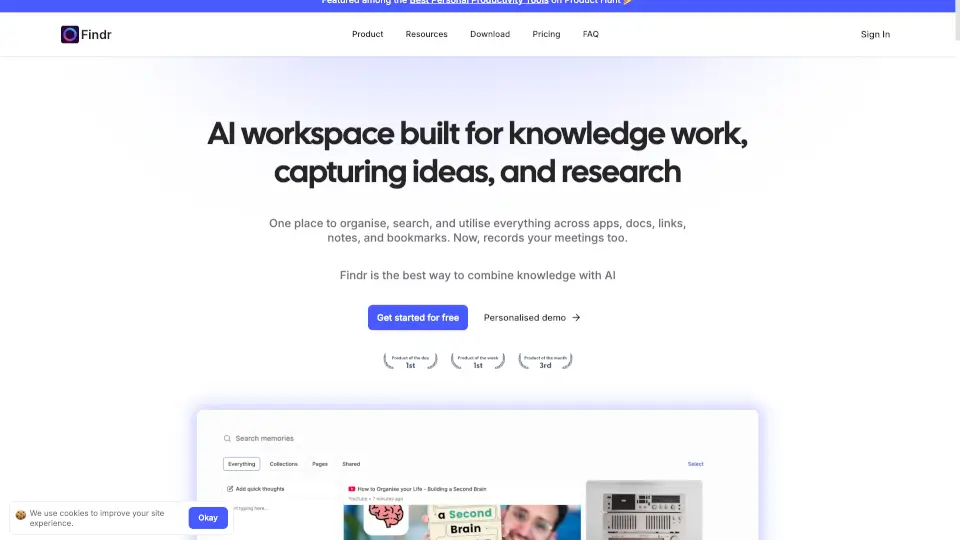
Findr is an AI-powered research assistant designed to help you cut through information overload and get trustworthy answers fast. Instead of bouncing between tabs or sifting through endless search results, Findr digs into credible sources—like academic papers, official reports, and expert analyses—and delivers clear, cited summaries in seconds. It’s like having a research librarian and fact-checker rolled into one smart, easy-to-use tool.

Whether you’re a student working on a paper, a professional verifying data, or just someone curious about a complex topic, Findr saves time and boosts confidence in what you learn. With its clean interface and focus on source transparency, it stands out from generic chatbots by showing you exactly where every piece of information comes from—so you can trust your results.

What are the features of Findr?

  • AI-Powered Source Synthesis: Aggregates and summarizes insights from high-quality, vetted sources like journals, government databases, and reputable news outlets.
  • Citation Transparency: Every answer includes clickable source links so you can verify facts and dive deeper.
  • Topic Clarity Engine: Breaks down complex subjects into simple, digestible explanations without oversimplifying.
  • Ad-Free & Privacy-Focused: No ads, no tracking—just focused research with user privacy as a priority.
  • Cross-Platform Access: Works seamlessly in your browser at usefindr.com, no download required.
  • Real-Time Web Search: Pulls from up-to-date information across the live web, not just static datasets.

What are the use cases of Findr?

  • A college student researching climate change impacts for a term paper needs credible sources fast—Findr delivers summarized findings with direct citations.
  • A journalist verifying statistics before publishing an article uses Findr to cross-check data from official reports.
  • A small business owner exploring market trends gets concise, sourced insights without wading through biased blog posts.
  • A curious learner trying to understand quantum computing basics receives a clear, jargon-light explanation backed by expert material.
  • A remote worker preparing a client presentation uses Findr to gather recent industry benchmarks in minutes.
  • A parent helping their child with a science project finds age-appropriate yet accurate explanations of scientific concepts.

How to use Findr?

  • Go to https://www.usefindr.com and type your question in the search bar.
  • Review the AI-generated summary, which includes key points pulled from trusted sources.
  • Click on any citation link to view the original source for verification or deeper reading.
  • Refine your query if needed—be specific (e.g., “What are the latest FDA guidelines on Ozempic?” vs. “Tell me about diabetes drugs”).
  • Use Findr during early research phases to build a foundation of reliable info before diving into detailed analysis.
  • Bookmark or share results directly from the interface for later reference or team collaboration.
Do you like this tool?

Upvote to help others discover it!

Findr Alternatives

AnswerThis

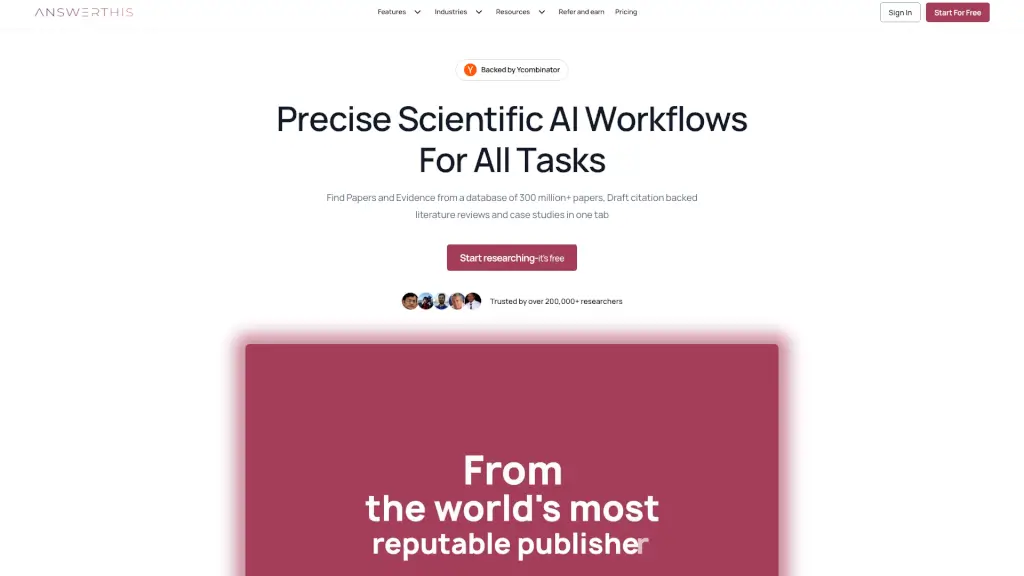
AnswerThis is an AI-powered research assistant that helps you find, organize, and cite over 300 million verified research papers, making your academic and professional research more efficient and accurate.

US
13.00%
|
349.1K
|
5.0
Unriddle

Unriddle is the ultimate AI research assistant, trusted by millions to simplify complex materials, speed up writing, and enhance collaboration.

DE
77.28%
|
15.1K
|
4.0
Sourcely.net

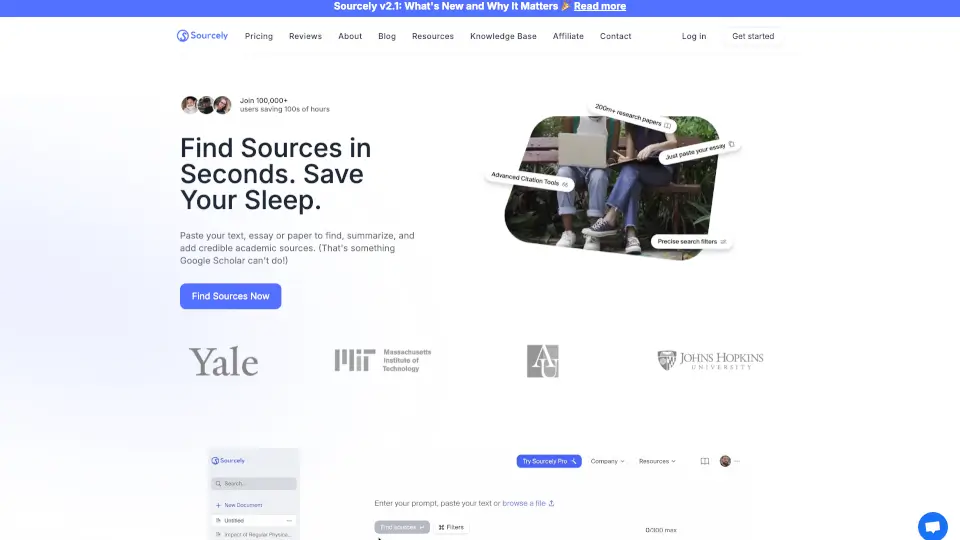
Sourcely is a game-changer for academic research, offering quick access to credible sources, summaries, and citations. It’s perfect for students and researchers looking to save time and improve their work.

US
25.55%
|
147.1K
|
5.0
Citely

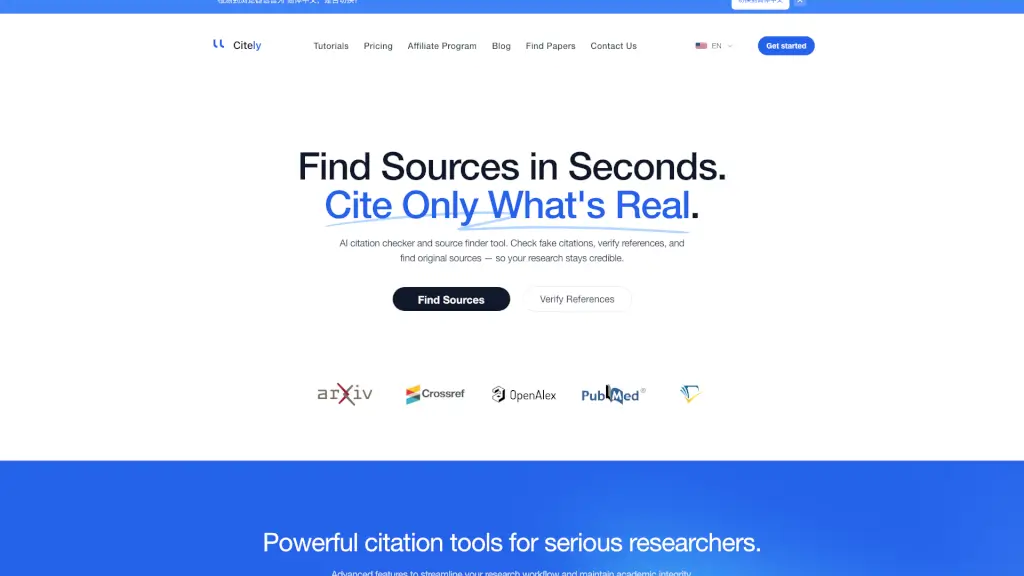
Citely is an AI-powered citation checker and source finder that verifies references and detects fake academic sources to protect your research credibility.

US
10.63%
|
53.8K
|
5.0
Undermind

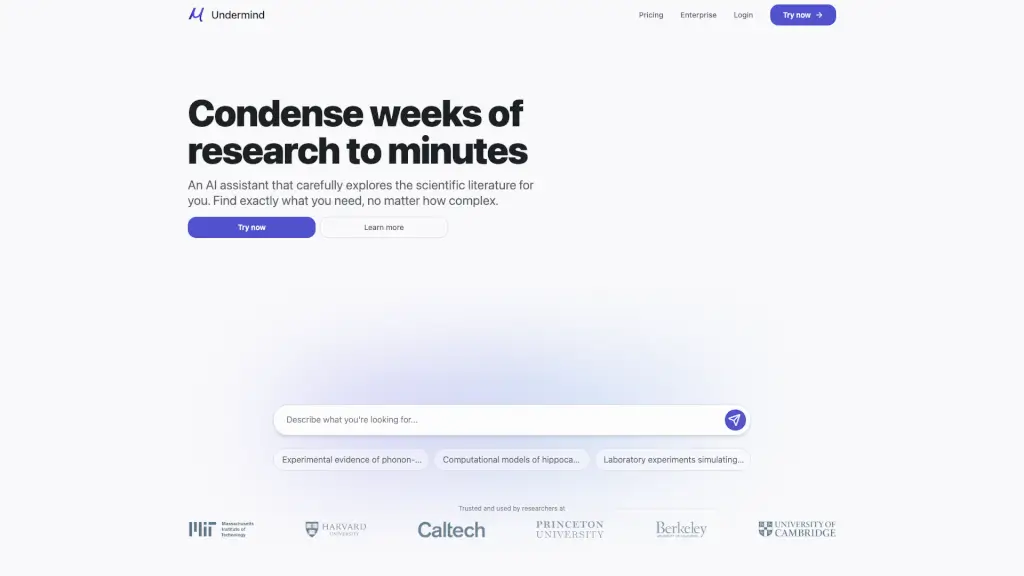
Undermind is an AI-powered research assistant that reads and analyzes hundreds of scientific papers to deliver precise and relevant insights, saving you time and effort in your research.

US
24.03%
|
240.1K
|
5.0
ScholarAI

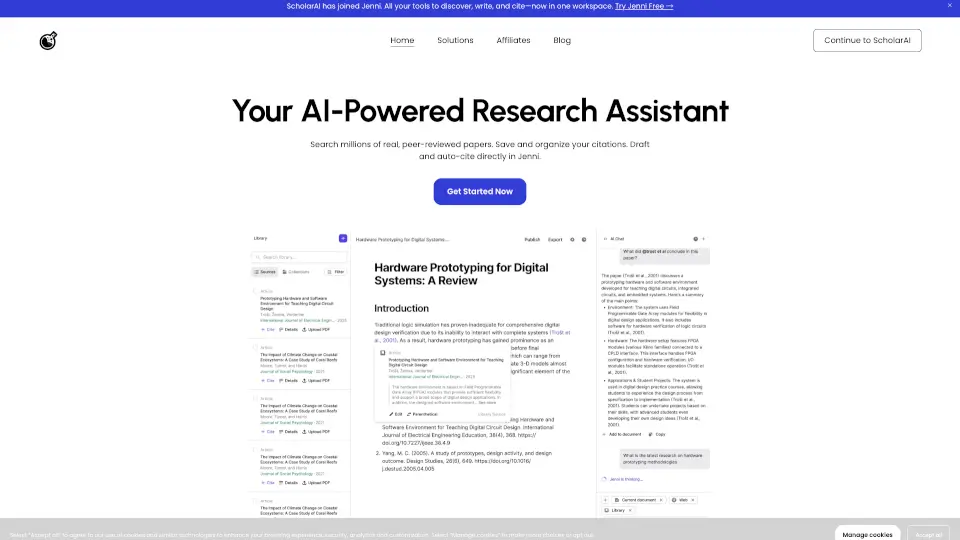
ScholarAI is an all-in-one AI research assistant that simplifies academic and professional research with tools for paper discovery, summarization, writing, and collaboration. ---

ID
26.00%
|
130.6K
|
5.0
iAsk.AI

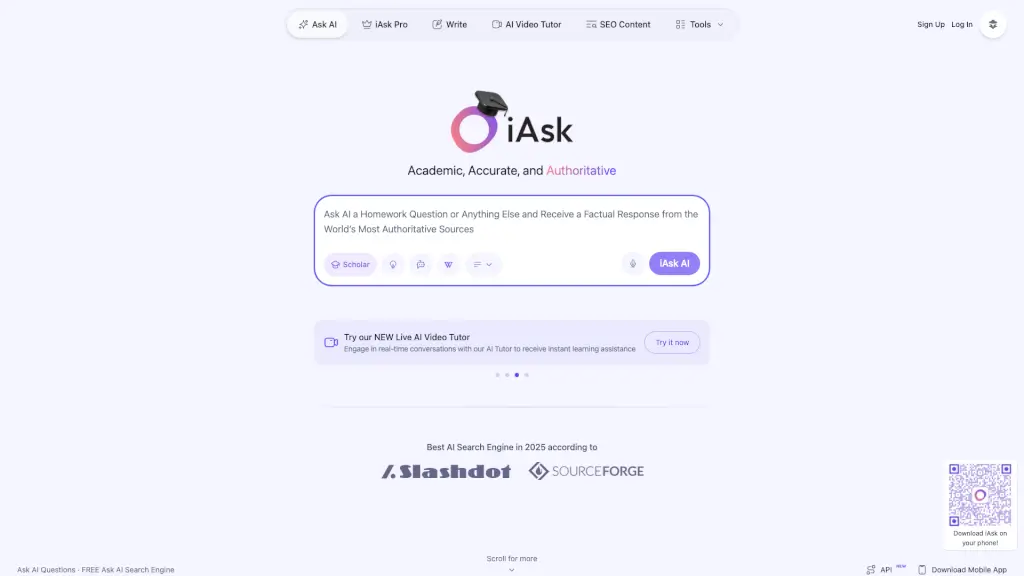
iAsk AI is a free, authoritative homework helper that delivers factual, real-time answers and learning tools for students.

US
38.45%
|
791.1K
|
5.0
OpenRead

OpenRead uses AI technology to make research faster, smarter, and more accessible. With features like real-time updates, paper summaries, and note management, it’s the ultimate tool for anyone diving into the world of research.

IQ
69.65%
|
88.5K
|
5.0

Findr Related Other Categories

Findr Traffic Analysis

💡 Insights

🔍
Niche Tool
Lower traffic volume. Likely new or highly specialized. Good for early adopters.
⚠️
Slight Decline
Traffic has slightly decreased recently.
  • Monthly Visits

    0

  • Bounce Rate

    0.00%

  • Pages Per Visit

    0.00

  • Visit Duration

    00:00:00

  • Global Rank

    13313782

  • Country Rank

    0

Visits Over Time

Traffic Sources

GenAi0.00%
DisplayAds0.00%
SocialOrganic0.00%
Mail0.00%
SearchPaid0.00%
SocialPaid0.00%
Referrals0.00%
Affiliate0.00%
SearchOrganic0.00%
Direct0.00%

Top Regions

RegionPercentage
Low
High

Powered by SimilarWeb

Findr FAQ

What makes Findr different from other AI chatbots?

Findr focuses exclusively on delivering sourced, verifiable answers—not just generated text. Every response includes links to original materials so you can check facts yourself, making it ideal for research and learning.

Is Findr free to use?

Yes, Findr is currently free to use at usefindr.com. There are no hidden paywalls or required sign-ups for basic functionality.

Does Findr store my search history or personal data?

No. Findr emphasizes user privacy and doesn’t track, store, or sell your queries or personal information. Your research stays private.

Can I use Findr for academic work?

Absolutely! Students and educators use Findr to kickstart research, find credible references, and understand complex topics—just remember to cite the original sources linked in each answer.

Why did my deployment show “Deployment Paused”?

That message (e.g., “lhr1::7vsrx-1783187930305-53f54df6706f”) typically appears during brief backend maintenance or updates. Try refreshing the page or visiting again in a few minutes—it’s usually resolved quickly.

What types of sources does Findr use?

Findr prioritizes authoritative sources including peer-reviewed journals, government publications (.gov), educational institutions (.edu), established news outlets, and recognized industry reports.

Findr Reviews

0

0

0 Reviews
Sign Into leave a review

Recent Reviews

No reviews yet

Findr Pricing

Free

free forever
$0
  • Unlimited AI searches
  • Save unlimited links, blogs, articles, bookmarks, and tweets
  • 5 unified app searches per day
  • 10 web searches per day
  • 5 file uploads (PDFs, PPT, Excels, images etc)
  • Collections to organise your memories
  • Optimised Findr AI model for answering questions with quality and precision

Pro

monthly subscription
$12/month
  • Unlimited AI searches
  • Unlimited saves and access to all app integrations
  • 20 unified app searches per day
  • 50 web searches per day
  • Unlimited file uploads
  • Invite anyone to collaborate in collections
  • Select your preferred AI Model (GPT-4o, Claude-3, Gemini, and more)

Einstein

monthly subscription
$30/month
  • Pro-active AI: A friend for your mind
  • Weekly recaps and spaced repetition for your memories (coming soon)
  • Intelligent self organising memories (coming soon)
  • Unlimited unified app searches
  • Unlimited web searches

Findr Embed

Use website badges to drive community support for SeekTool.ai. They are easy to embed in your homepage or footer.

Light
Dark
Findr - Featured on SeekTool.aiFindr - Featured on SeekTool.ai
How to install?

Looking for Findr Alternatives?

Compare top AI tools similar to Findr. Find the best option for your needs.

View Alternatives

Reviews

0.0

Share your experience with this tool...

Category Rankings

Ranked by monthly traffic

Trending

Featured

Subscribe to our AI Newsletter

Get the top AI stories delivered to your inbox weekly.