
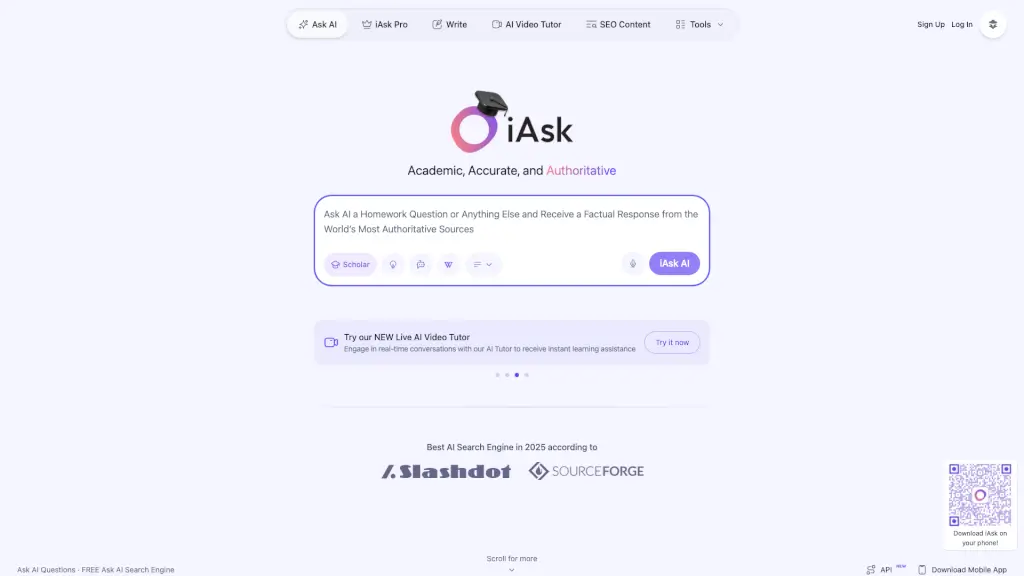
What is iAsk.AI?
iAsk AI is a free AI homework helper and smart answer engine designed to give students fast, accurate, and fact-based responses to any question—whether it’s for schoolwork, research, or everyday curiosity. Unlike generic chatbots, iAsk pulls answers from the most authoritative web sources, including real-time internet access, so you get reliable info you can trust.
Built with students in mind, iAsk goes beyond simple answers. It helps you summarize articles, analyze PDFs, create images, and even join student thinking forums—all without storing your data. Whether you're stuck on algebra, writing an essay, or just want to understand a complex topic, iAsk delivers clear explanations that match how you learn.
What are the features of iAsk.AI?
- Real-Time Internet Access: Gets up-to-date answers from trusted sources across the web.
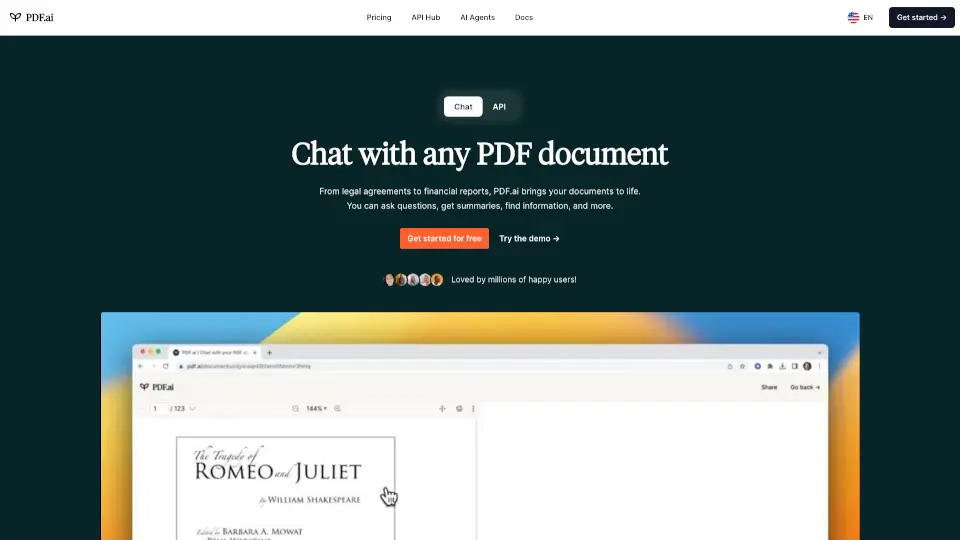
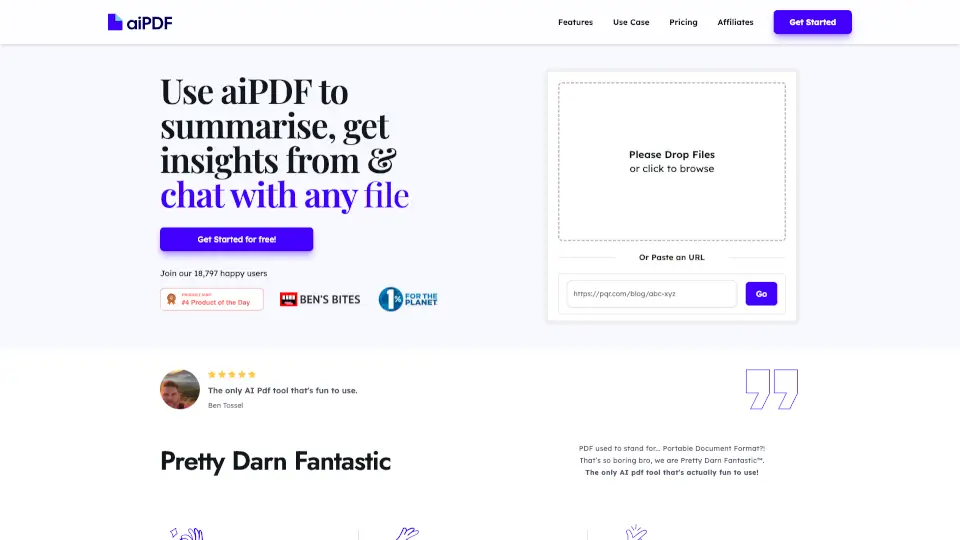
- Document Analyzer: Upload PDFs, research papers, or articles and ask questions about their content.
- AI Summarizer: Turns long web pages or documents into easy-to-read bullet points.
- Image Creator: Generate custom images by describing what you need in plain language.
- Student Thinking Forums: See what other students are discussing or asking about similar topics.
- Wiki Search: Tap into thousands of wikis for verified, community-vetted knowledge.
- Multiple Detail Levels: Choose concise, average, or detailed responses based on your needs.
- Ad-Free Pro Experience (Upgrade): iAsk Pro removes ads and unlocks advanced features like follow-up questions and search history.
What are the use cases of iAsk.AI?
- A high school student summarizes a 10-page science article for a class presentation in seconds.
- A college freshman uploads a research paper and asks iAsk to explain key findings in simple terms.
- Someone preparing for a driver’s test uses iAsk to learn how to properly change a flat tire.
- A curious learner asks, “When will our Sun run out of nuclear fuel?” and gets a factual, cited answer.
- A writer brainstorms 10 unique wedding anniversary ideas using iAsk’s creative tools.
- A user checks the average height and weight statistics for U.S. adults for a health project.
How to use iAsk.AI?
- Type your homework question or topic in natural language—no special phrasing needed.
- Select your preferred response detail level: Concise, Average, or Detailed.
- Use the Summarize tool by pasting a URL to condense long content quickly.
- Upload PDFs or documents under Analyze Docs to ask specific questions about them.
- Try Create Images by describing your idea simply (e.g., “a futuristic library with floating books”).
- Install the iAsk Chrome Extension for instant answers while browsing the web.