
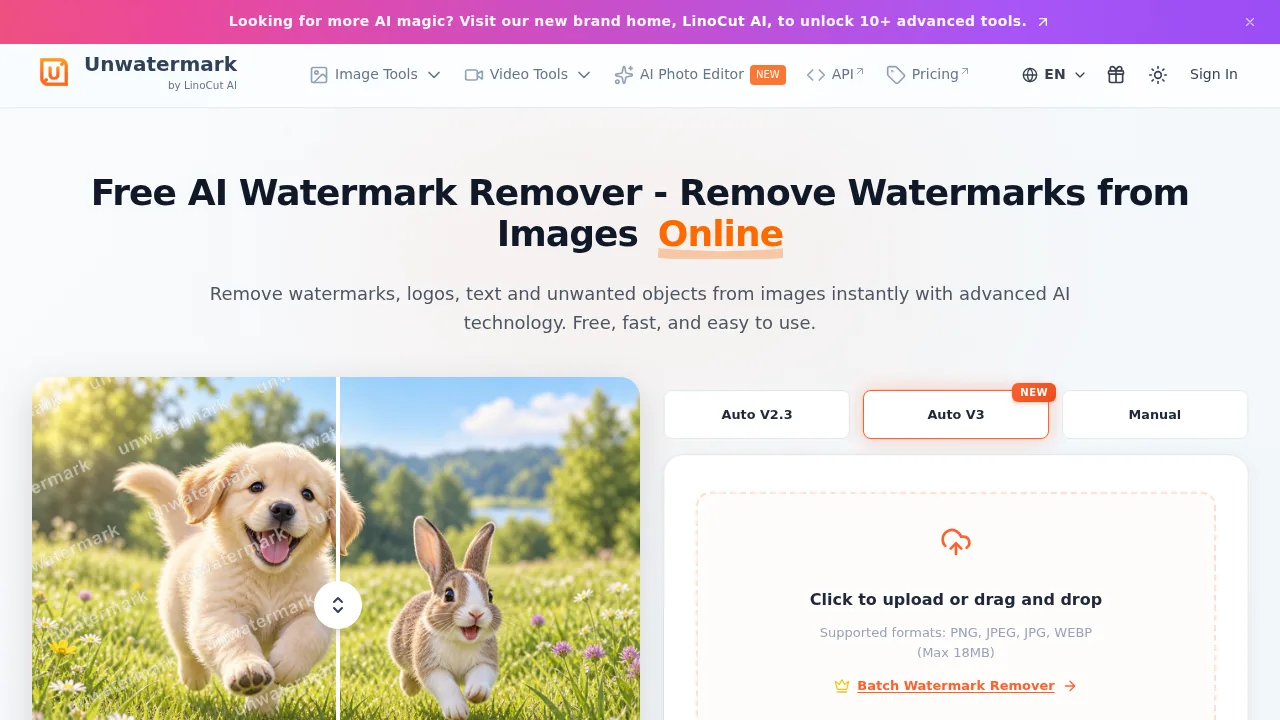
What is Unwatermark AI?
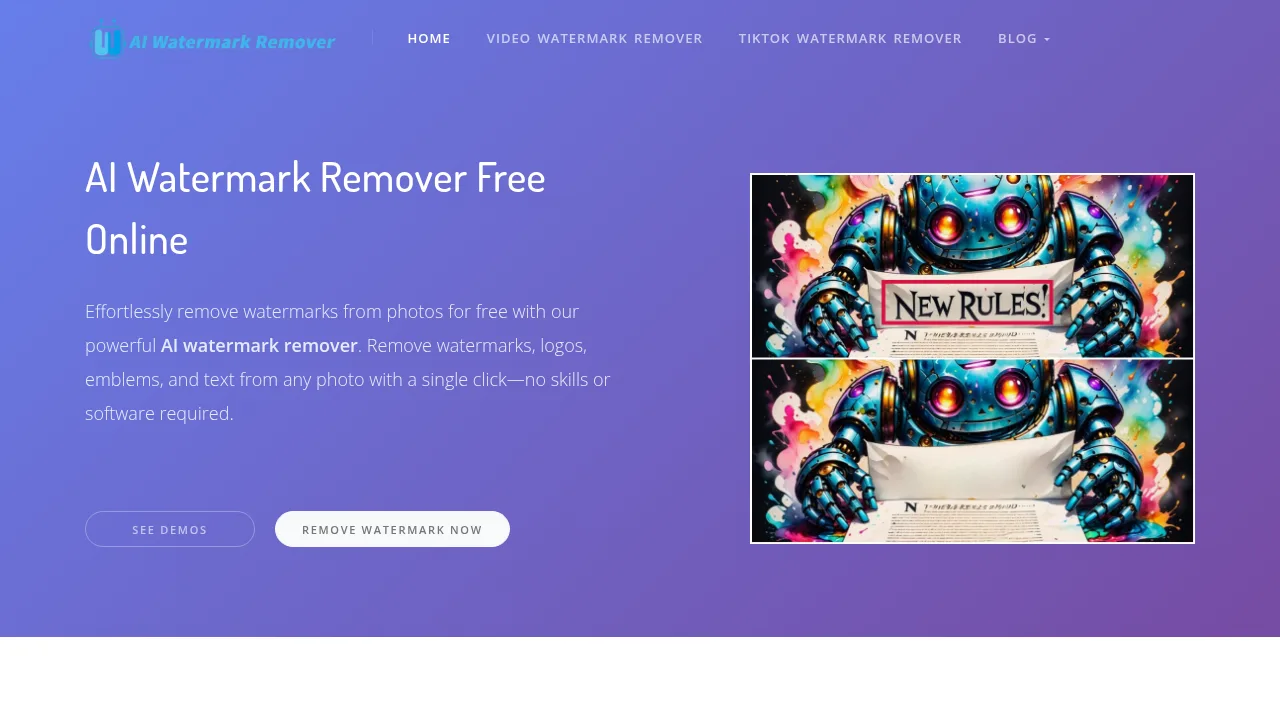
Unwatermark AI is a web-based tool that removes watermarks, logos, text, and unwanted objects from images and videos. It supports common formats including JPG, PNG, WEBP, MP4, M4V, and MOV. Users can access the core removal features without logging in, though a free usage limit applies.
What are the features of Unwatermark AI?
- Automatic watermark detectionIdentifies and removes logos, stamps, and full-screen watermarks without manual selection.
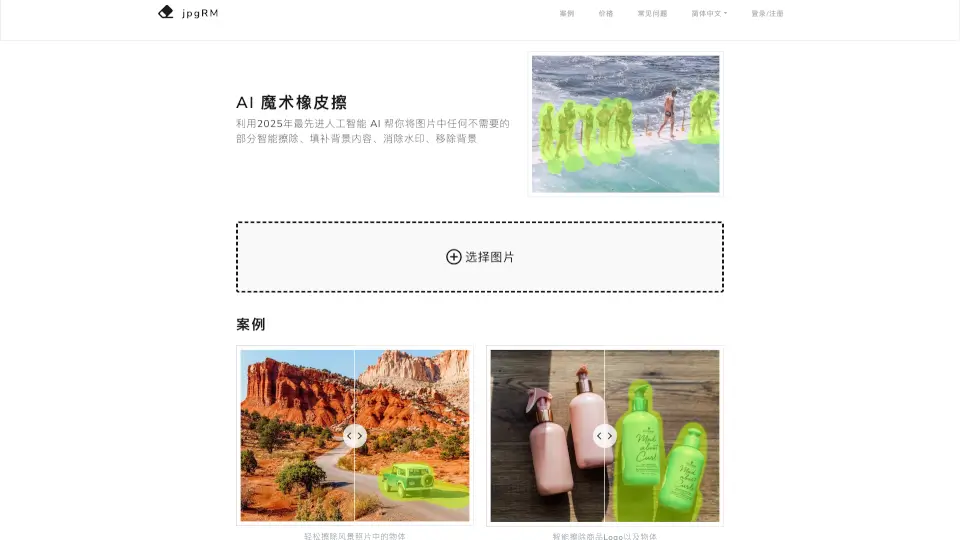
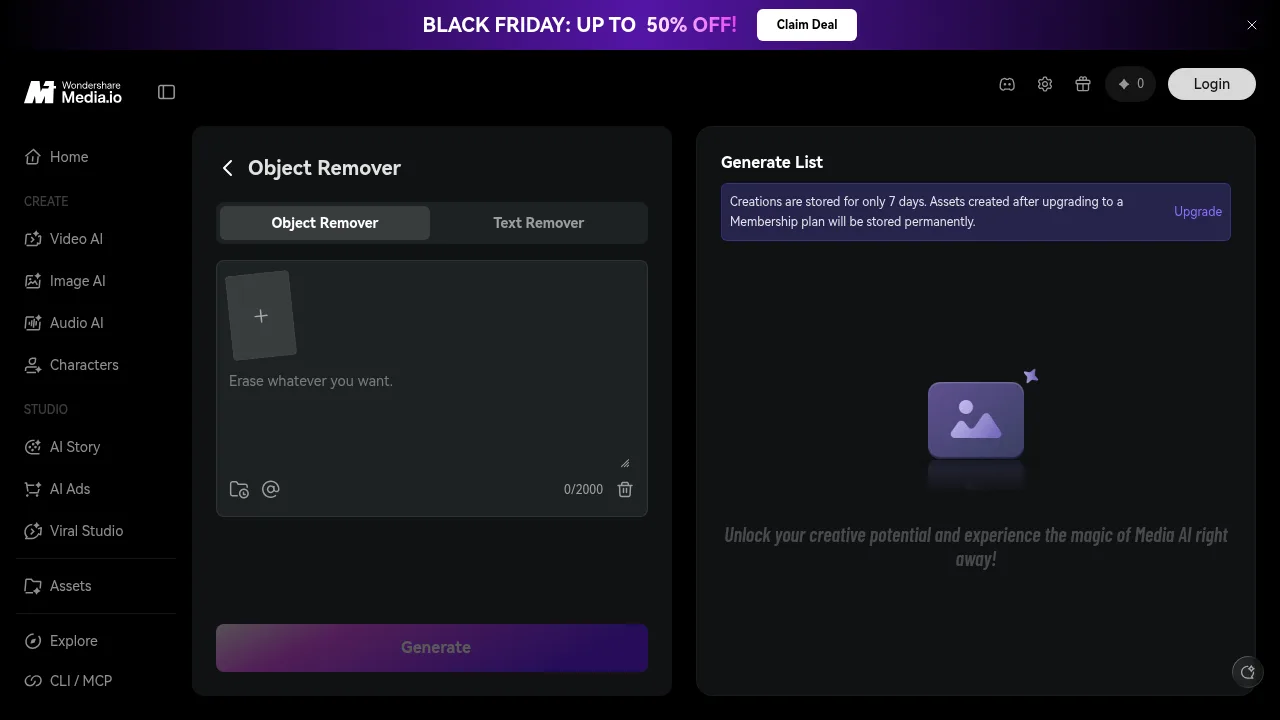
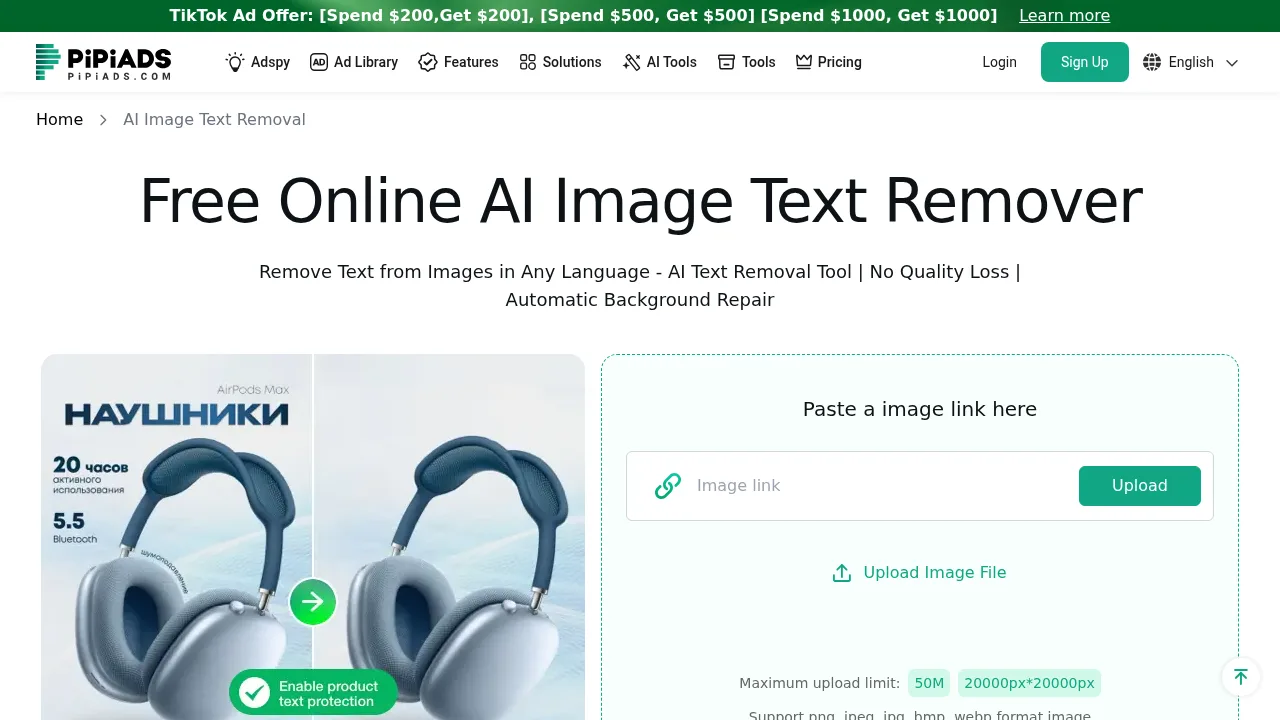
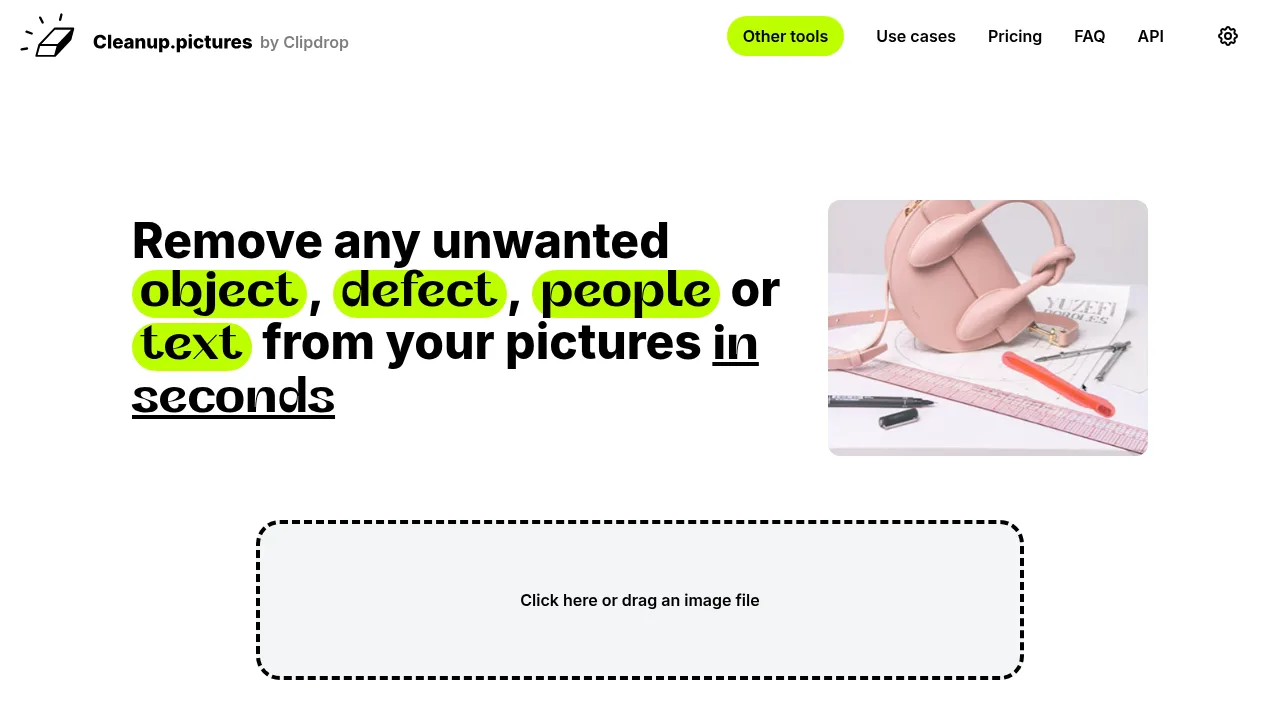
- Object and text erasureRemoves date stamps, brand logos, text overlays, or background elements while reconstructing the surrounding texture.
- Video watermark removalUses frame-by-frame analysis to erase watermarks from video files.
- Manual brush toolProvides adjustable brush sizes for precise editing of complex backgrounds or faint watermarks.
- Result previewDisplays the processed image or video before downloading.
What are the use cases of Unwatermark AI?
- E-commerce product photographyRemoving complex watermarks from product photos while preserving original resolution and colors.
- Social media video preparationErasing watermarks from stock videos intended for social platforms without using desktop editing software.
How to use Unwatermark AI?
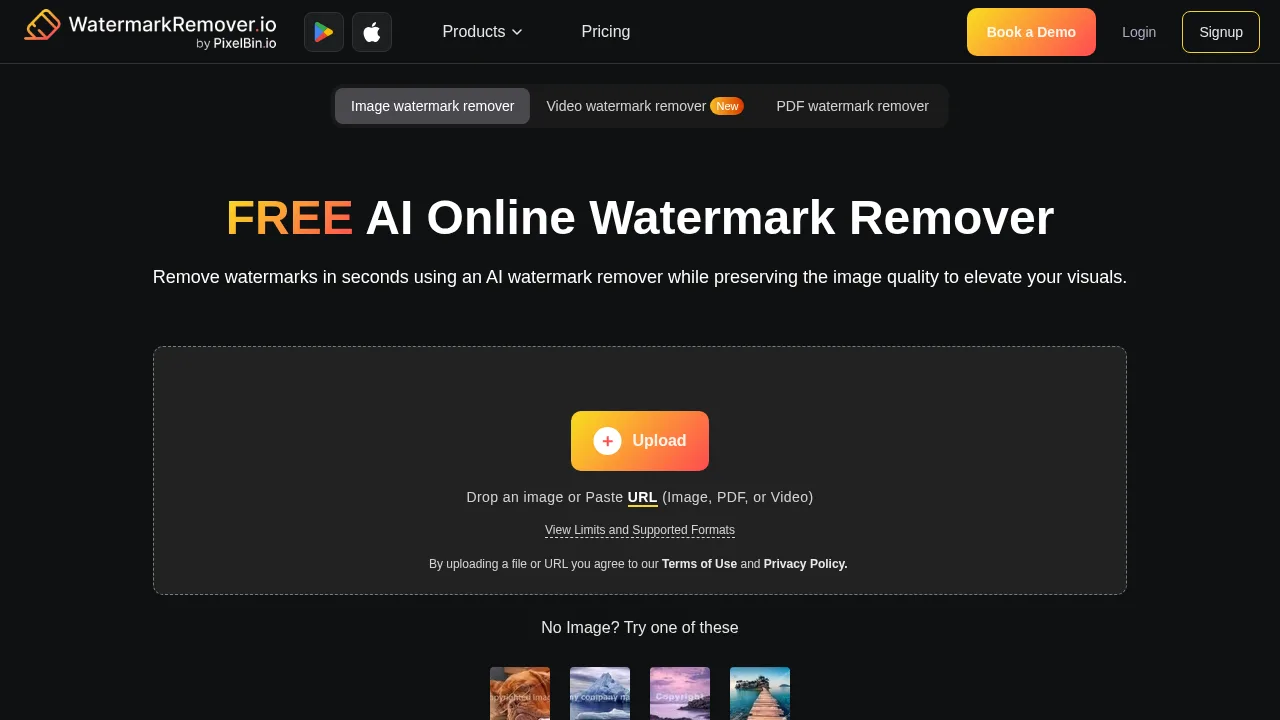
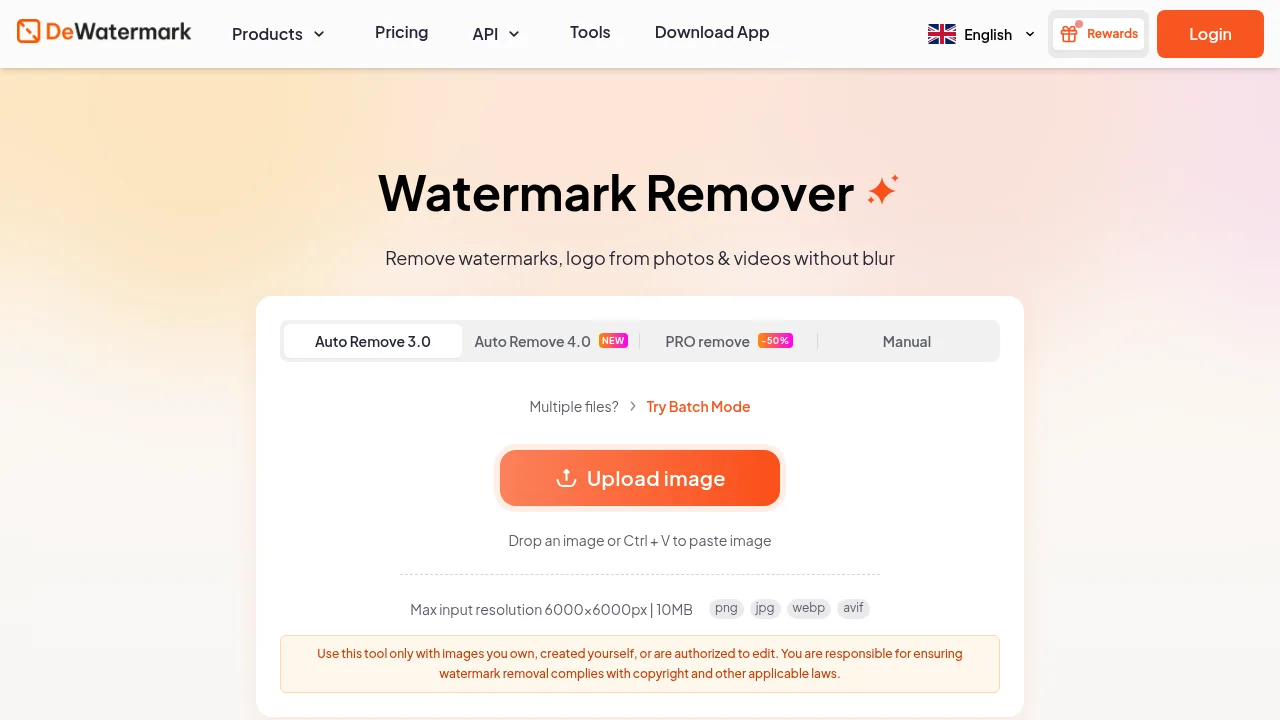
- Upload contentClick the upload button on the website to add an image or video file from your device.
- Select removal methodChoose automatic detection or use the manual brush for precise control over specific areas.
- Process with AIThe system detects and removes the targeted watermarks or objects.
- Preview and downloadReview the processed result and download the file in high quality.
Unwatermark AI Pricing Information:
- Free guest accessAvailable without login; subject to a usage limit that triggers a notification when exceeded.
- Paid creditsPurchased credits are available for higher usage; the source does not state prices or whether credits expire.