
What is Typeform?
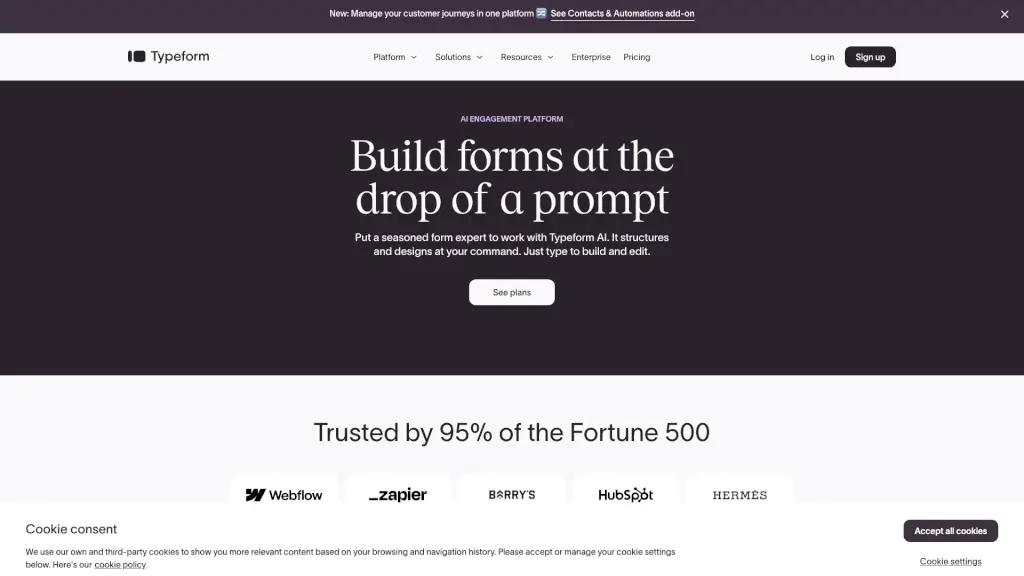
Typeform is a user-friendly platform that lets you create beautiful, interactive forms and surveys without needing to know how to code. Whether you're looking to gather feedback, conduct quizzes, or generate leads, Typeform has got you covered. With its intuitive interface and a wide range of templates, you can quickly build forms that not only look great but also get more responses. Plus, with features like Typeform AI and Contacts & Automations, you can automate workflows and analyze data to make informed decisions.
What are the features of Typeform?
- Form BuilderEasily create custom forms with a drag-and-drop interface.
- Survey MakerDesign engaging surveys that keep respondents interested.
- Quiz MakerBuild fun and interactive quizzes for any purpose.
- Analytics and ReportingGet detailed insights and actionable data from your forms.
- IntegrationsConnect Typeform with hundreds of other apps and tools.
- Contacts & AutomationsAutomatically segment and follow up with customers based on their responses.
- Video EngagementAdd interactive video elements to your forms for a more engaging experience.
What are the use cases of Typeform?
- Lead GenerationCreate lead capture forms to grow your email list.
- Employee OnboardingStreamline the onboarding process with interactive forms.
- Customer FeedbackCollect valuable feedback to improve your products and services.
- Event RegistrationManage event sign-ups and registrations seamlessly.
- NPS SurveysMeasure customer satisfaction with Net Promoter Score (NPS) surveys.
- Job ApplicationsSimplify the job application process with customizable forms.
- Educational QuizzesEngage students with interactive quizzes and tests.
How to use Typeform?
- Choose a TemplateStart by selecting a template that fits your needs.
- Customize Your FormUse the drag-and-drop editor to add and modify questions.
- Add Logic and BranchingSet up conditional logic to guide respondents through the form.
- Embed or SharePublish your form and share it via email, social media, or embed it on your website.
- Analyze ResultsUse the built-in analytics to review and act on the data collected.
- Automate Follow-UpsSet up automated emails and actions based on respondent answers.