
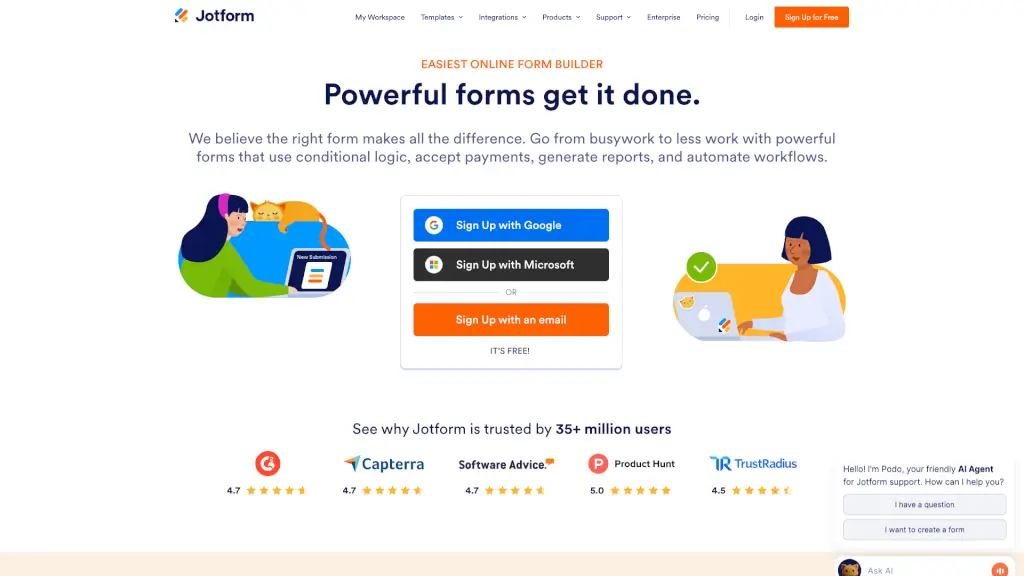
What is Jotform?
Jotform is a powerful and user-friendly online form builder that makes it easy for anyone to create, customize, and share forms. Whether you need to collect registrations, applications, orders, or payments, Jotform has got you covered. With its intuitive drag-and-drop interface, you can design professional-looking forms in minutes without needing any coding skills. Plus, Jotform integrates seamlessly with over 150 business apps, making it a versatile tool for streamlining your workflows and automating tasks.
What are the features of Jotform?
- Drag-and-Drop Form Builder: Quickly and easily create forms by dragging and dropping fields, customizing them with your own branding.
- Payment Integration: Accept payments directly through your forms using popular payment gateways like PayPal, Stripe, and Square.
- Conditional Logic: Make your forms smarter with conditional logic, showing or hiding fields based on user responses.
- Integrations: Connect Jotform with over 150 business apps, including Google Sheets, Mailchimp, and Salesforce, to automate your workflows.
- Customizable Templates: Choose from over 10,000 pre-designed templates to get started quickly, or create your own from scratch.
- Mobile-Friendly Forms: Ensure your forms look great on any device, making it easy for users to fill them out on the go.
- Advanced Reporting: Generate detailed reports and visualizations from your form data, helping you make informed decisions.
What are the use cases of Jotform?
- Event Registration: Create registration forms for events, conferences, and webinars, collecting attendee information and payments.
- Customer Feedback: Gather feedback from customers with customizable surveys and feedback forms, improving your products and services.
- Order Forms: Set up order forms for your e-commerce store, allowing customers to purchase products and pay directly through the form.
- Job Applications: Streamline your hiring process with job application forms, collecting resumes, cover letters, and other necessary documents.
- Appointment Scheduling: Manage appointments and bookings with scheduling forms, integrating with your calendar to keep everything organized.
- Donation Forms: Collect donations for your nonprofit organization, setting up recurring payments and tracking donor information.
How to use Jotform?
- Create an Account: Sign up for a free Jotform account using your email, Google, or Apple ID.
- Choose a Template: Browse the extensive library of templates and select one that fits your needs, or start from scratch.
- Customize Your Form: Use the drag-and-drop builder to add, remove, and customize fields. Apply your branding with logos, colors, and fonts.
- Add Conditional Logic: Set up rules to show or hide fields based on user responses, making your forms more interactive and user-friendly.
- Integrate with Apps: Connect your form to your favorite business apps for seamless data management and automation.
- Publish and Share: Publish your form and share it via email, social media, or embed it on your website. Start collecting responses and payments.