
What is Typeform?
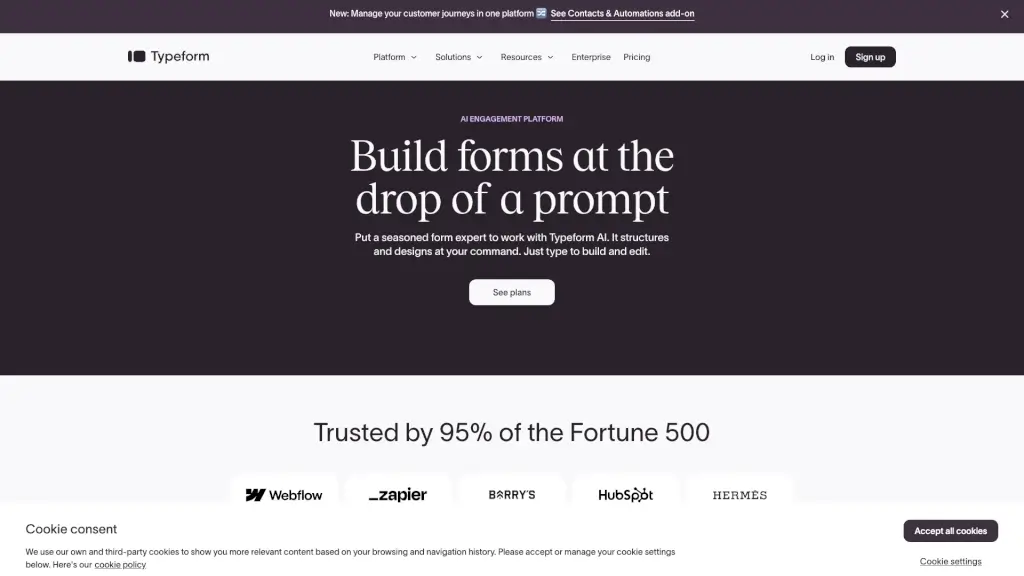
Typeform is a user-friendly platform that lets you create beautiful, interactive forms and surveys without needing to know how to code. Whether you're looking to gather feedback, conduct quizzes, or generate leads, Typeform has got you covered. With its intuitive interface and a wide range of templates, you can quickly build forms that not only look great but also get more responses. Plus, with features like Typeform AI and Contacts & Automations, you can automate workflows and analyze data to make informed decisions.
What are the features of Typeform?
- Form Builder: Easily create custom forms with a drag-and-drop interface.
- Survey Maker: Design engaging surveys that keep respondents interested.
- Quiz Maker: Build fun and interactive quizzes for any purpose.
- Analytics and Reporting: Get detailed insights and actionable data from your forms.
- Integrations: Connect Typeform with hundreds of other apps and tools.
- Contacts & Automations: Automatically segment and follow up with customers based on their responses.
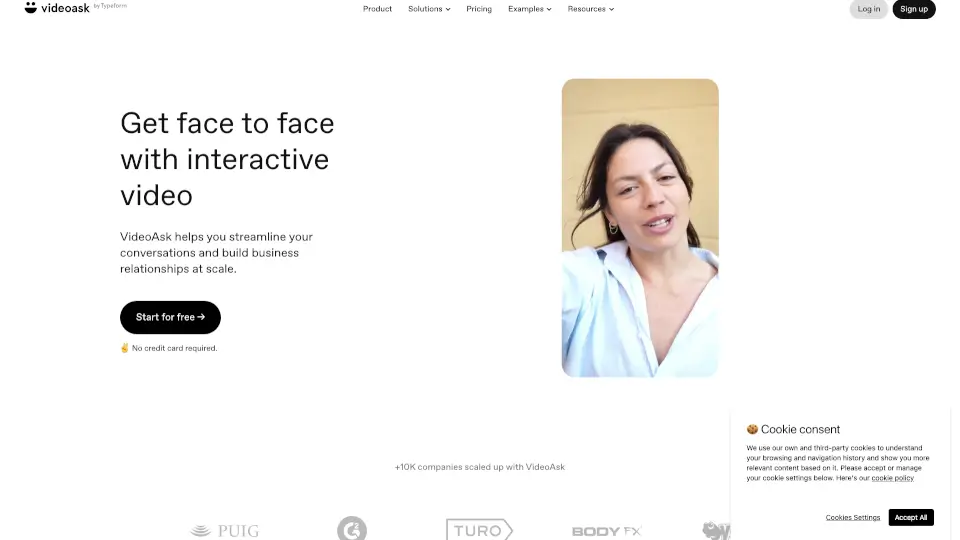
- Video Engagement: Add interactive video elements to your forms for a more engaging experience.
What are the use cases of Typeform?
- Lead Generation: Create lead capture forms to grow your email list.
- Employee Onboarding: Streamline the onboarding process with interactive forms.
- Customer Feedback: Collect valuable feedback to improve your products and services.
- Event Registration: Manage event sign-ups and registrations seamlessly.
- NPS Surveys: Measure customer satisfaction with Net Promoter Score (NPS) surveys.
- Job Applications: Simplify the job application process with customizable forms.
- Educational Quizzes: Engage students with interactive quizzes and tests.
How to use Typeform?
- Choose a Template: Start by selecting a template that fits your needs.
- Customize Your Form: Use the drag-and-drop editor to add and modify questions.
- Add Logic and Branching: Set up conditional logic to guide respondents through the form.
- Embed or Share: Publish your form and share it via email, social media, or embed it on your website.
- Analyze Results: Use the built-in analytics to review and act on the data collected.
- Automate Follow-Ups: Set up automated emails and actions based on respondent answers.