
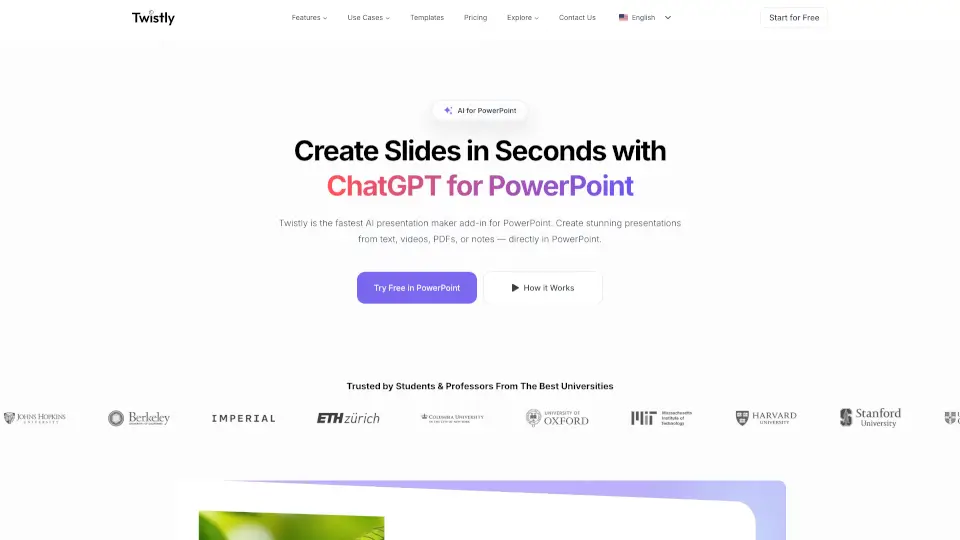
What is Twistly?
Twistly is your AI-powered sidekick for PowerPoint, making slide creation a breeze. Whether you’re a student, teacher, or busy professional, Twistly helps you instantly generate, convert, and polish presentations right inside PowerPoint—no design skills needed.
What are the features of Twistly?
- AI-Powered Slide Creation: Turn text, PDFs, or even YouTube videos into polished slides in seconds.
- ChatGPT Integration: Write, summarize, and add speaker notes without leaving PowerPoint.
- One-Click Enhancements: Improve content, translate slides, or generate custom AI images.
- Template Library: Access stunning, ready-to-use designs for every need.
- Seamless Workflow: Works directly in PowerPoint—no exporting or switching tabs.
What are the use cases of Twistly?
- Students: Quickly turn research or notes into presentation-ready slides.
- Teachers: Create engaging lesson decks with minimal effort.
- Professionals: Speed up business pitches, reports, or training materials.
- Teams: Collaborate faster with AI-generated content and templates.
How to use Twistly?
- Install the Twistly add-in for PowerPoint.
- Type a prompt or upload a file (PDF, DOCX, YouTube link).
- Let AI generate slides—edit or refine with one-click tools.
- Save time and focus on delivering your message.