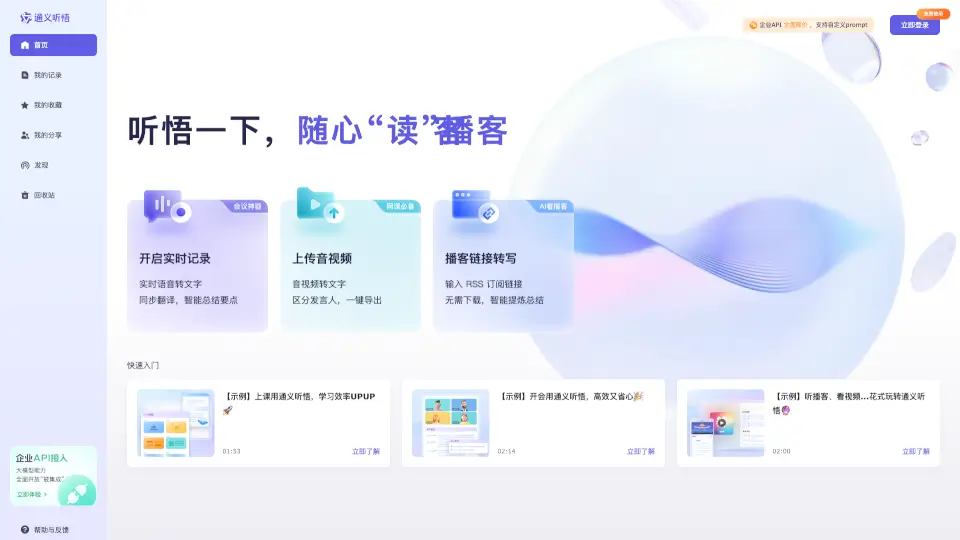
What is 通义听悟?
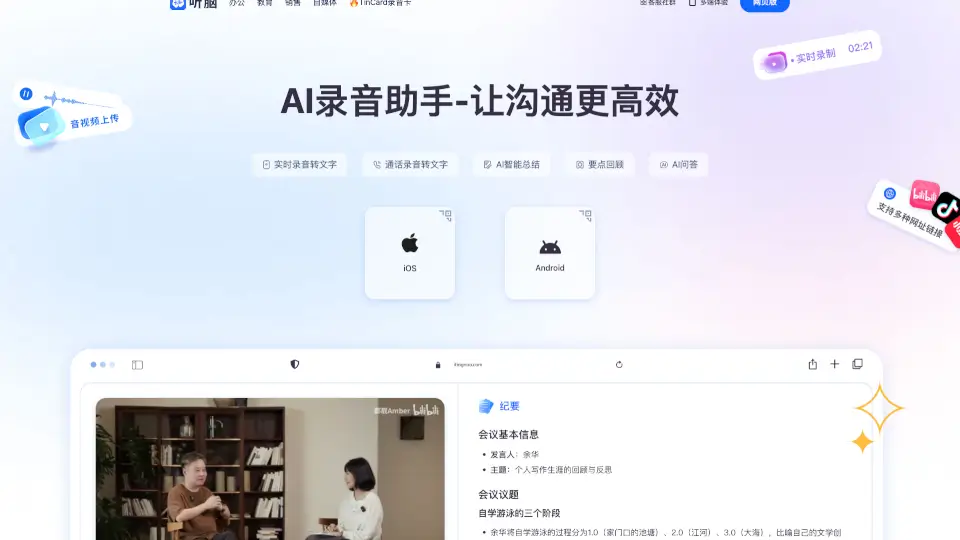
Meet Tongyi Tingwu, your new AI-powered assistant for handling audio and video content. Whether you're a student, professional, or just someone who loves podcasts, Tongyi Tingwu is here to help you get the most out of your audio and video materials. With its advanced AI capabilities, it can transcribe, translate, and summarize content in real-time, making it easier than ever to stay organized and productive.
What are the features of 通义听悟?
- Real-Time Transcription: Automatically converts spoken words into text as they are being said.
- Translation and Summarization: Provides instant translations and key point summaries, so you don't miss any important details.
- Speaker Identification: Distinguishes between different speakers in a conversation, making it easy to follow along.
- Podcast and Video Transcription: Converts podcast and video content into text, allowing you to read and review at your convenience.
- Customizable Prompts: Supports custom prompts for more personalized and accurate results.
- Low-Code Application Templates: Offers pre-built templates for quick and easy deployment, even for non-technical users.
What are the use cases of 通义听悟?
- Classroom Learning: Students can use Tongyi Tingwu to take detailed notes during lectures, ensuring they capture all the important information.
- Business Meetings: Professionals can record and transcribe meetings, making it simple to review and share key points with colleagues.
- Podcast Listening: Podcast enthusiasts can convert their favorite shows into text, making it easier to skim through and find specific segments.
- Video Content Analysis: Content creators and marketers can analyze video content for insights and feedback, improving their future productions.
- Language Learning: Language learners can use the translation feature to understand and practice new languages more effectively.
How to use 通义听悟?
- Start a New Session: Click on "Start Recording" to begin capturing audio or video content.
- Upload Existing Files: Drag and drop your audio or video files into the designated area to start the transcription process.
- Add Custom Prompts: Customize the prompts to improve the accuracy of the transcription and summarization.
- Review and Edit: Once the transcription is complete, review and edit the text as needed.
- Export and Share: Save the transcribed text and share it with others via email or other platforms.