

What is Thunderbit?
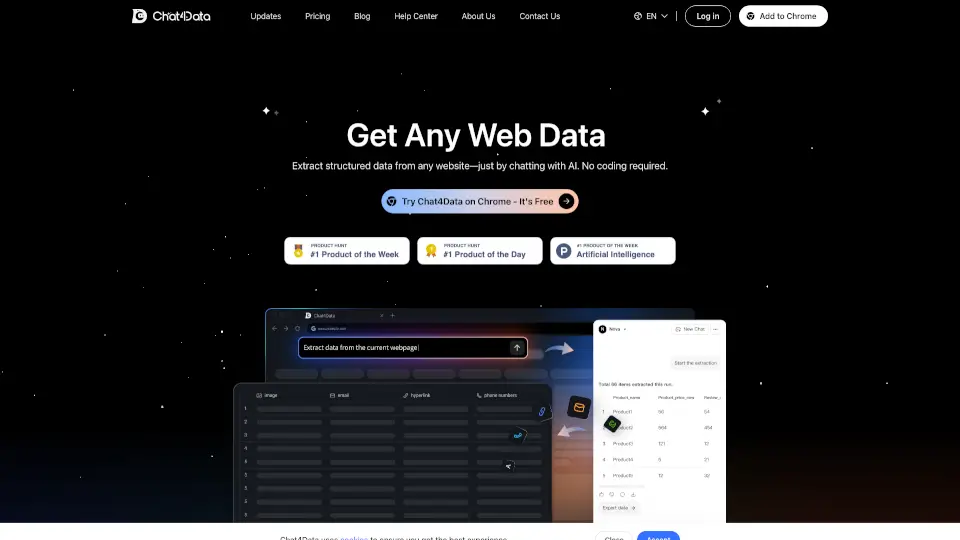
Tired of wasting hours copying and pasting data from websites into spreadsheets? Meet Thunderbit, an AI-powered Chrome extension that lets you scrape any website in just 2 clicks—no coding, no confusing selectors, and no tech headaches. Designed especially for non-technical users like sales reps, real estate agents, marketers, and small business owners, Thunderbit acts like a smart intern who reads web pages and fills out your spreadsheet automatically.
Whether you're pulling product prices from Amazon, contact info from directories, or property details from Zillow, Thunderbit uses natural language prompts to understand what you need. Just tell it your preferred column names (like “Name,” “Email,” or “Price”), and its AI figures out how to extract and organize the data—even from PDFs, images, and linked subpages.
What are the features of Thunderbit?
- 2-Click Scraping: Extract structured data from any webpage, PDF, or image with just two clicks—no setup required.
- Natural Language Input: Skip CSS selectors; simply describe the data you want using plain English.
- Subpage Crawling: Automatically visit linked pages (like individual product or profile pages) and enrich your main table with deeper insights.
- Pre-Built Templates: Get instant scrapers for popular sites like Amazon, Zillow, LinkedIn, TikTok, and eBay—often in just 1 click.
- AI Data Enrichment: Summarize, categorize, translate, or reformat data during scraping so it’s ready to use right away.
- Multi-Format Export: Send results directly to Google Sheets, Airtable, Notion, or copy-paste anywhere.
- Cross-Source Consistency: Scrape the same data structure from different websites, documents, or file types without rebuilding your scraper.
What are the use cases of Thunderbit?
- Build targeted email lists from directories, social profiles, or lead databases like RocketReach or Apollo.
- Aggregate real estate listings from Zillow, Realtor.com, or local MLS sites into a single spreadsheet for analysis.
- Monitor competitor pricing on Amazon, eBay, or Shopify stores and track changes over time.
- Extract social media insights from TikTok, Twitter, or Pinterest for content strategy or influencer outreach.
- Scrape customer reviews or news articles and use AI to summarize sentiment or key themes.
- Automate inventory tracking by checking product availability across retailers like Lidl, Coupang, or Carrefour UAE.
- Pull contact details from public records sites like TruePeopleSearch or FastPeopleSearch for lead generation.
How to use Thunderbit?
- Install the Thunderbit extension from the Chrome Web Store (free tier available).
- Navigate to any webpage, PDF, or document you want to scrape.
- Click the Thunderbit icon and describe your desired columns in plain English (e.g., “Company name, email, phone”).
- Let the AI auto-detect and extract the data—review and adjust if needed.
- Choose your export destination: Google Sheets, Airtable, Notion, or copy to clipboard.
- For supported sites (like Amazon or Zillow), use a pre-built template for 1-click extraction.