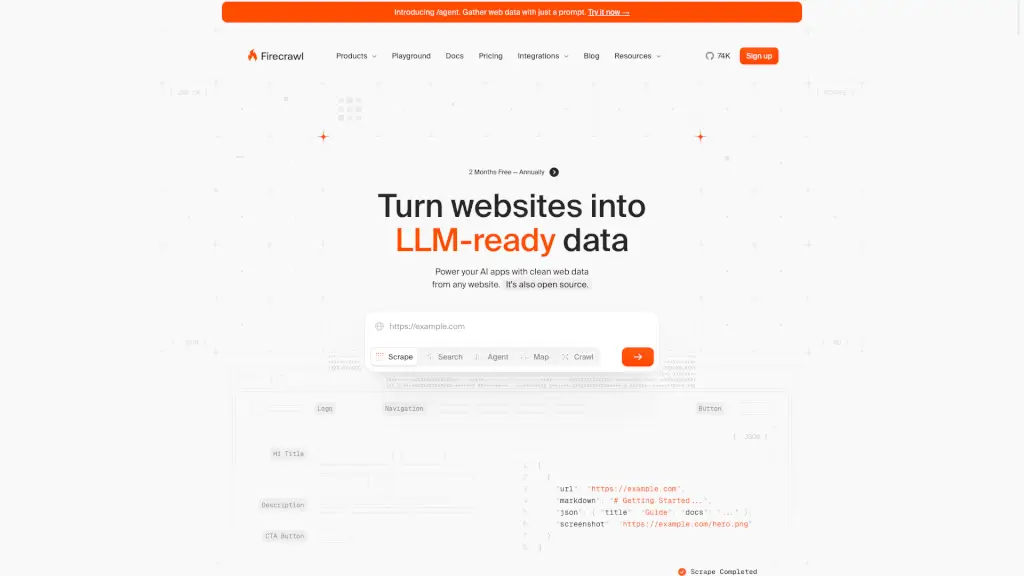
What is Firecrawl?
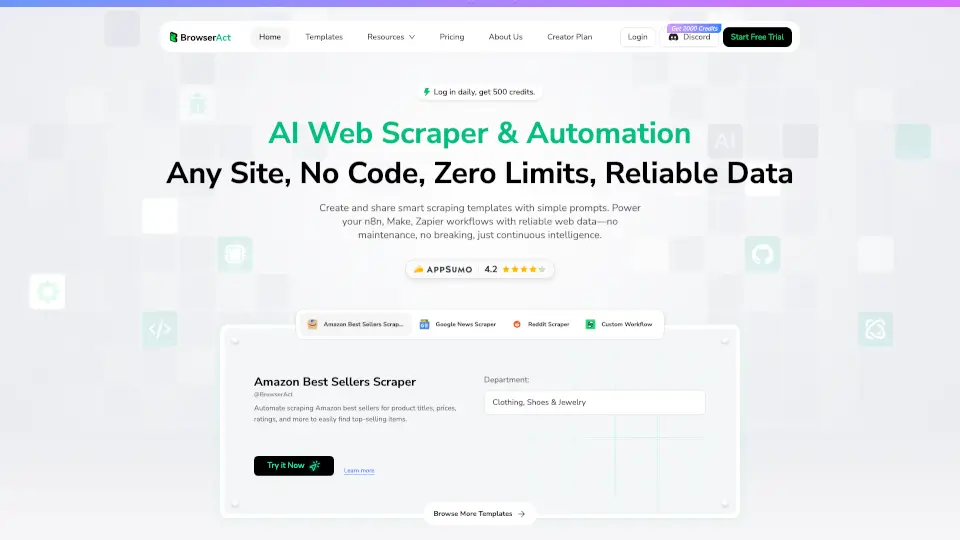
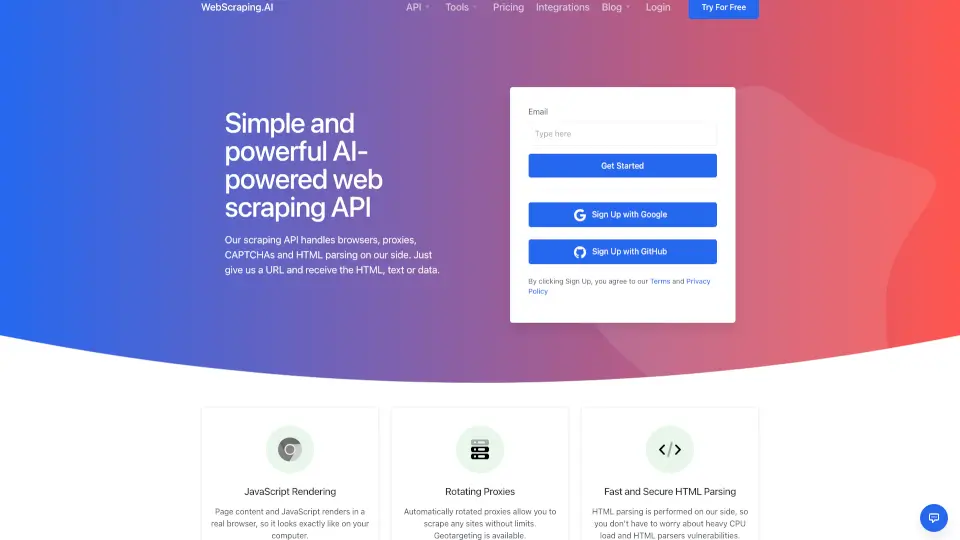
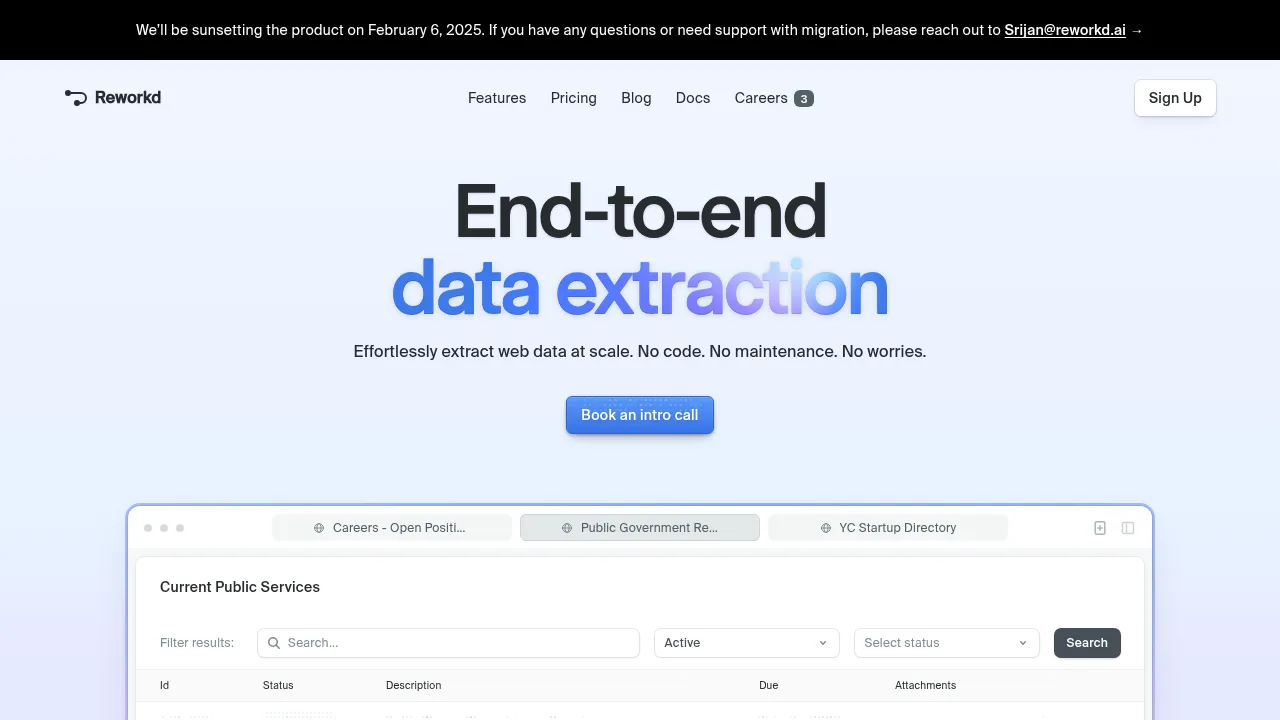
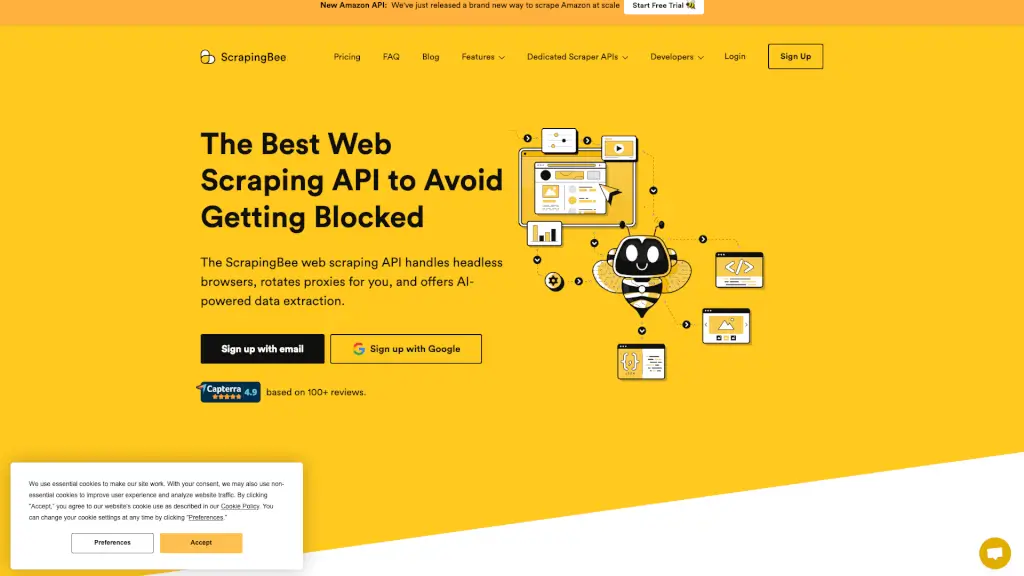
Firecrawl is a powerful and easy-to-use web scraping and crawling API designed to help developers, AI builders, and businesses get the data they need from the internet. Whether you're building an AI chatbot, enriching your sales leads, or conducting deep research, Firecrawl delivers clean, structured, and ready-to-use data from any website. With its fast performance, reliable results, and no-hassle setup, Firecrawl makes it simple to integrate web data into your projects.
What are the features of Firecrawl?
- ScrapeGet LLM-ready data from websites in formats like Markdown, JSON, and screenshots.
- SearchSearch the web and get full content from search results.
- CrawlCrawl all the pages on a website and get data for each page.
- Smart WaitIntelligently waits for content to load, ensuring faster and more reliable scraping.
- Media ParsingParse and output content from web-hosted PDFs, DOCX, and more.
- Interactive ScrapingPerform actions like clicking, scrolling, and typing before extracting content.
- Stealth ModeCrawls even the sites that other services can't, without sharing your personal info.
What are the use cases of Firecrawl?
- AI ChatbotsPower your AI assistants with real-time, accurate web content.
- Lead EnrichmentEnhance your sales data with web information, including contact details and funding stages.
- Deep ResearchExtract comprehensive information for in-depth research, such as academic papers and industry data.
- SEO TeamsGather and analyze web data to optimize your SEO strategies.
- Competitive IntelligenceStay ahead of the competition by monitoring and analyzing their online presence.
- Code EditorsAdd powerful scraping capabilities to your code editors for enhanced functionality.
How to use Firecrawl?
- Sign UpCreate a free account on the Firecrawl website.
- Get Your API KeyOnce signed up, you'll receive an API key.
- Install the SDKInstall the Firecrawl Python SDK using
pip install firecrawl-py. - Initialize the ClientIn your Python script, initialize the Firecrawl client with your API key.
- Scrape a WebsiteUse the
scrapemethod to get data from a specific URL. - Explore the DocsCheck out the documentation for more advanced features and integrations.